Stride Industrial Ethernet Switches User Manual 2nd Ed. Rev. B
Chapter 2 - Managed Switch Quick Start
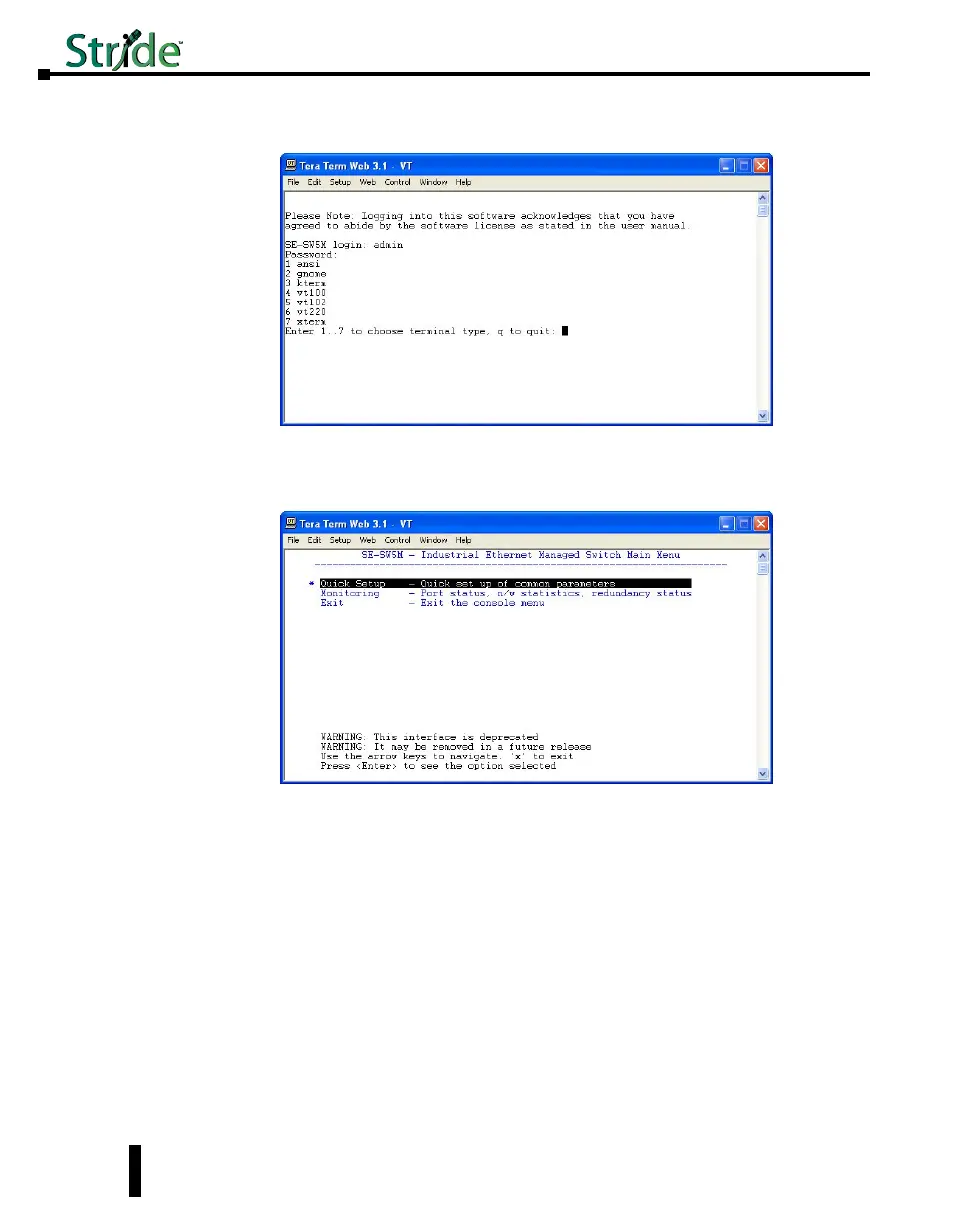
4. Enter the login, then the password. The default user name is admin and the default password is
admin.
5. Choose selection 4 for vt100.
6. Highlight (by using the up and down arrow keys on the PC keyboard) the “Quick Setup” option
and press Enter.
7. To enable DHCP, highlight the DHCP option and press Enter. Arrow down and choose the
Enable option and press Enter. Press the c key to commit the change.
8. To set a static IP address, arrow down and highlight the “IP address” option and press Enter.
2-10



 To Next Page