Stride Industrial Ethernet Switches User Manual 2nd Ed. Rev. B
Chapter 2 - Managed Switch Quick Start
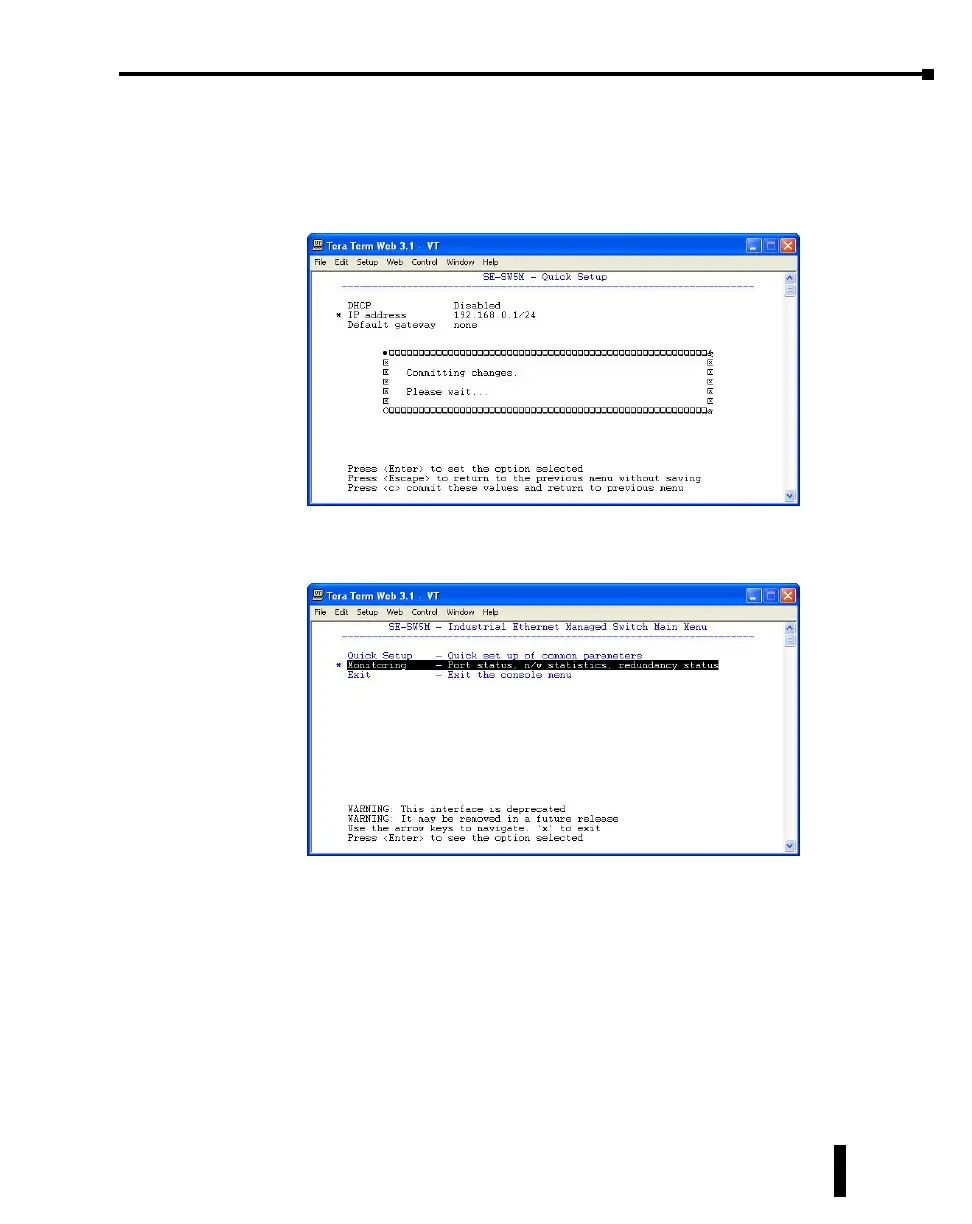
9. Enter in the desired IP address and subnet mask. Note that the subnet mask is configured using,
what is called CIDR notation. The “/xx” number denotes how many 1’s are in the subnet mask
starting from the most significant bit. A /24 indicates a subnet mask of 255.255.255.0. A /16
indicates a subnet mask of 255.255.0.0 and a /8 indicates a subnet mask of 255.0.0.0. Once the
IP address and subnet mask have been configured, press Enter. Press the c key to commit this
change and to activate the new IP address for the switch.
10. If the switch has been configured to obtain an IP address from a DHCP server, you can also view
the IP address that is currently assigned to the switch by hitting ESC to go back to the main
menu. Arrow down and highlight the “Monitoring” option and press Enter.
2-11



 To Next Page