The operator can select manual preparation for special applications. The operator holds the
specimens during manual preparation. When manual preparation is used, a special splash guard
must be placed before the machine is started.
The operator starts the machine by pressing the Start button on the control panel.
The machine stops automatically. The operator cleans the specimens before the next preparation
step or inspection.
Struers recommends connecting the machine to an exhaust system to remove fumes from the
working area.
If the emergency stop is activated, the power to all hazardous moving parts is cut.
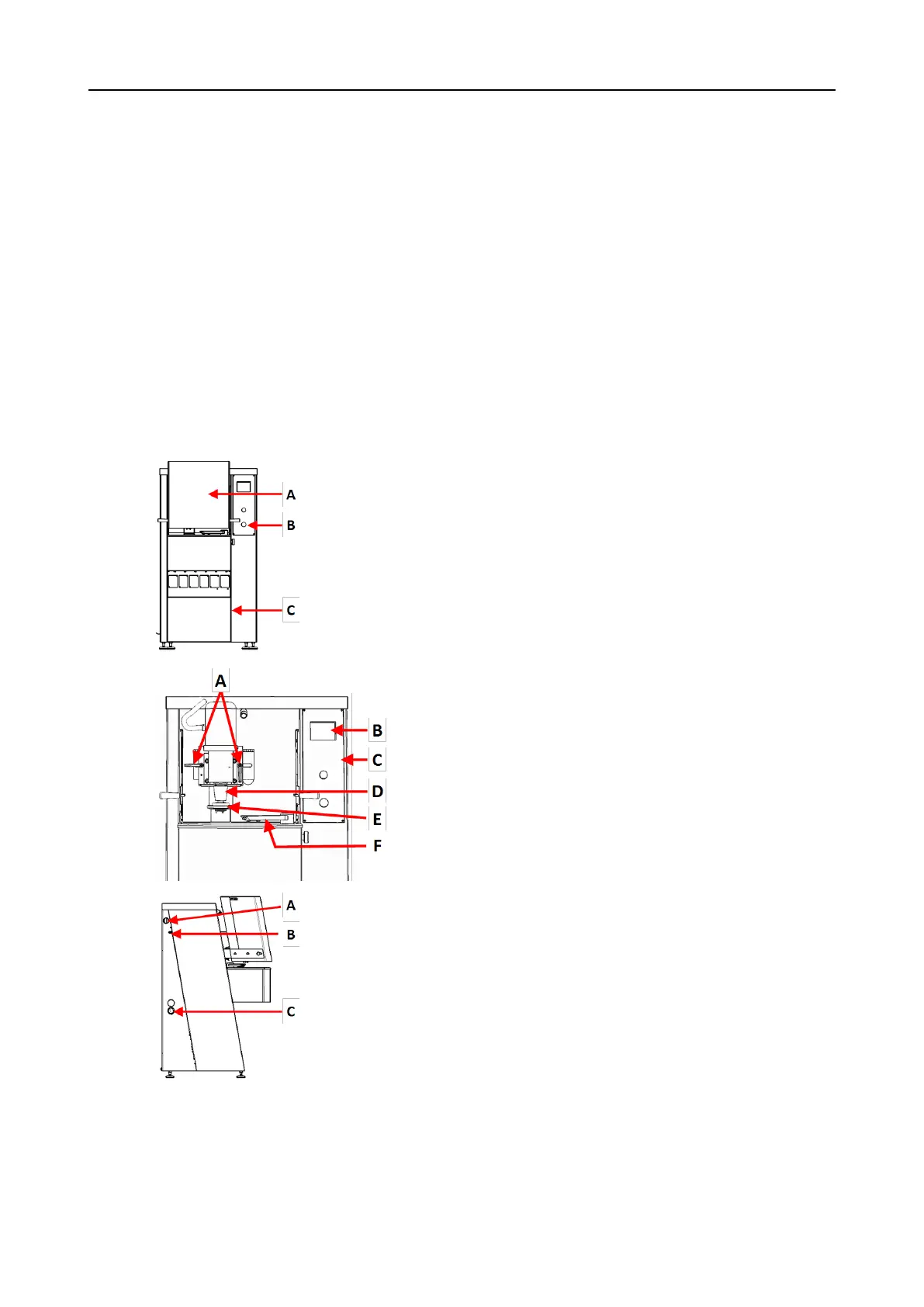
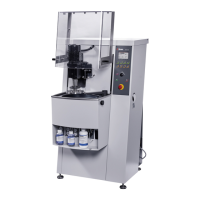
3.2 AbraPol-30 - overview
AbraPol-30
Front view - with safety cover
A Safety cover
B Emergency stop
C Cover plate for compartment containing
recirculation unit ((option))
Front view - without safety cover
A Handles for adjusting specimen holder
position
B Display
C Control panel
D Motor - Specimen holder
E Dosing arm
F Quick coupling - Specimen holder
Side view - left
A Connection for exhaust
B Compressed air inlet
C Opening for water outlet hose
3 Getting started
AbraPol-30 11









 To Next Page