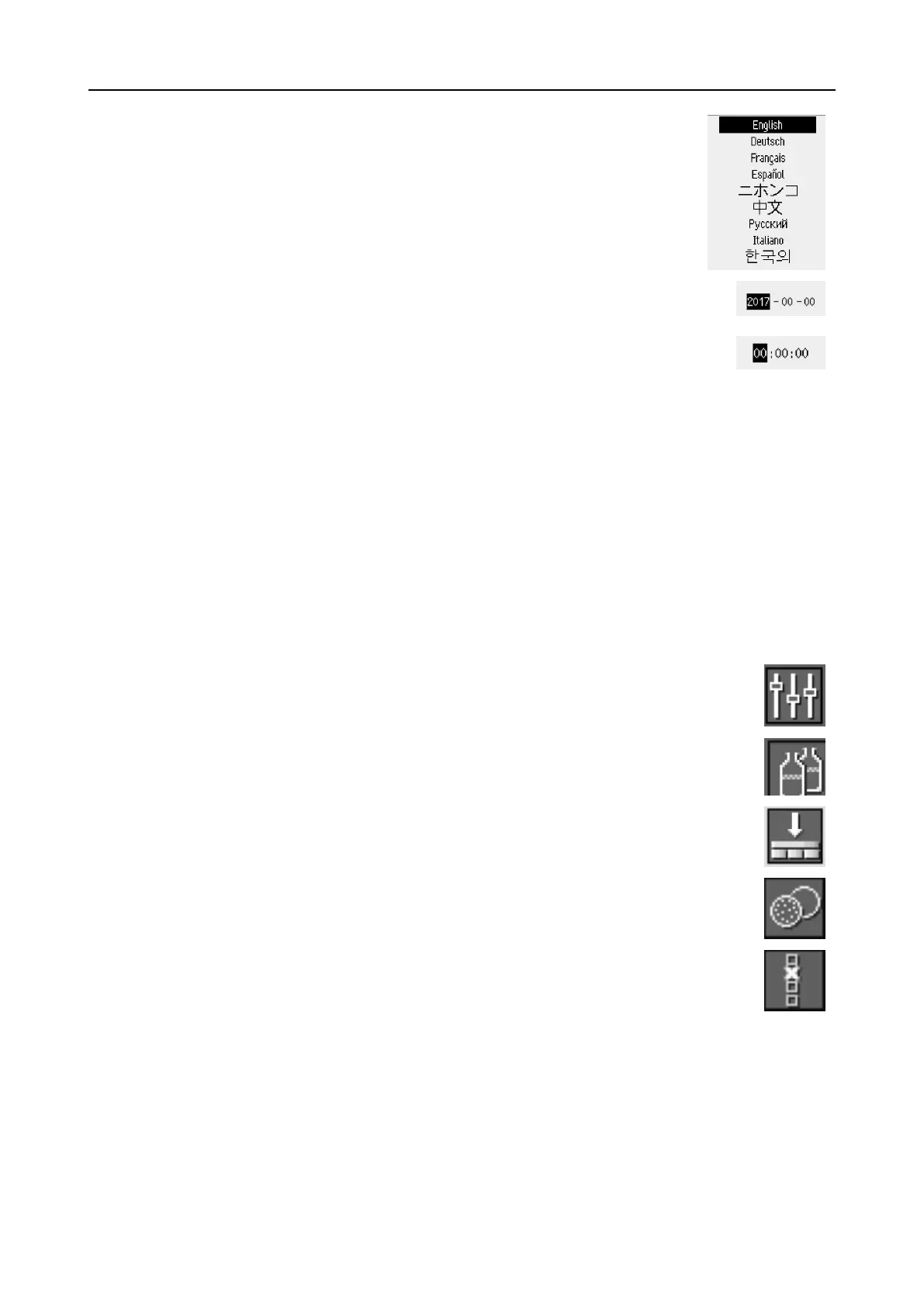
Select language
1. Select the language you wish to use. If needed,
you can change the language at a later date.
– From the Main menu select Configuration
> Options > Language.
2. Date
You will be prompted to set the date.
3. Time
You will be prompted to set the time.
Select disc size
You will be prompted to select the disc size.
300 mm/350 mm
Start-up - daily operation
When you switch on the machine, the screen that was shown when the machine was switched off is
shown just after the start-up screen.
6.3 Configuration
You can set a number of settings and parameters.
1. From the Main menu select Configuration.
2. From the Configuration menu, select:
– Bottle configuration. See Bottle configuration ►27.
– Specimen holder positioning.See Adjusting the specimen holder position
►37
– User defined consumables for setting specific parameters.
– Options for general settings.
6.3.1 Operation mode
User levels
You can select three different user levels as operation mode.
26 AbraPol-30
6 Operating the device











 To Next Page