98 EN
4. Connect the Sidne™ interface cable to the USB connector on the
EDAM.
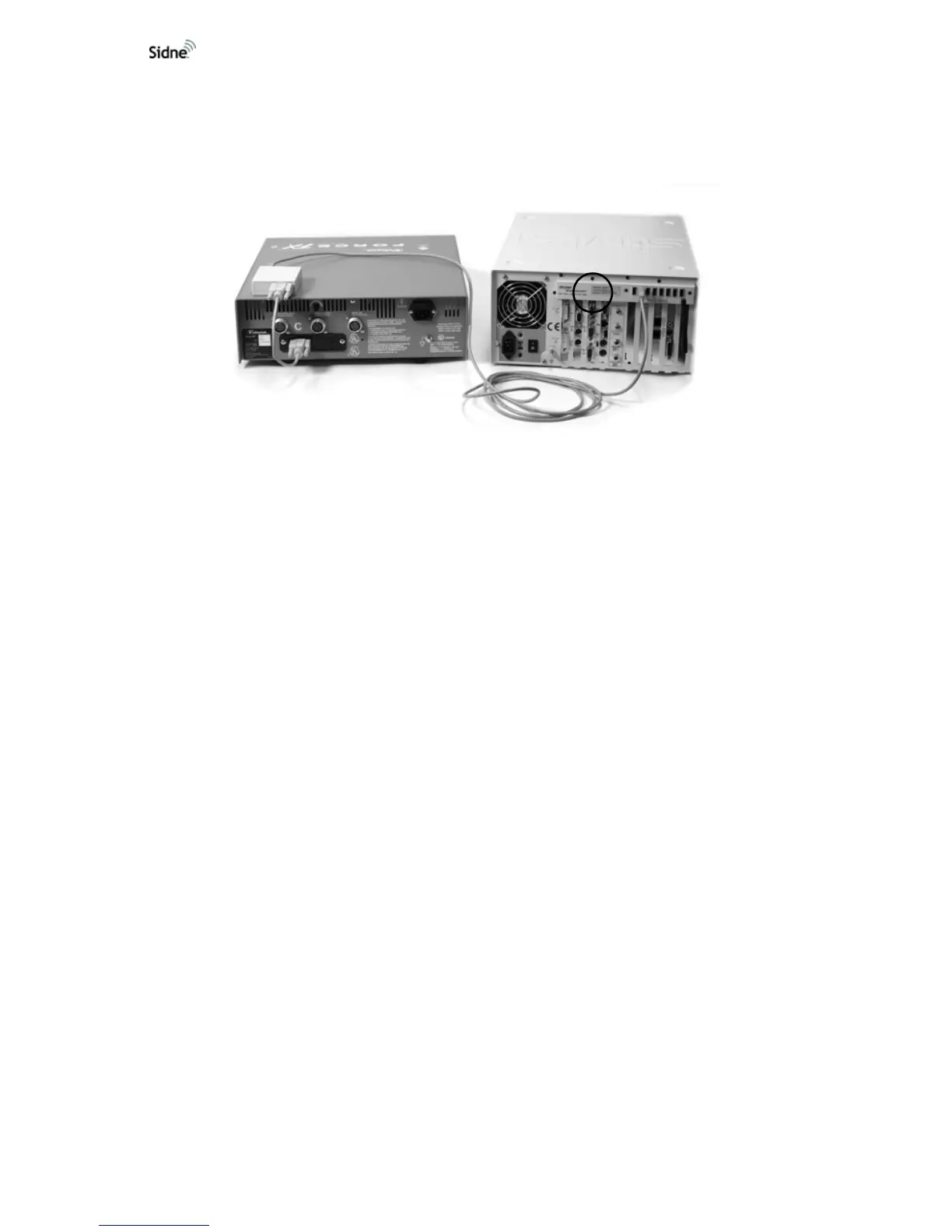
5. Connect the other end of the Sidne™ interface cable to one of the
eight USB ports on the Sidne™ console (see
Figure 9).
Figure 9: ESU connected to Sidne™
The Sidne™ console is now connected to the ESU.
Mounting the EDAM
Stryker recommends securing the EDAM in one of the following positions:
• Rear left-hand corner of the ESU
• A secure location on a cart
1. Remove the velcro strips from the kit.
2. Carefully peel the protective paper backing covering the adhesive
side of the velcro strips.
3. Attach one velcro strip to the underside (side without label) of the
EDAM and the other velcro strip to the ESU or cart.
4. Securely mount the EDAM in the desired location using the velcro
strips (see
Figure 10).












 To Next Page