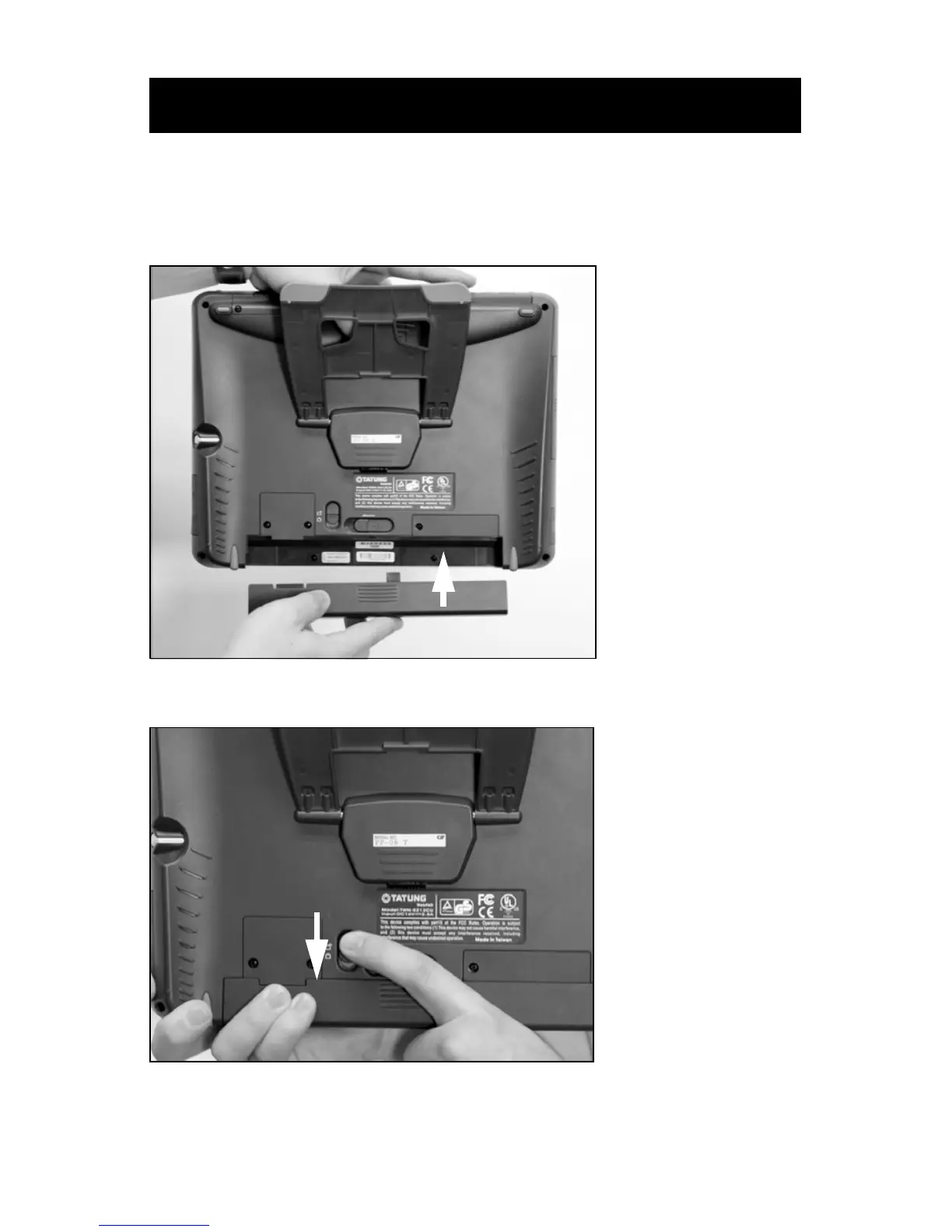
Installing the Tablet Battery Pack
113 EN
Before performing the instructions listed under “Setting Up the Tablet” in
the Sidne™ Operating and Maintenance Manual (1000-400-653a), follow
these instructions for installing the tablet battery pack:
1. Insert the battery pack into the battery slot.
2. Lock the battery latch.
Note The tablet will not power on unless the battery latch is
locked.
Installing the Tablet Battery Pack












 To Next Page