Operating the Sidne™ System
41 EN
Stryker X6000 / Q5000 Light Source
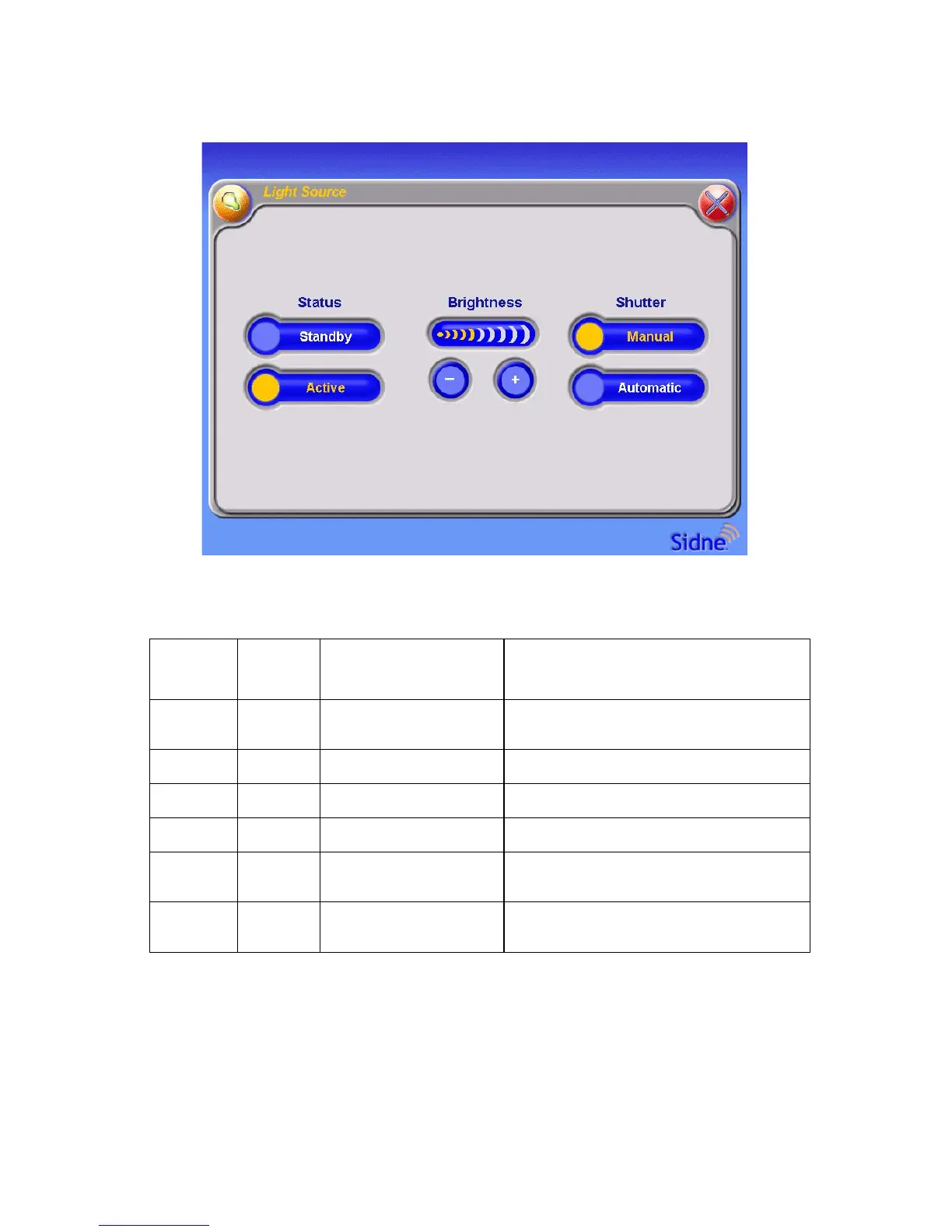
Tablet Commands Menu
Figure 21: The tablet commands menu for the light source
Voice Commands Menu
Awaken
Device
Select
Control Select Description
Sidne™
Light
Source
Automatic
Sets the light source to automatically
maintain a set brightness.
Manual Disables the automatic shutter.
Brighter Increases the brightness by one step.
Darker Decreases the brightness by one step.
Standby
Sets the light source to standby (minimum
brightness).
Active
Activates the light source (removes it from
standby).












 To Next Page