52 EN
Sidne™ Options
Commands specific to the Sidne™ console itself can be found in the
Options tablet and voice menus. Figure 31 below lists the functions of the
options tablet commands menu.
Tablet Commands Menu
Figure 31: The tablet commands menu for Sidne™ options.
1. Web Control: Enables / Disables web operation of the Sidne™
console (for servicing the unit).
2. Compliment: prompts Sidne™ to compliment the system user.
3. Audio Options: Selects one of two female or male voices for the
Sidne™ console; adjusts the Sidne™ system volume.
4. Video Source Selections: Selects the primary video source
(usually the source the camera is connected to).
Note The video source must be selected in order for the image to
display properly on the operating-room monitor. Select the
source the camera is connected to.
5. Shift video Mode: Shifts video signal to compensate for other
devices (Infinity, SDC HD, etc.). When Sidne™ receives an input
signal from one of these devices, there may be a slight shift in
monitor picture due to variation in tolerance. Pressing this button
will cause Sidne™ to automatically shift between modes (i.e.
“Mode 1,” “Mode 2”) and will adjust the monitor picture.
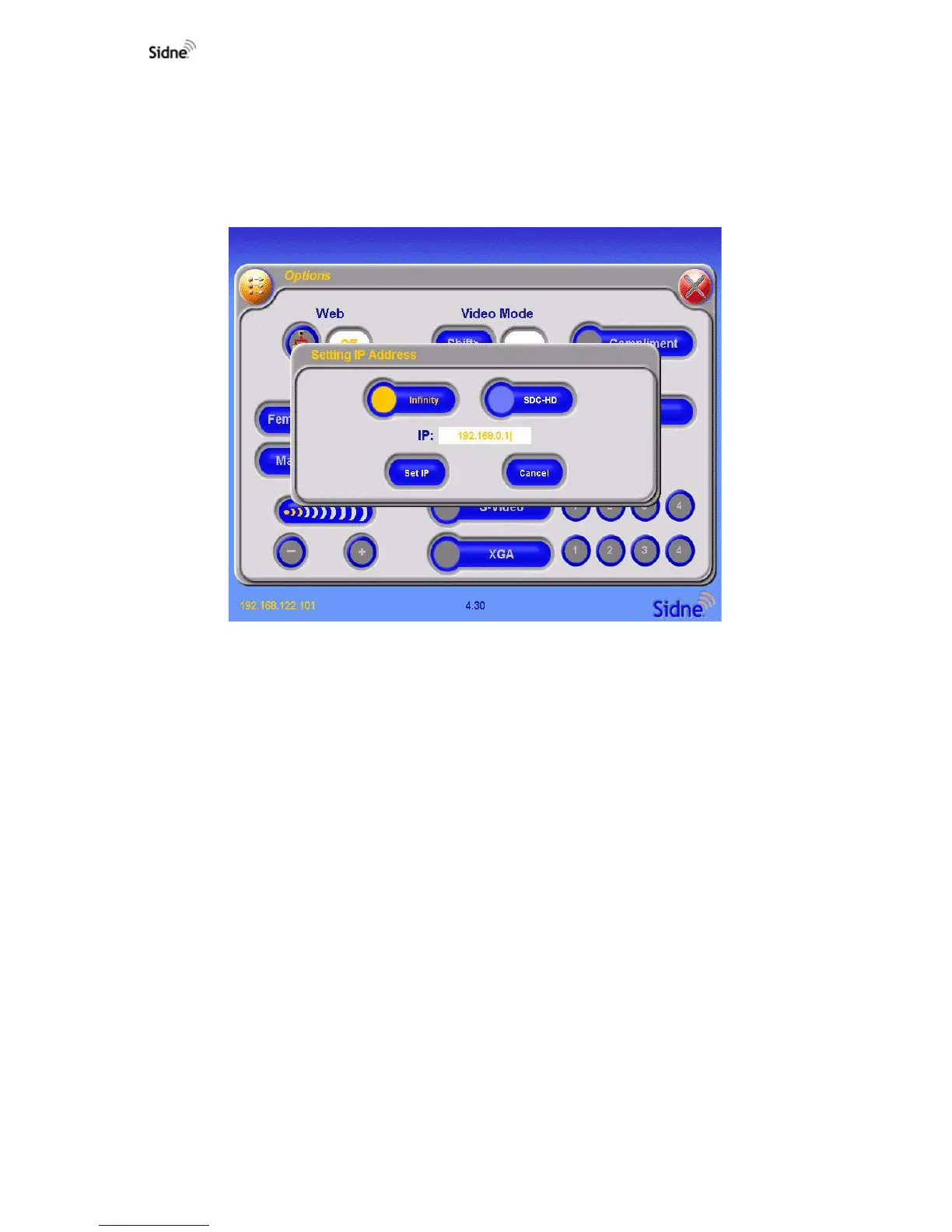
6. Set IP: When this button is pressed, the following screen appears
for Infinity and SDC HD systems












 To Next Page