Operating the Sidne™ System
31 EN
Global Commands
Although most voice commands can be issued only from their respective
menus, some voice commands are available from more than one menu.
2 voice commands may be issued at any time and from any menu (Menus
1-4):
1. “Sidne”: Saying “Sidne” will take the system to Menu 2 (Device
Menu), where all available devices are listed on the upper right-
hand corner of the operating-room monitor.
2. “Image Capture”: Saying “Image capture” will capture the
image displayed on the monitor to a recording device.
5 voice commands may be issued at any time from Menus 2-4 (These
commands are not available from Menu 1):
1. “Exit”: Saying “Exit” at any menu will take the system to the
Sidne™ menu (Menu 1).
2. “Picture”: Saying “Picture” will capture the image displayed on
the monitor and print it out on any connected printer.
3. “Show Status”: Saying “Show Status” while in the Command
menu of any device will display the status bar of the device
onscreen at all times. For example, saying “Show Status” in the
Arthropump Command menu will display the Arthropump status
bar onscreen at all times. Saying “Sidne” will return the display to
the Device menu, while continuing to display the Arthropump
Note All available commands will appear in orange.
Commands that are unavailable due to device behavior
will appear in white.
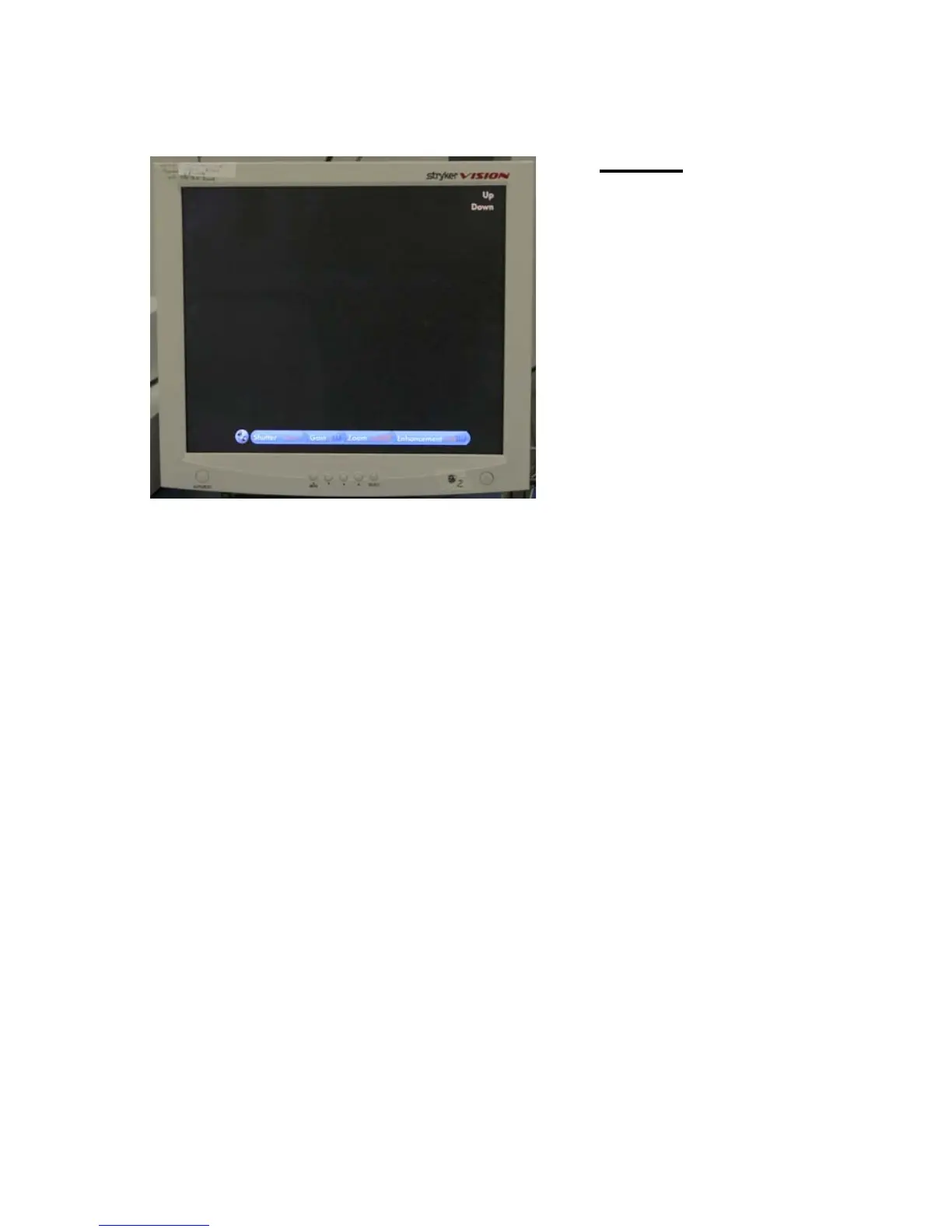
Menu 4
The fourth menu lists
options specific to
individual controls.
For example,
choosing
“enhancement” on
the Camera
Command menu
(Menu 3) accesses
“up” and “down” on
the Camera’s Menu
4.
Note To exit any menu and return to the Sidne Menu, say “Exit.”












 To Next Page