Operating the Sidne™ System
53 EN
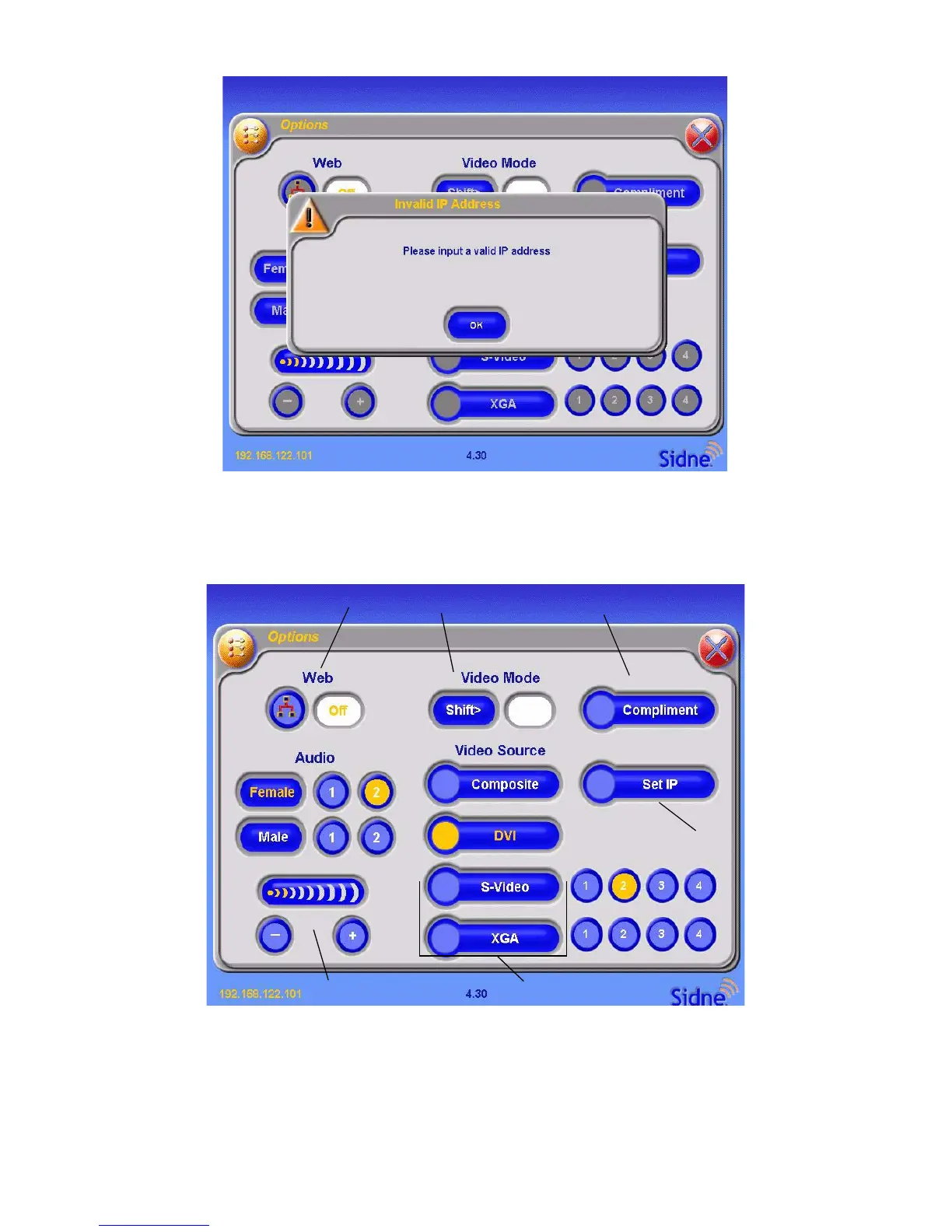
Figure 32: The “enter IP address” screen on the tablet.
Specify the IP address of the devices that Sidne™ will communicate with.
If a valid address is entered, the following screen will appear:
Figure 33: The valid IP address screen on the tablet.
If an incorrect address is entered, the following screen will appear:
Note Sidne™ and the Tablet must be restarted to reflect the
changes to the Options menu.
3
2
1
4
6
5












 To Next Page