42 EN
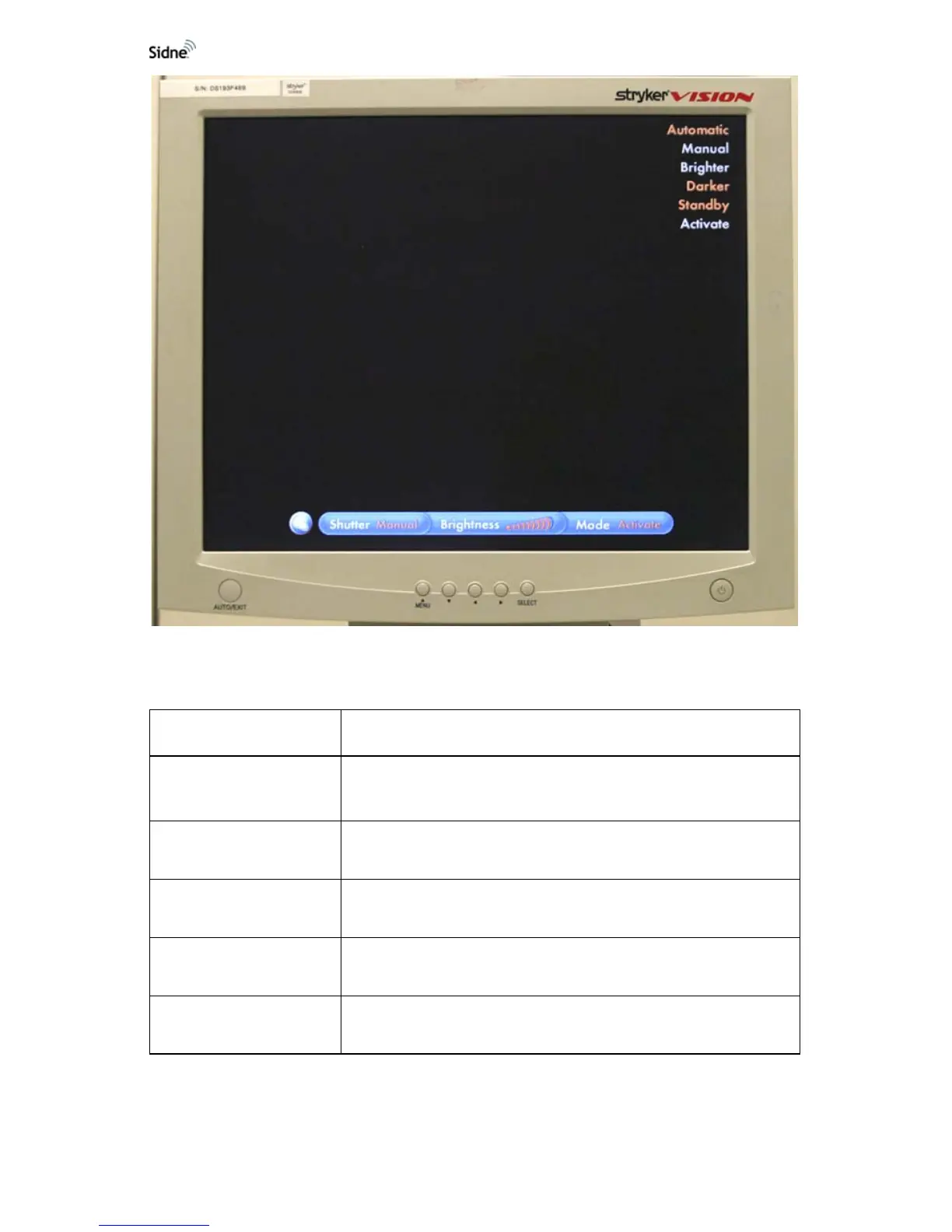
Figure 22: Light Source voice commands interface on monitor
Sidne™ Feedback Messages
Sidne™ Says Meaning
“Light Source...”
Added as a prefix to the below messages when a control is issued by
the tablet or light-source front panel while not in the light-source voice-
command menu.
Manual
The light-source brightness has been set to manual by voice, tablet, or
front-panel command.
“Automatic”
The light-source brightness has been set to automatic by voice, tablet,
or front-panel command.
“Activated”
The light-source has been activated by voice, tablet, or front-panel
command.
“Standing By”
The light source has been placed in the standby mode by voice, tablet,
or front-panel command.












 To Next Page