Operating the Sidne™ System
47 EN
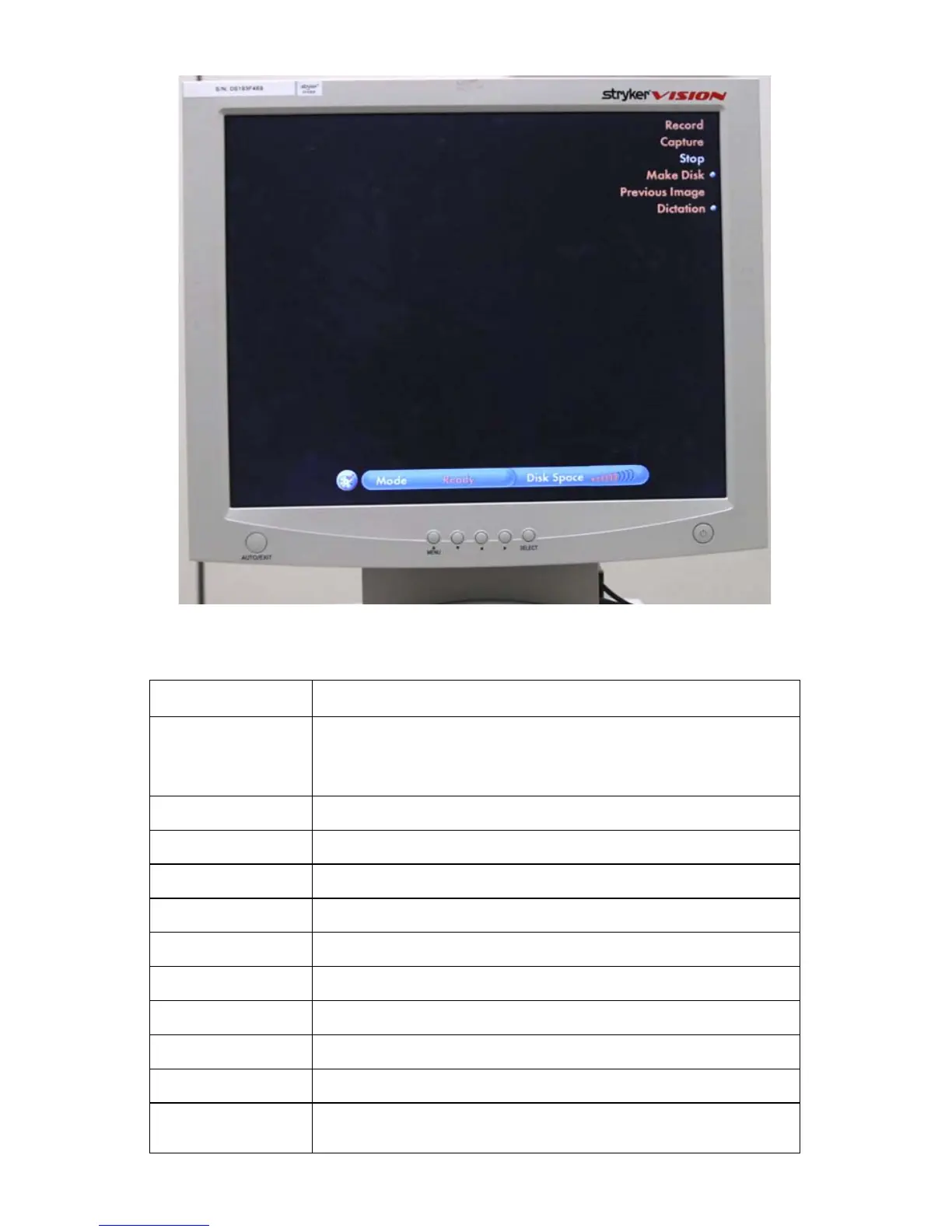
Figure 26: SDC HD voice commands interface on monitor
Sidne™ Feedback Messages
Sidne™ Says Meaning
“Digital capture...”
Added as a prefix to the below messages when a command is issued from
the tablet or SDC front panel while not in the digital-capture voice-
command menu. Also added as a prefix to the “connected” and
“disconnected” messages.
“Disk not present” There is no disk present in the SDC .
“Video not present” There is no video signal detected at the SDC video input.
“Error saving data” There is an error saving data to the disk or network.
“Stopped” Recording or playing has been stopped.
“Recording” Video recording has been started.
“Saving data” The SDC is writing data to the disk or network.
“Save complete” Writing data to the disk or network has been completed.
“Initializing” The SDC is initializing.
“Dictation recording” Voice recording has been started.
“Limit reached”
Either a video-recording, image-capture, or dictation-recording limit has
been reached.












 To Next Page