4
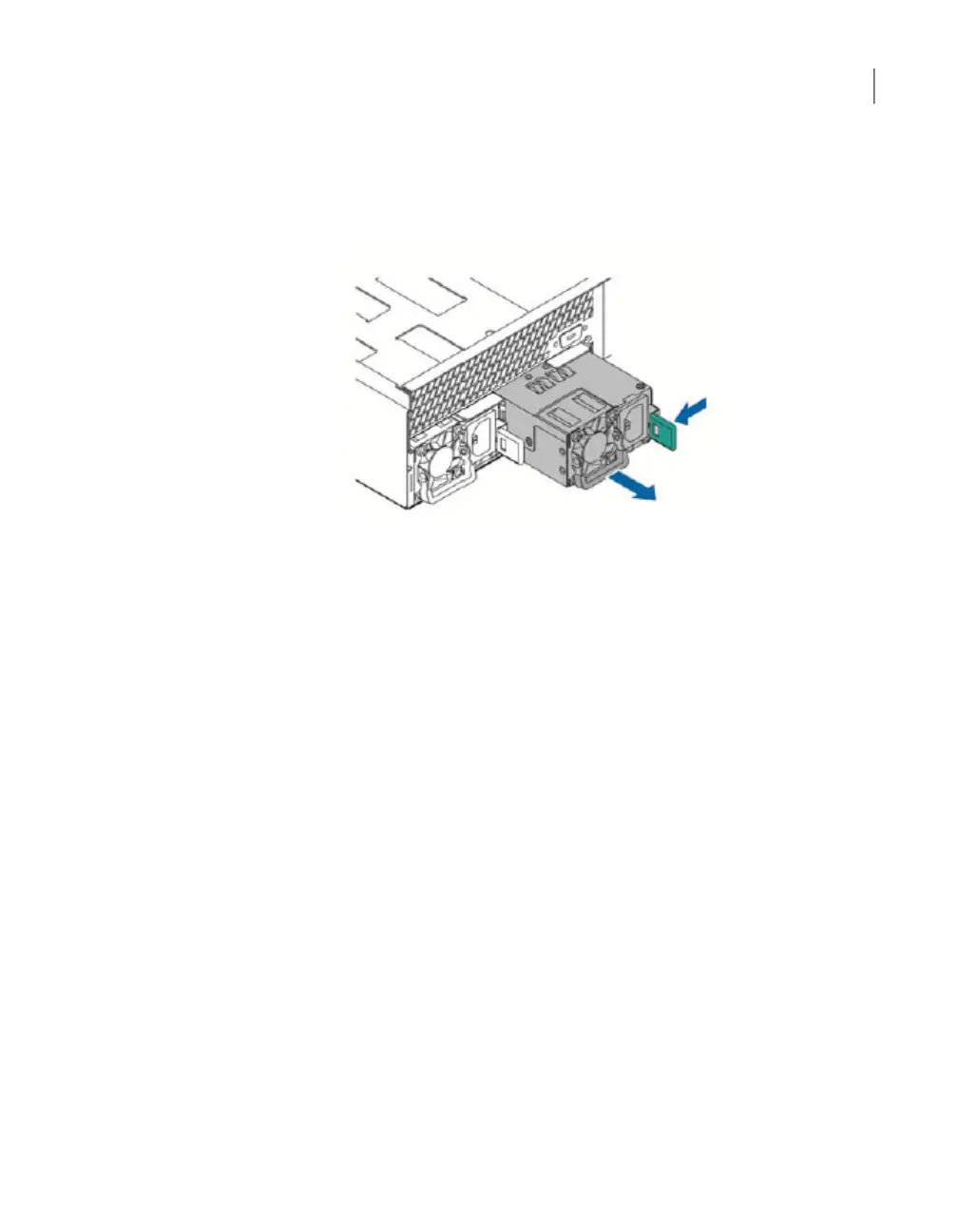
Locate the green lever on the right side of the power cord socket and push it
toward the socket to release the power supply. The following figure shows the
green lever on the power supply.
5
Use the handle that is folded beneath the fan to pull the power supply out of
the bay.
105Removing and replacing appliance hardware components
Removing and installing a NetBackup 5030 or NetBackup 5230 power supply



 To Next Page