7
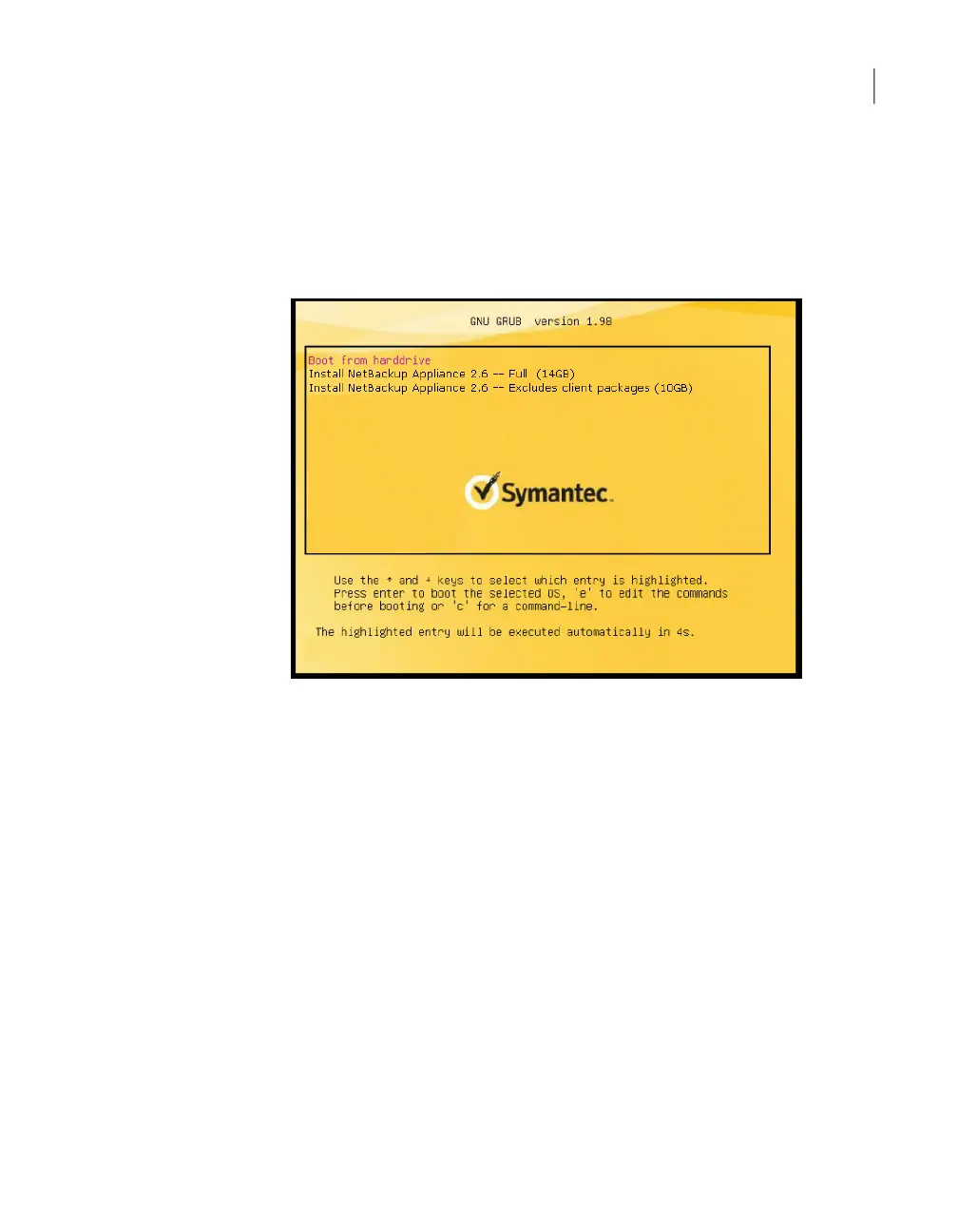
After you select the USB drive, press the ESC key, you are presented with a
screen that enables you to select which type of installation you want to perform.
You can choose to install the full NetBackup appliance installation or a smaller
version that excludes the installation of the client packages.
Make your selection and press Enter to begin the reimage operation.
132Disaster Recovery
Disaster recovery scenarios



 To Next Page