8
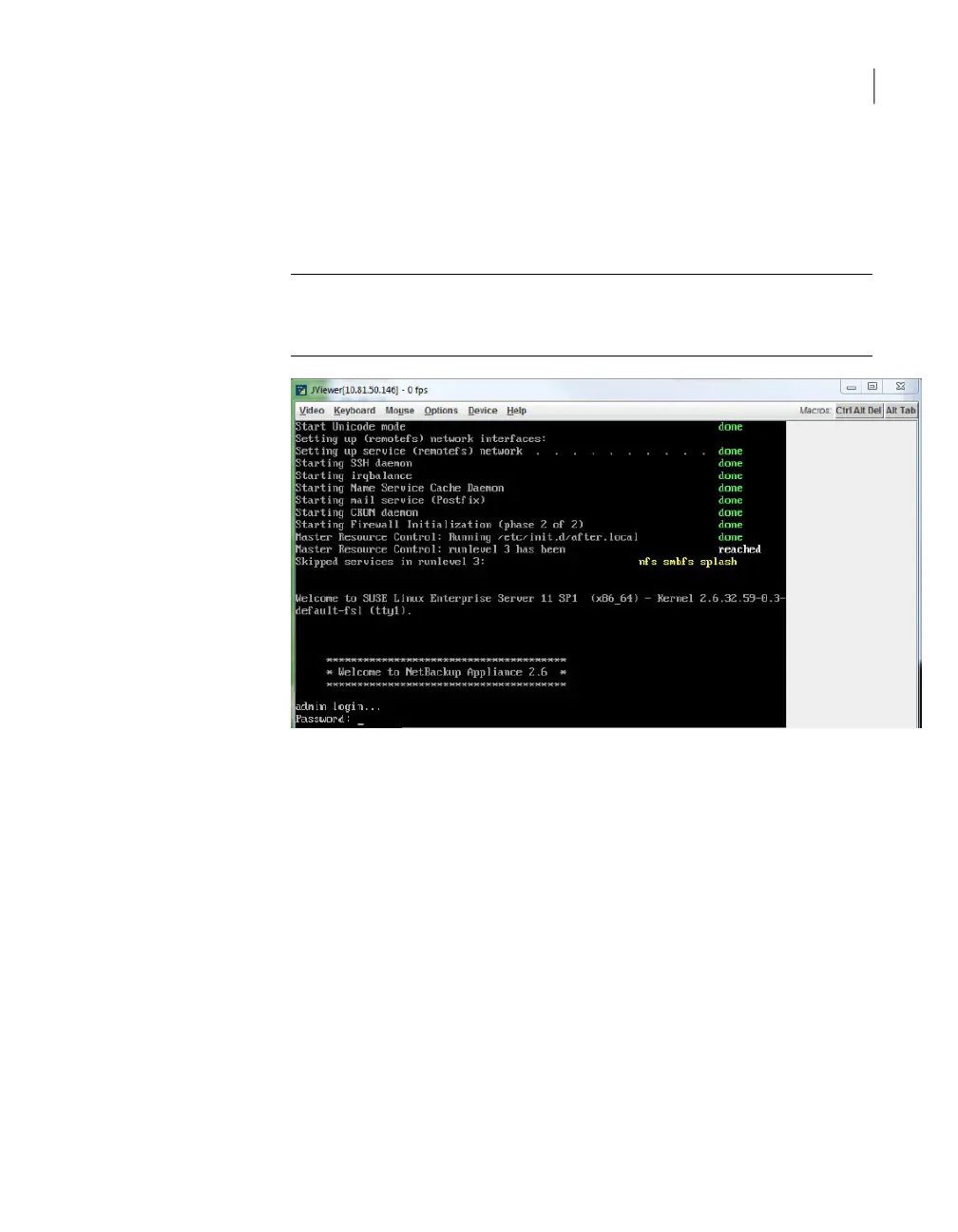
When the installation of the new appliance package is complete, you receive
a Welcome message in the JViewer application window that is similar to the
following. Enter the default appliance password (P@ssw0rd). You are now
logged in to the appliance shell menu.
Note: Before you begin the reconfiguration process, you may want to reference
the configuration information that you recorded prior to beginning the reimage
operation.
9
Import the IPsec credentials, .pfx files, from the remote computer where you
exported them earlier:
■ Open a share from the appliance shell menu as follows:
Main_Menu > Manage > Software > Share Open
The CIFS share \\<appliance-name>\incoming_patches and the NFS
share <appliance-name>:/inst/patch/incoming are now open on this
appliance.
■ To move the earlier saved .pfx files to the open share location, create and
mount a mount point and then move the files as follows:
133Disaster Recovery
Disaster recovery scenarios



 To Next Page