WLAN Configuration 8-5
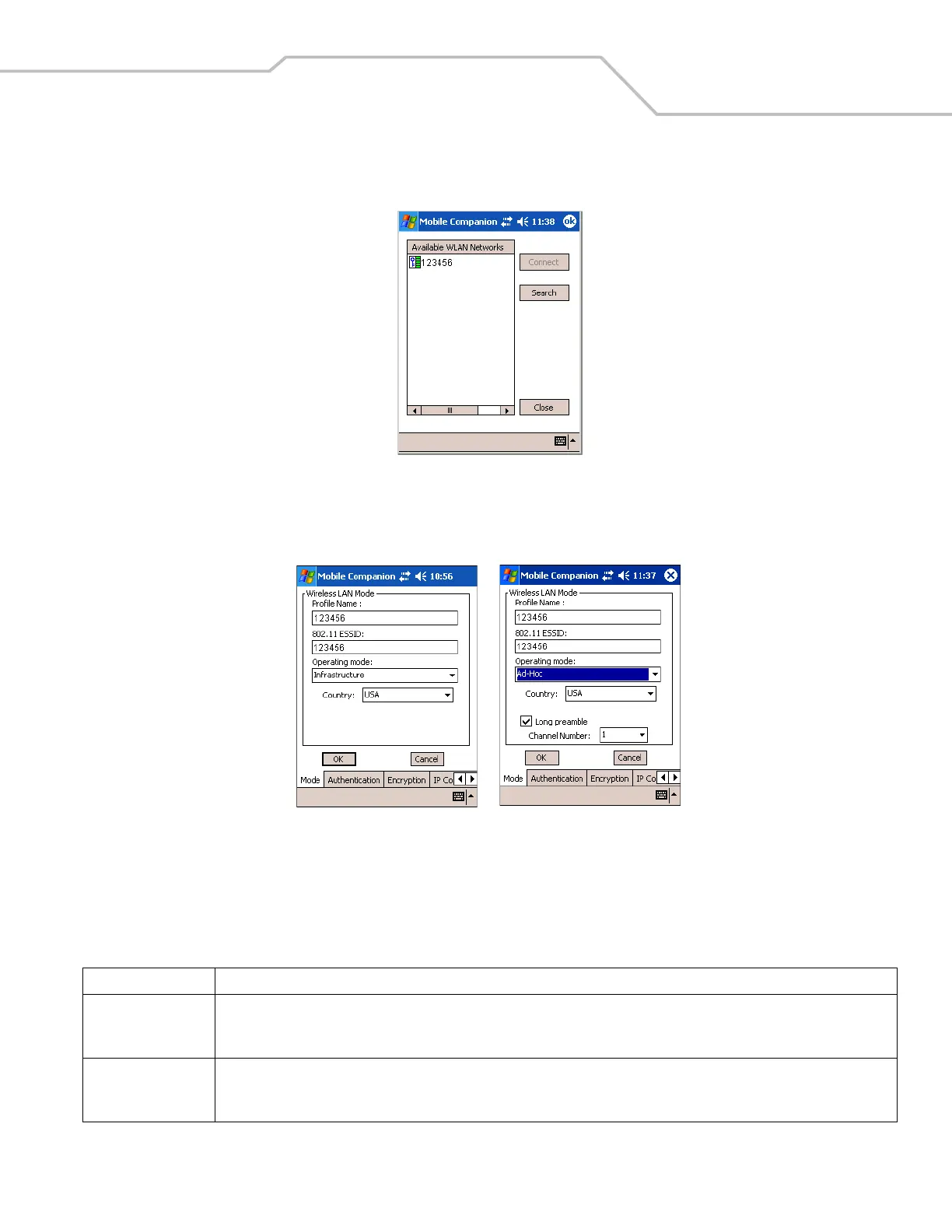
Select Find WLANs from the Mobile Companion menu to locate the APs in the area. The Mobile Companion window displays the
available WLAN networks.
Figure 8-2. Available WLAN Networks
1. Select an available WLAN network from the list box.
2. Tap Connect. The Mode tab appears.
Figure 8-3. Mobile Companion - Mode Tab
Mode
On the Mode tab, enter Profile Name, 802.11 ESSID, Operating Mode, and Country settings.
Table 8-2. Mode Tab Fields
Field Description
Profile Name Populated with the name and (WLAN) identifier of the network connection. Change the Profile Name: if desired.
Use the Profile Name field to enter the name of the mobile computer profile used to transmit with either an AP or another networked
computer.
802.11 ESSID Populated with the name and (WLAN) identifier of the network connection.
The ESSID is the 802.11 Extended Service Set Identifier. The ESSID is 32-character (maximum) string identifying the WLAN. The ESSID
assigned to the mobile computer is required to match the AP ESSID for the mobile computer to communicate with the AP.
Infrastructure Mode
Ad Hoc Mode



 To Next Page