MC50 Integrator Guide6-10
Downloading the Hex Image using a USB Connection
After building the hex file, download it to the mobile computer:
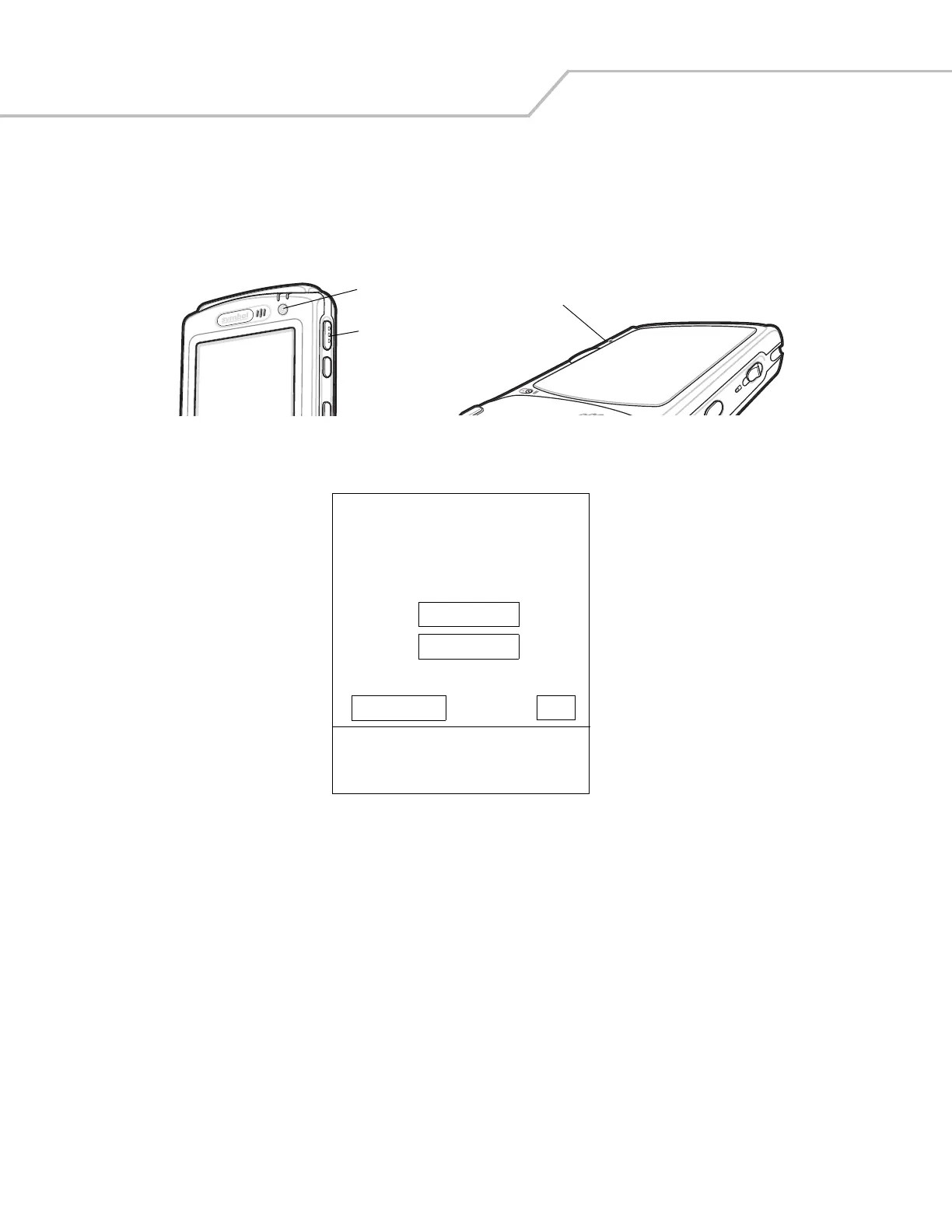
1. Press and hold the Power button and both Scan buttons, then press the Reset button. When the mobile computer resets
into IPL, release the Power and Scan buttons.
Figure 6-6. Boot into IPL Buttons
Figure 6-7. Initial Program Loader (IPL) Select Transport Menu
2. Connect the mobile computer to the development computer using the Single or Four Slot USB cradle, or CAM.
Reset Button
Power Button
Scan Button
Symbol Technologies Inc.
IPL Version XXXXXXXX
Select Transport:
USB (Default)
SD/MMC
Return to OS OK
Timeout: 55 sec
External Power Detected



 To Next Page