ActiveSync 3-5
Setting Up an ActiveSync Connection on the Mobile Computer
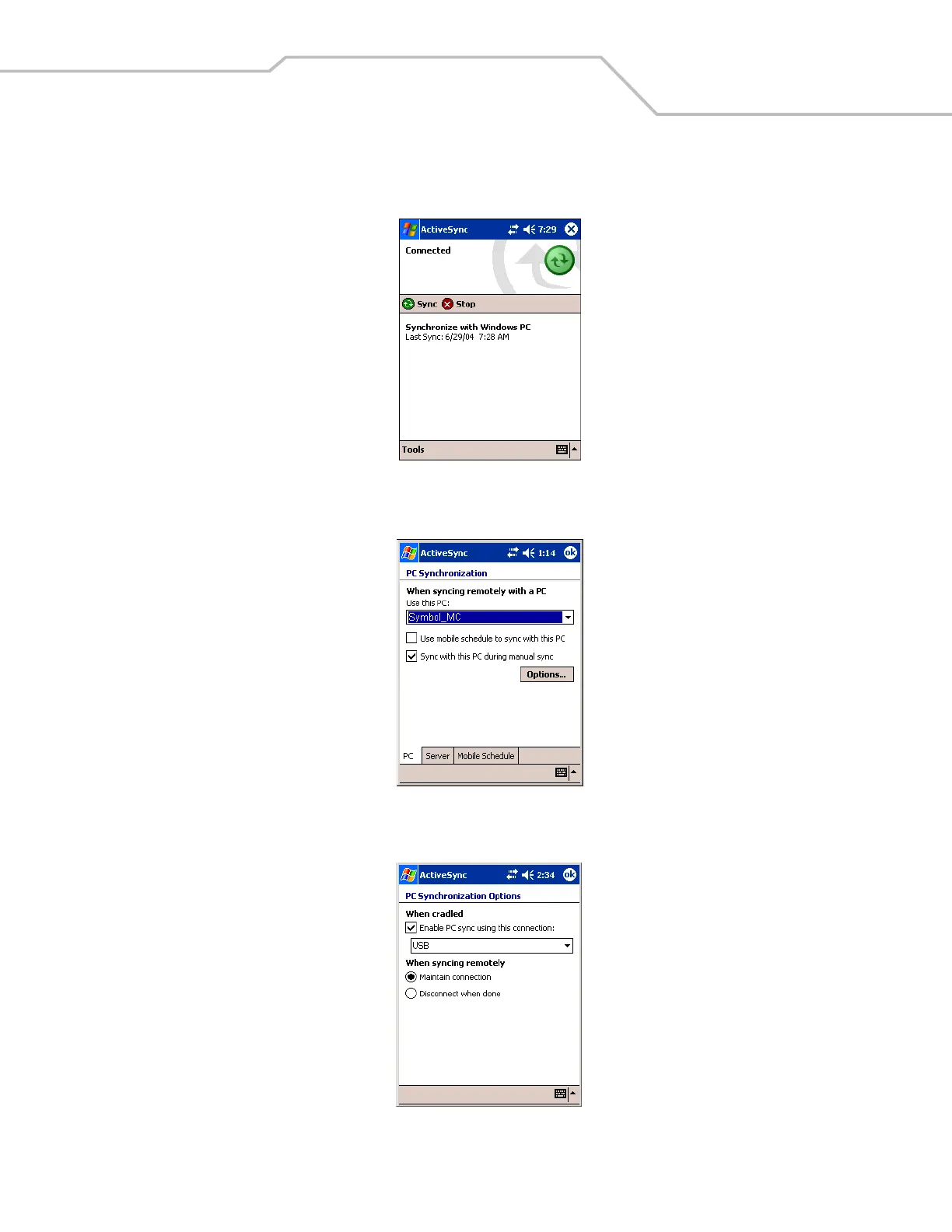
1. On the mobile computer tap Start - ActiveSync to display the ActiveSync window.
Figure 3-3. ActiveSync Window
2. Tap Tools - Options to display the PC Synchronization window - PC tab.
Figure 3-4. PC Synchronization Window - PC Tab
3. Tap Options to display the PC Synchronization Options window.
Figure 3-5. PC Synchronization Options Window



 To Next Page