Creating and Loading Hex Images 6-13
Downloading the Hex Image using an MMC/SD Card
After building the hex file, download it to the mobile computer:
1. Press and hold the Power button and both Scan buttons, then press the Reset button. When the mobile computer resets
into IPL, release the Power button and Scan buttons.
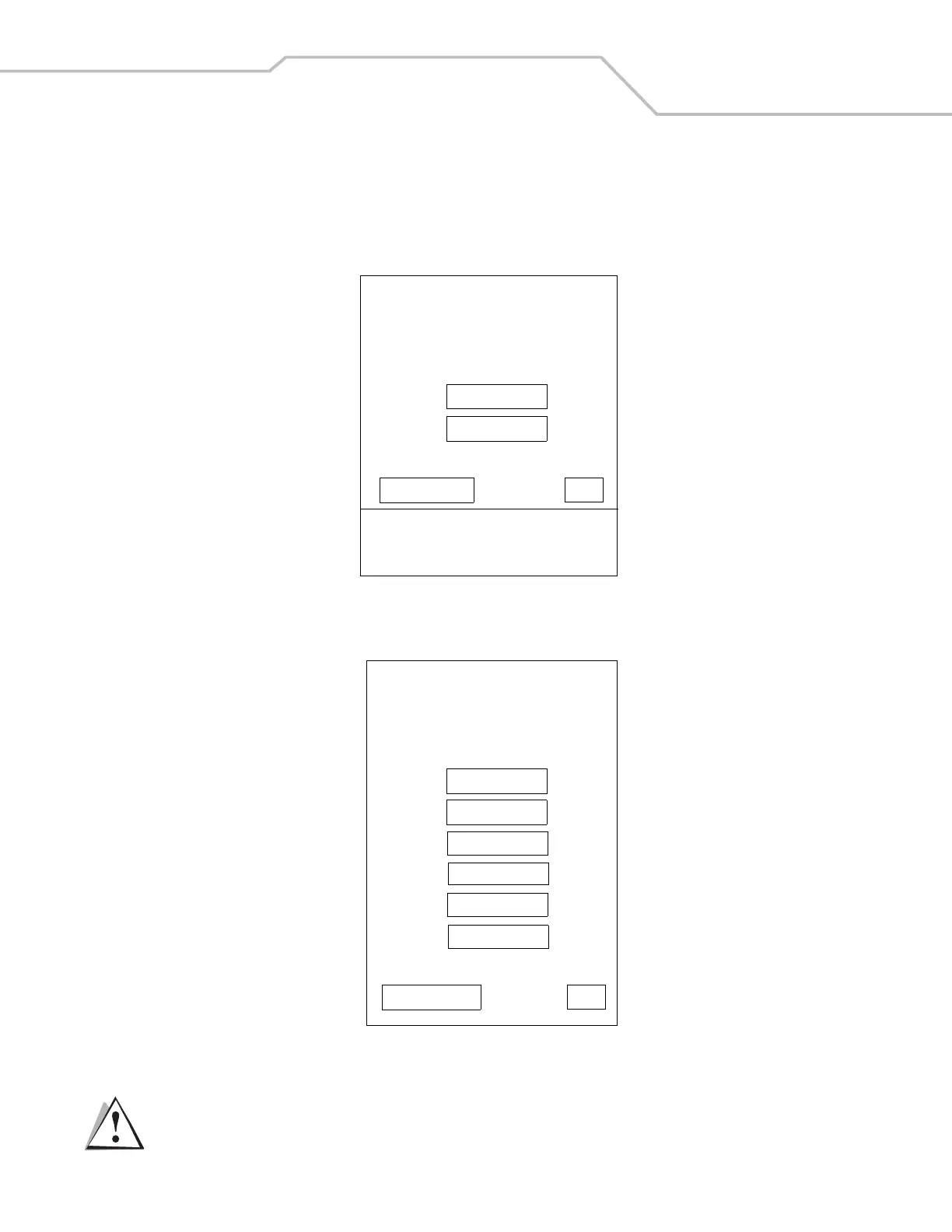
Figure 6-11. Initial Program Loader (IPL) Select Transport Menu
2. Select SD/MMC for the method of download, then select OK.
Figure 6-12. Initial Program Loader (IPL) Select Partition Menu
To ensure a successful download, do not remove power from the mobile computer while in IPL mode.
Symbol Technologies Inc.
IPL Version XXXXXXXX
Select Transport
USB (Default)
SD/MMC
Return to OS OK
Timeout: 55 sec
External Power Detected
Symbol Technologies Inc.
IPL Version XXXXXXXX
Select Partition
Windows CE
Application
Platform
IPL
Partition Table
Automatic
Return to Main OK
CAUTION



 To Next Page