MC50 Integrator Guide6-4
Starting Terminal Configuration Manager
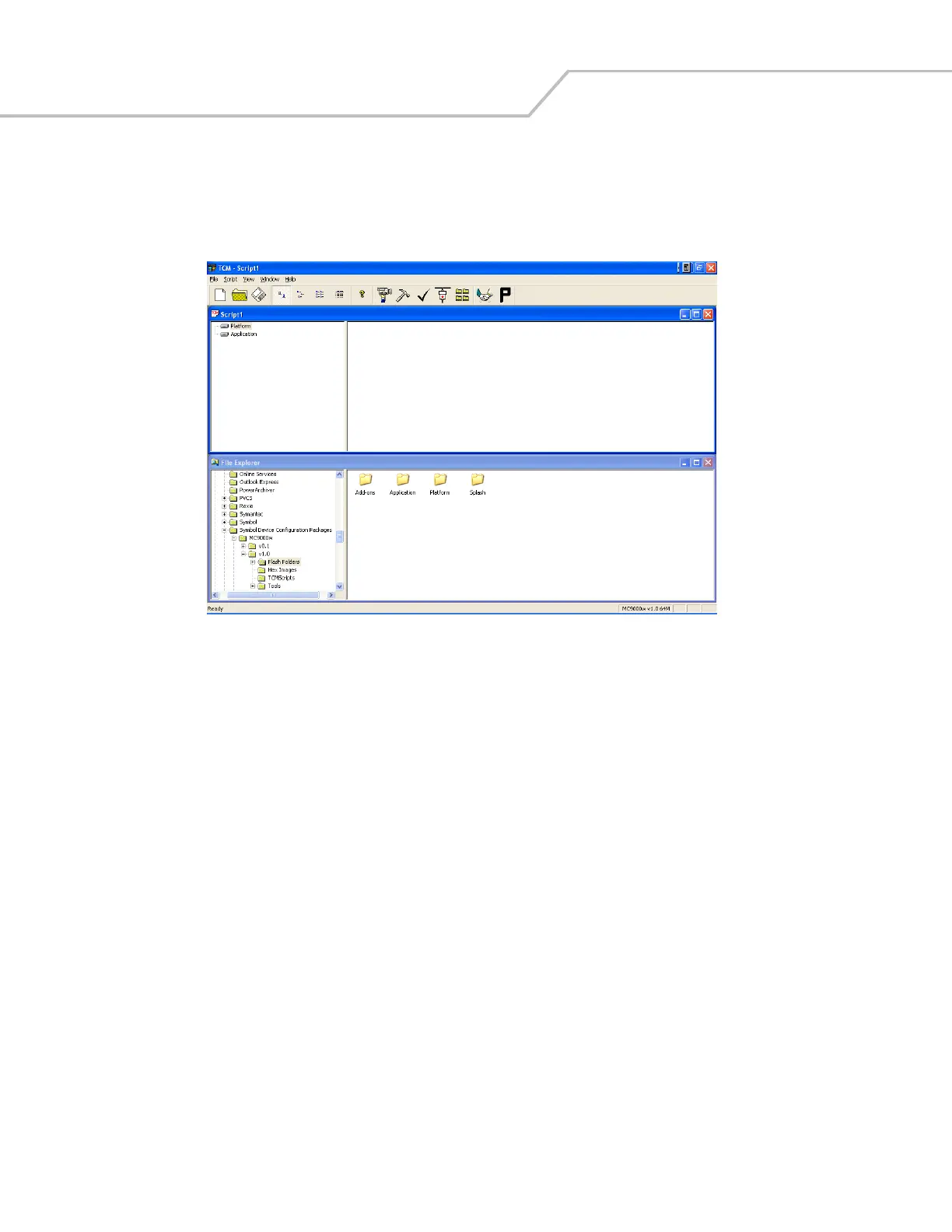
To start TCM on the host computer, select Start - Programs - Symbol Device Configuration Packages - MC50v1.1 - TCM. The TCM
window appears displaying two sub-windows: Script1 and File Explorer. The Script1 window contains a newly created script and the
File Explorer window contains a file explorer view used for selecting files to be placed in the script.
Figure 6-1. Sample TCM Startup Window



 To Next Page