MC50 Integrator Guide1-8
Performing a Cold Boot
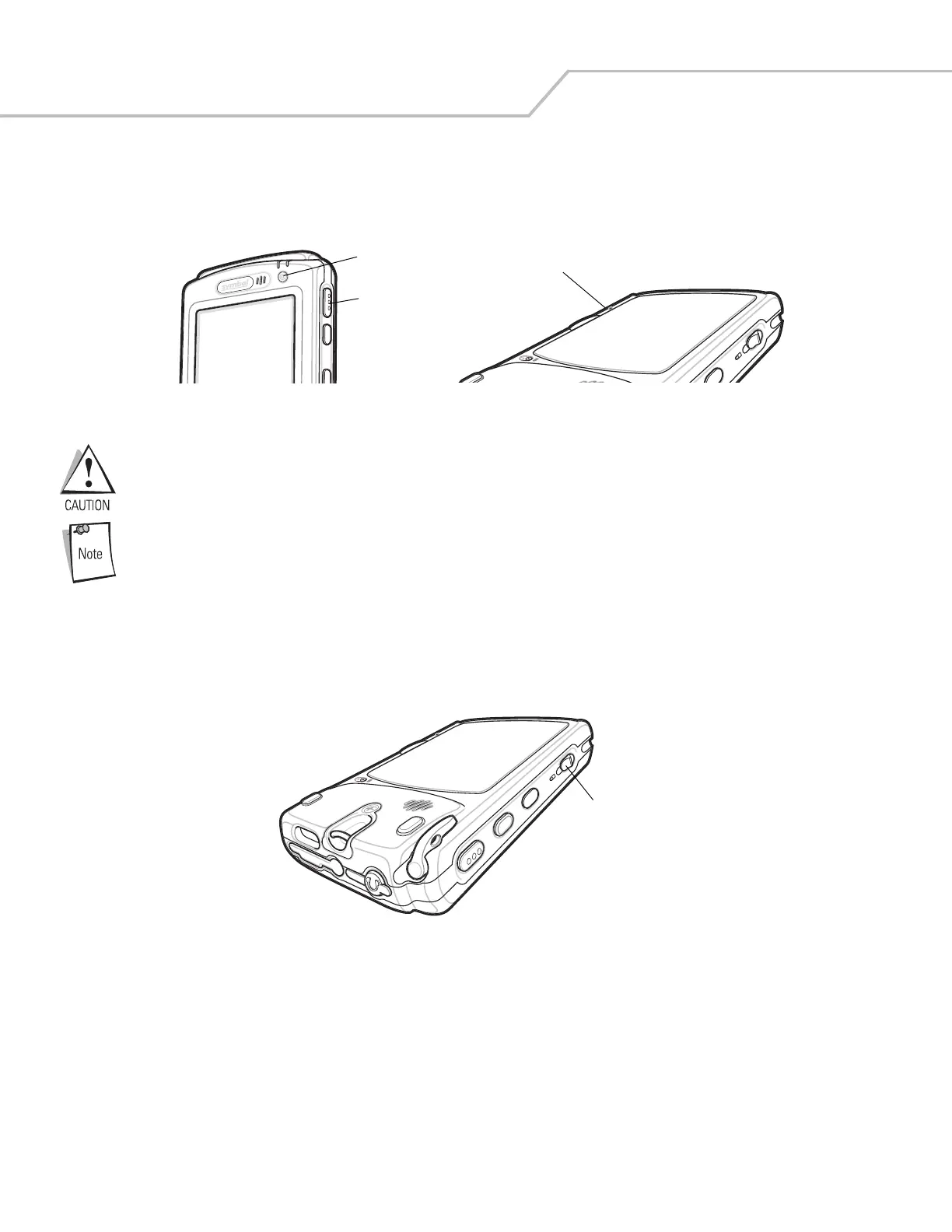
Hold down the Power button and right Scan/Action button, then press and release the reset button located below the battery
release on the back of the mobile computer. Release the Power button and right Scan/Action button.
Figure 1-2. Boot Buttons
Performing a cold boot restores formats, preferences, and other settings to the default settings.
Synchronize data on the mobile computer with a host computer frequently to avoid data loss.
After a cold boot, data previously synchronized with a host computer can be restored during the next
ActiveSync operation. See Chapter 3, ActiveSync for detailed ActiveSync instructions.
Locking the Keypad
Use the Keypad Lock switch to lock the keypad so that keys are not accidently pressed. Note that when locked, the mobile computer
does not respond to keypad input.
Figure 1-3. Function Buttons
Move this switch up to lock the keypad. Move the switch down to free the keypad for use.
Reset Button
Power Button
Scan/Action Button
Keypad Lock



 To Next Page