MC50 Integrator Guide5-4
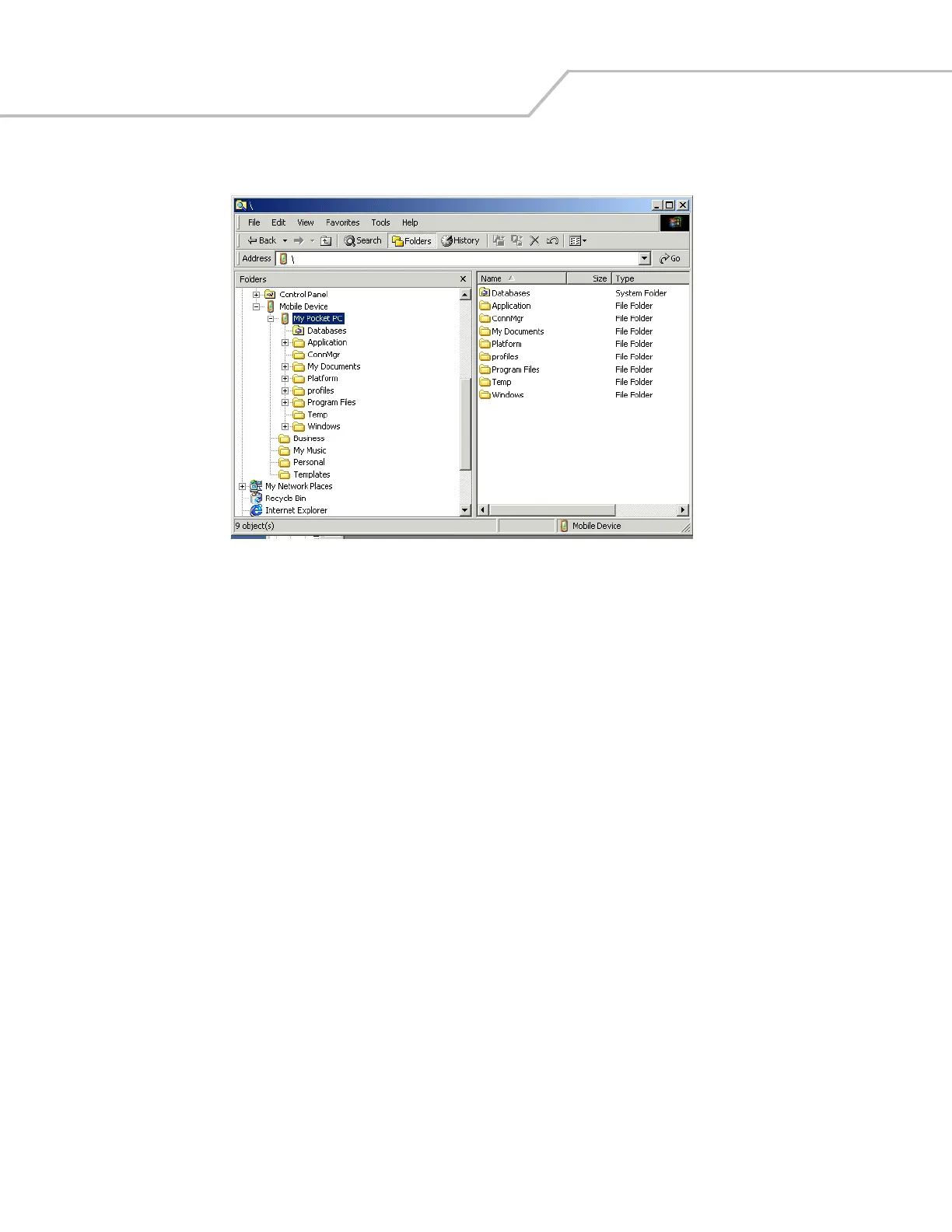
6. Tap the plus sign (+) next to My Pocket PC to expand the contents of this folder.
Figure 5-3. My Pocket PC Contents
7. Use Explorer to locate the host computer directory that contains the file to download. Tap that directory in the left pane to
display its contents in the right pane.
8. Drag the file to one of the following My Pocket PC folders in the left pane:
• Program Files folder: files stored in this folder are discarded after a cold boot.
• Application folder: files stored in this folder are retained after a cold boot.
Downloading Files Using an MMC/SD Card
Use an MMC or an SD card to copy files from a host computer to the mobile computer.
1. Insert the card in the appropriate drive on the host computer.
2. Use Explorer to locate the host computer directory that contains the file to download. Tap that directory in the left pane to
display its contents in the right pane.
3. Drag the file to the card drive in the left pane.
4. Remove the card from the host computer, and insert it in the mobile computer (see Multi Media Card (MMC) / Secure Device
(SD) Card on page 2-4).
5. Use File Explorer on the mobile computer to locate the file on the card drive, and copy it to a directory on the mobile
computer.
Adding Programs
Install the appropriate software on the host computer before installing it on the mobile computer:
1. On the mobile computer, select Start - Settings - System tab - About icon - Version tab. Note the information in Processor
field.
2. Download the program to the host computer (or insert the CD or disk that contains the program into the host computer). The
program may consist of a single *.xip file, *.exe file, a *.zip file, or a Setup.exe file.
3. Read any installation instructions, Read Me files, or documentation that comes with the program. Many programs provide
special installation instructions.



 To Next Page