Software Installation on Mobile Computer 5-3
Introduction
With the appropriate accessory, software, and connection, the mobile computer can share information with the host device. This
chapter provides information about installing software and files on the mobile computer.
Downloading Files Using ActiveSync
Use ActiveSync to copy files from a host computer to the mobile computer.
1. Install ActiveSync on the host computer (see Chapter 3, ActiveSync).
2. Connect the mobile computer to the host computer using a USB cradle or the CAM (see Chapter 2, Accessories for
connection information).
3. Set up a partnership between the host computer and the mobile computer (see Setting up a Partnership on page 3-7).
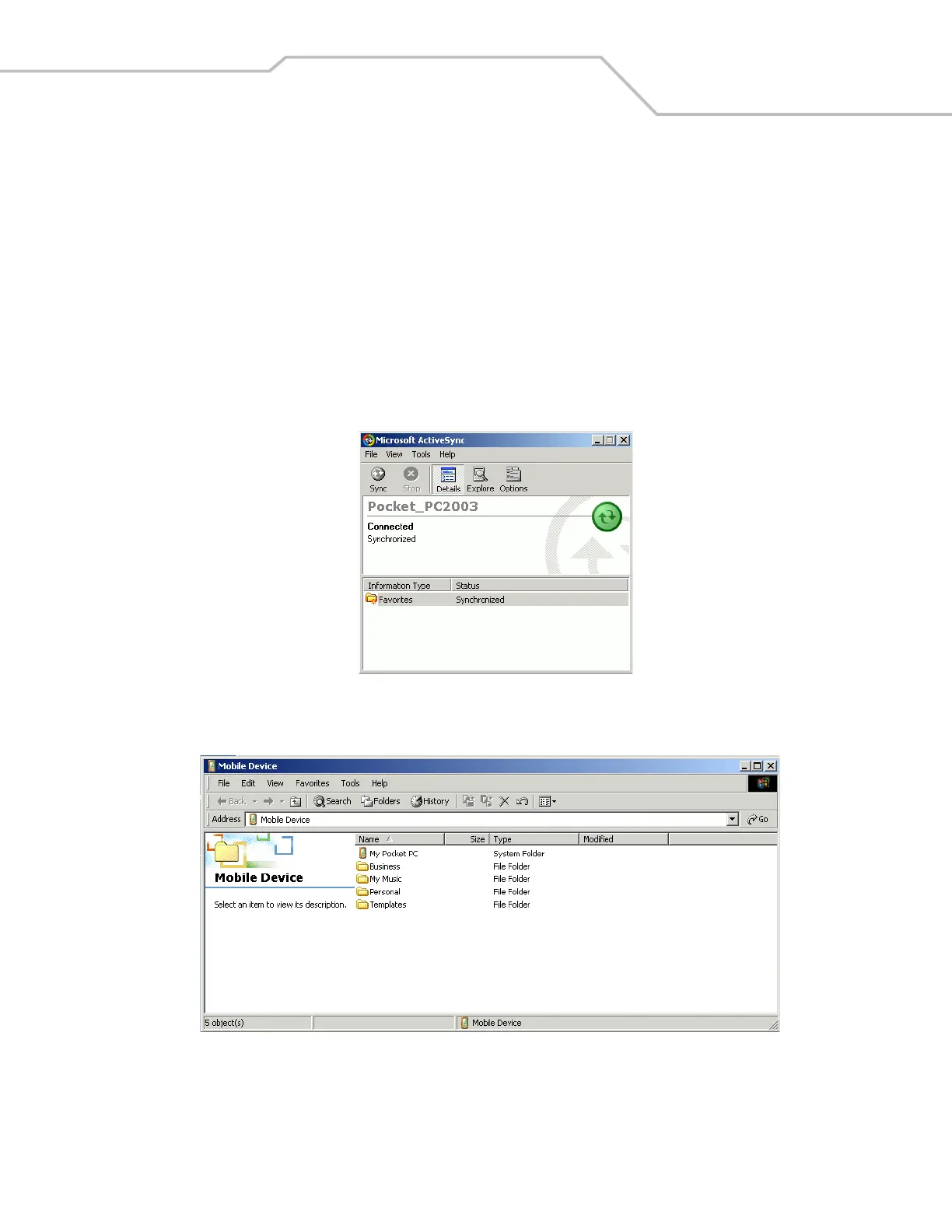
4. On the host computer, select Start - Programs - ActiveSync.
Figure 5-1. ActiveSync Connected Window
5. Select Explore.
Figure 5-2. ActiveSync Explorer



 To Next Page