Rapid Deployment Client 10-3
Introduction
The Rapid Deployment (RD) Client facilitates software downloads to a mobile computer from a Mobility Services Platform (MSP)
Console’s FTP server. The MSP Console is a web-based interface to the wireless infrastructure monitoring and management tools
provided by the MSP Lite or MSP Enterprise server.
When software packages are transferred to the FTP server, mobile computers on the wireless network can download them. The
location of software packages are encoded in RD bar codes. When the mobile computer scans a bar code(s), the software package(s)
is downloaded from the FTP server to the mobile computer. A single RD bar code can be scanned by multiple mobile computers.
For detailed information about the MSP Console, MSP Lite/MSP Enterprise servers, and creating RD bar
codes, refer to the MSP Users Guide.
Rapid Deployment Window
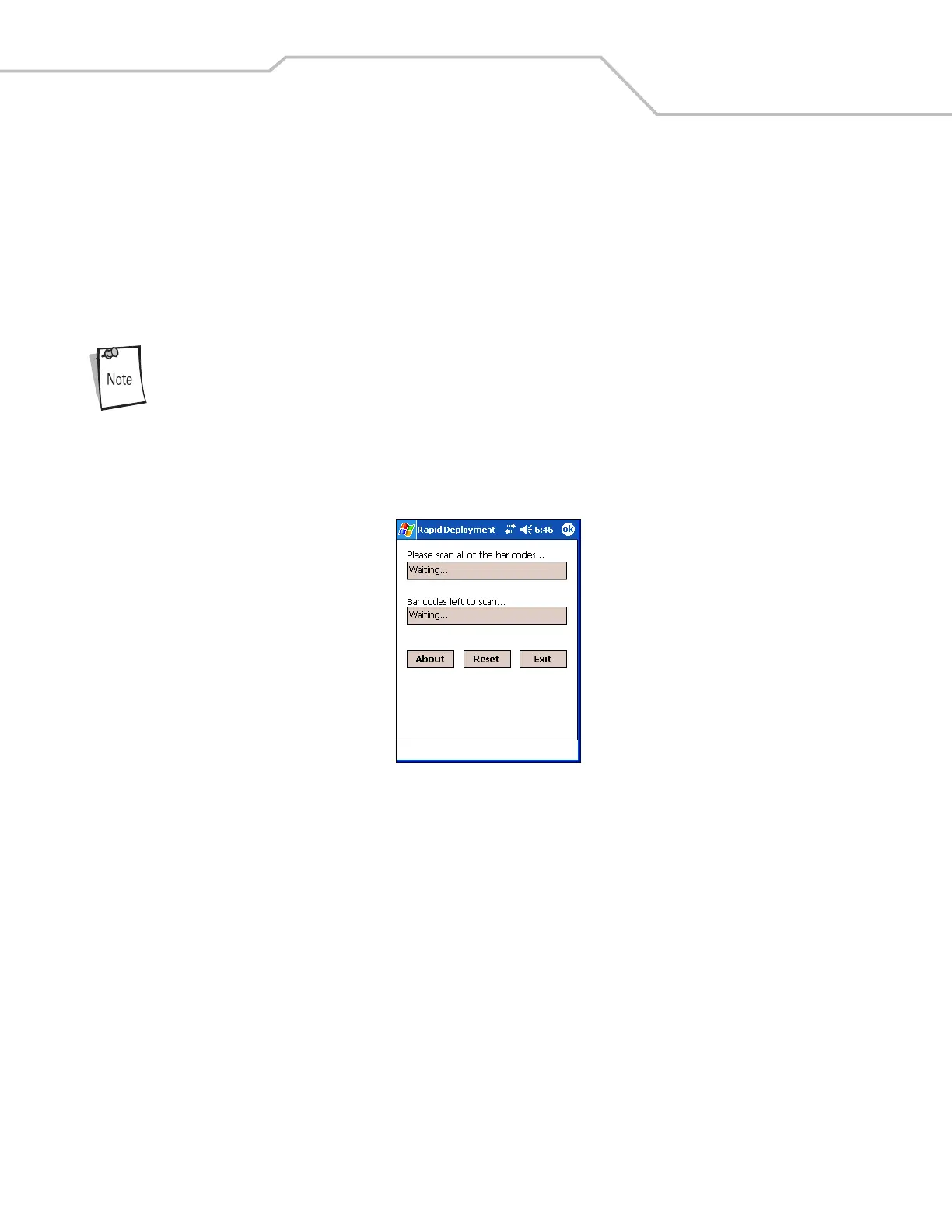
The Rapid Deployment window displays bar code scan status and provides features for resetting and exiting the application.
To access the Rapid Deployment window tap Start - Rapid Deployment Client or Start - Programs - Rapid Deployment Client icon.
Figure 10-1. Rapid Deployment Window



 To Next Page