Keypad Maps B-3
Introduction
This appendix contains the keypad map for the keypad configurations of the mobile computer. Each key is listed in the table with its
value, depending on the state of the keypad.
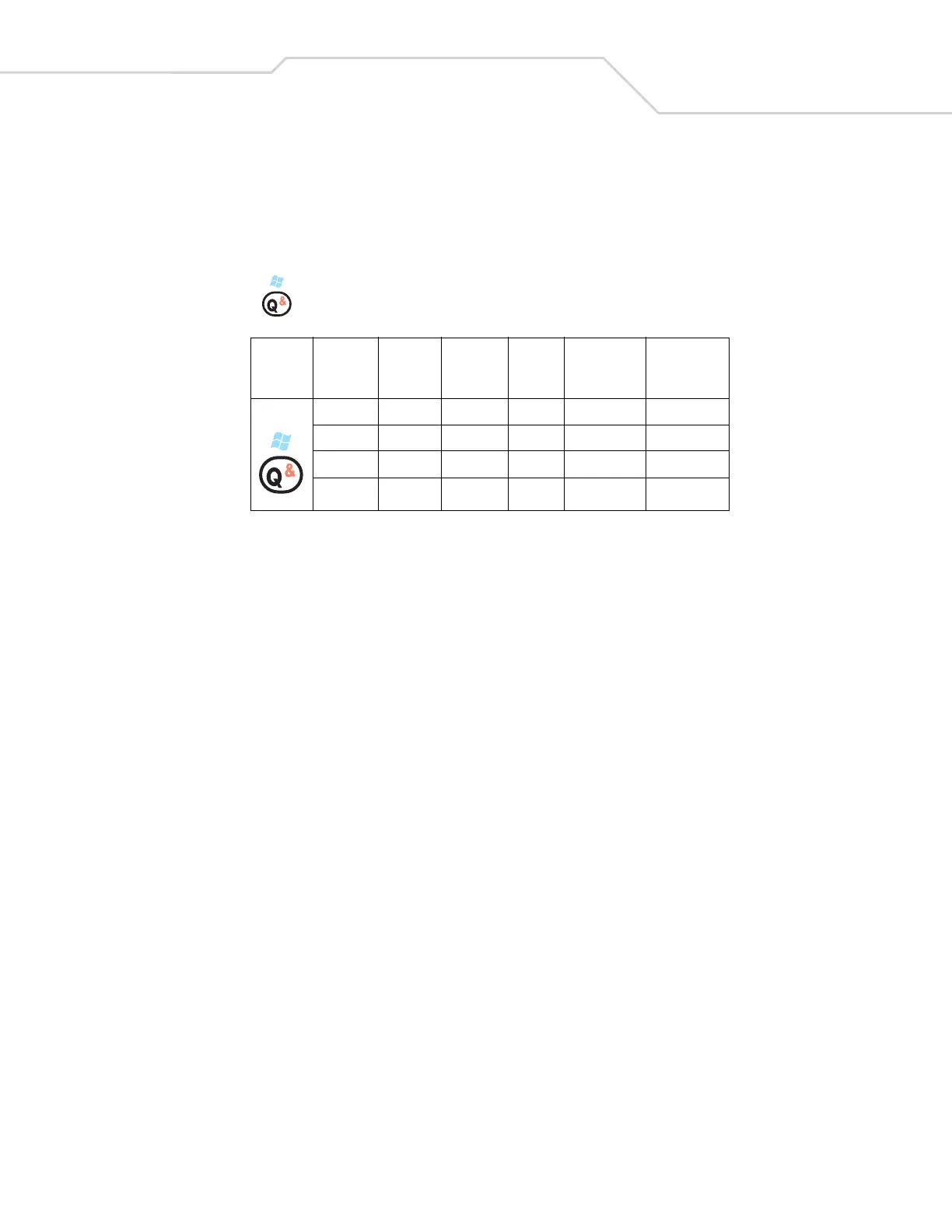
Example
As shown below, when the key is pressed on the keypad, the default state displays the letter ‘q’. Press the Shift key first to
product a ‘Q’.
In addition to key values, VK codes and ASCII values are listed for each key, where applicable.
Key
Default
State
Shift/
Caps
State
Blue Key
State
Orange
Key
State
VK Code
(Decimal)
ASCII Value
(Decimal)
q81113
Q 160+81 81
Start - -
& 160+55 35



 To Next Page