MC50 Integrator Guide7-4
Menu Functions
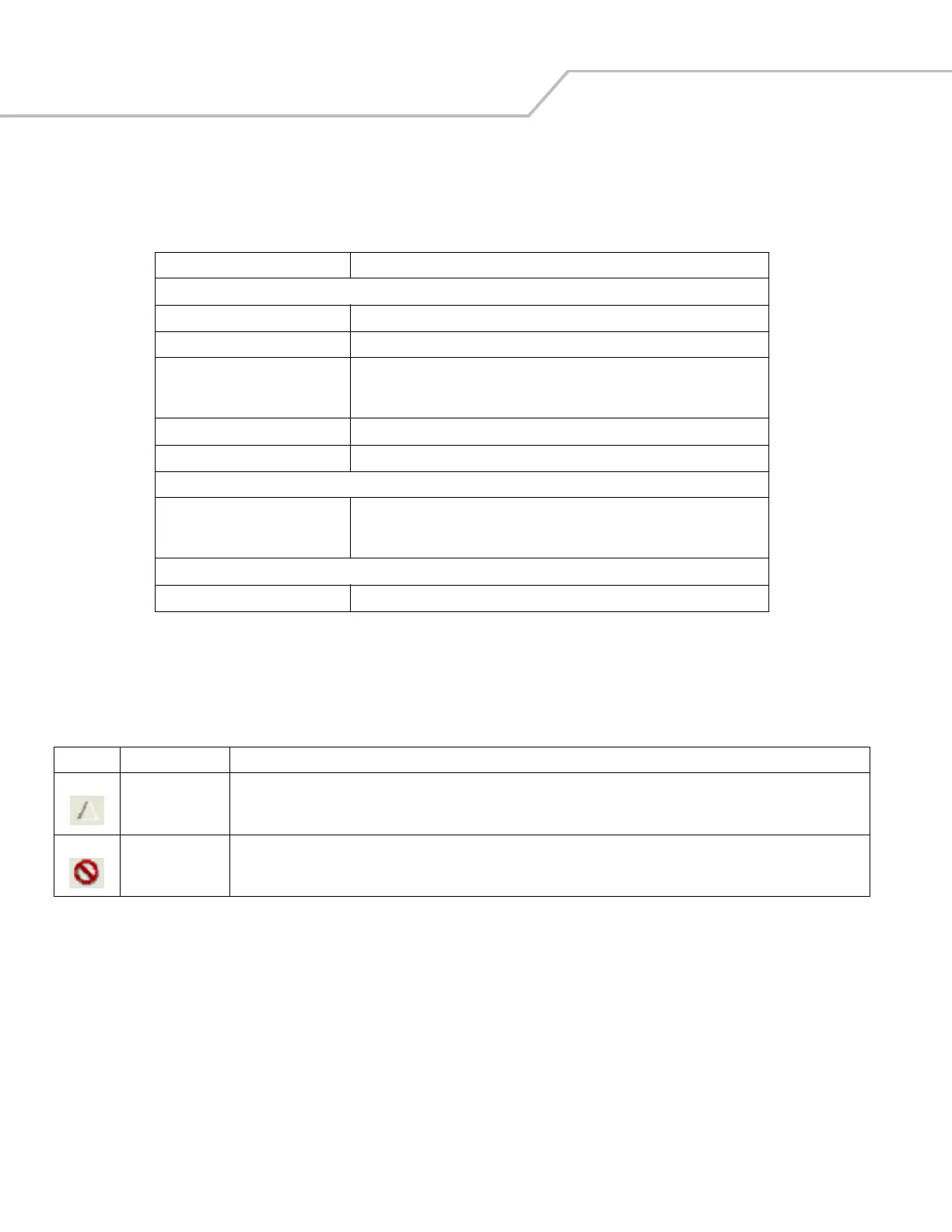
Use the main menu to access the program functionality described in Table 7-1.
Parameter State Indicators
The first column of the data table displays parameter state indicators. The state indicators display one of the states in Table 7-2 for
a particular parameter:
Table 7-1. SCM Menu Functions
Menu Item Description
File Menu
Open Config File Open a saved configuration file (.SCD).
Save Config Changes Save changes to the currently loaded configuration file.
Restore All Defaults Restore all parameter values to the default state as defined by the installed DCP.
The default values are stored in a Symbol Configuration template file
(i.e., MC50w.sct).
Create .REG File Export the parameter values to a registry (.REG) file.
Exit Exit Symbol Configuration Manager.
Device Menu
MC50w Change the current device type to MC50w. If DCPs for other device types are
installed on the development computer, entries for these devices also appear in
the Device menu.
Help Menu
About Display the About dialog which shows the application version.
Table 7-2. Parameter Status Indicators
Icon Indicator Description
Modified This parameter was changed from its initial factory setting.
Invalid This parameter is not valid for the selected device type. This can occur when a configuration file for one type of device is loaded
and the device type is changed using the Device menu. Values marked "invalid" are not included in an exported .REG file.



 To Next Page