MC50 Integrator Guide3-4
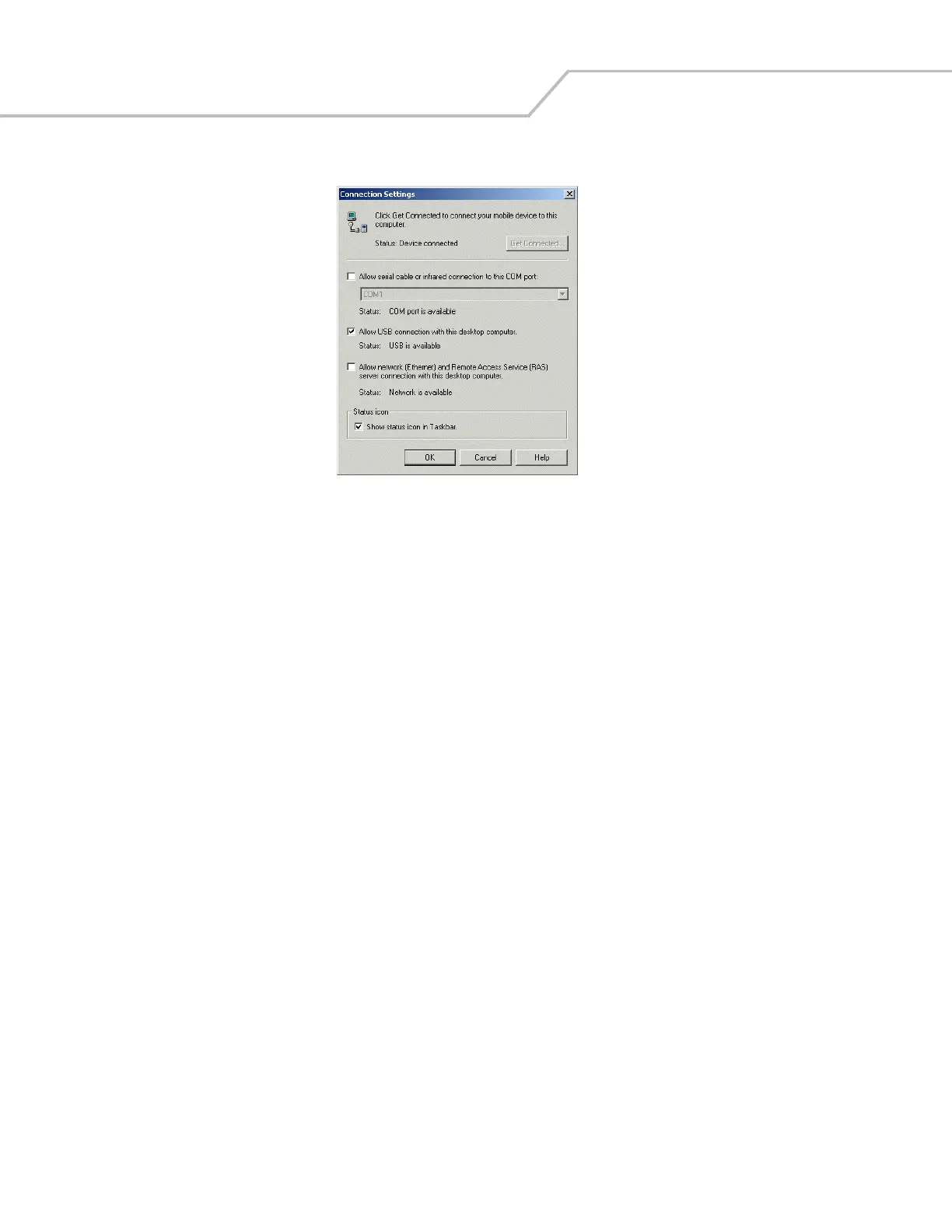
2. In the ActiveSync window, select File - Connection Settings. The Connection Settings window appears.
Figure 3-2. Connection Settings Window
3. Select the appropriate check box for the type of connection used.
4. Select the Show status icon in Taskbar check box.
5. Select OK to save any changes made.



 To Next Page