MC50 Integrator Guide8-20
4. Select the Enable Sounds check box to initiate an audible signal when performing a ping test and associating with an AP.
The tones provide notification when the pinging is received or the mobile computer roams to another AP.
5. Select the Enable Rogue AP Detection check box to inform the system of unauthorized APs on the network. (Symbol
infrastructure is required.)
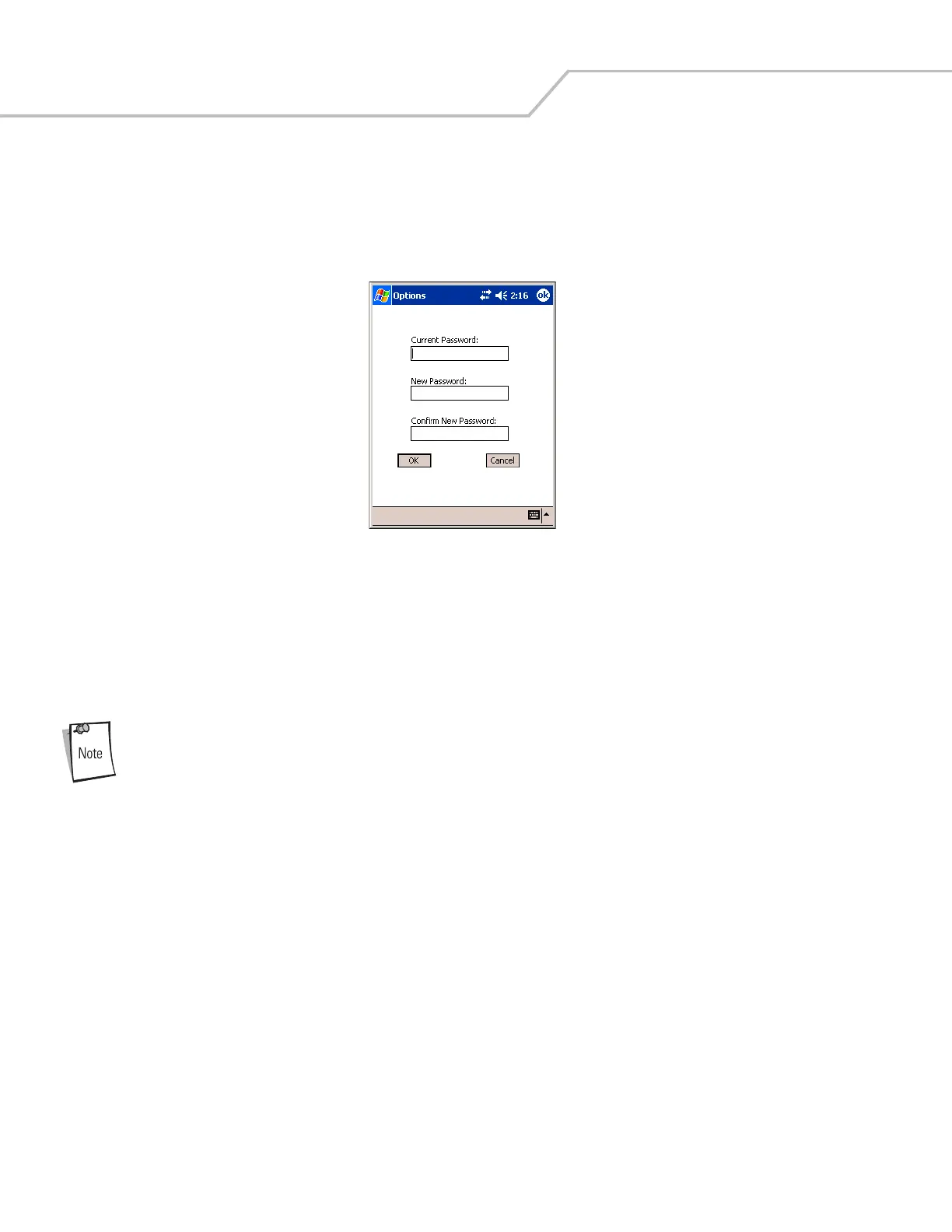
6. To create a password for the first time, change an existing password, or delete a password tap Change Password.
Figure 8-26. Mobile Companion - Password Window
• To create a password for the first time, leave the Current Password: text box empty and enter the password in the New
Password: and Confirm New Password: text boxes. Tap ok.
• To change an existing password, enter the current password in the Current Password: text box, and enter the new
password in the New Password: and Confirm New Password: text boxes. Tap ok.
• To delete the password, enter the current password in the Current Password: text box and leave the New Password: and
Confirm New Password: text boxes empty.
Passwords are case sensitive and cannot exceed 10 characters.



 To Next Page