AirBEAM Smart 9-5
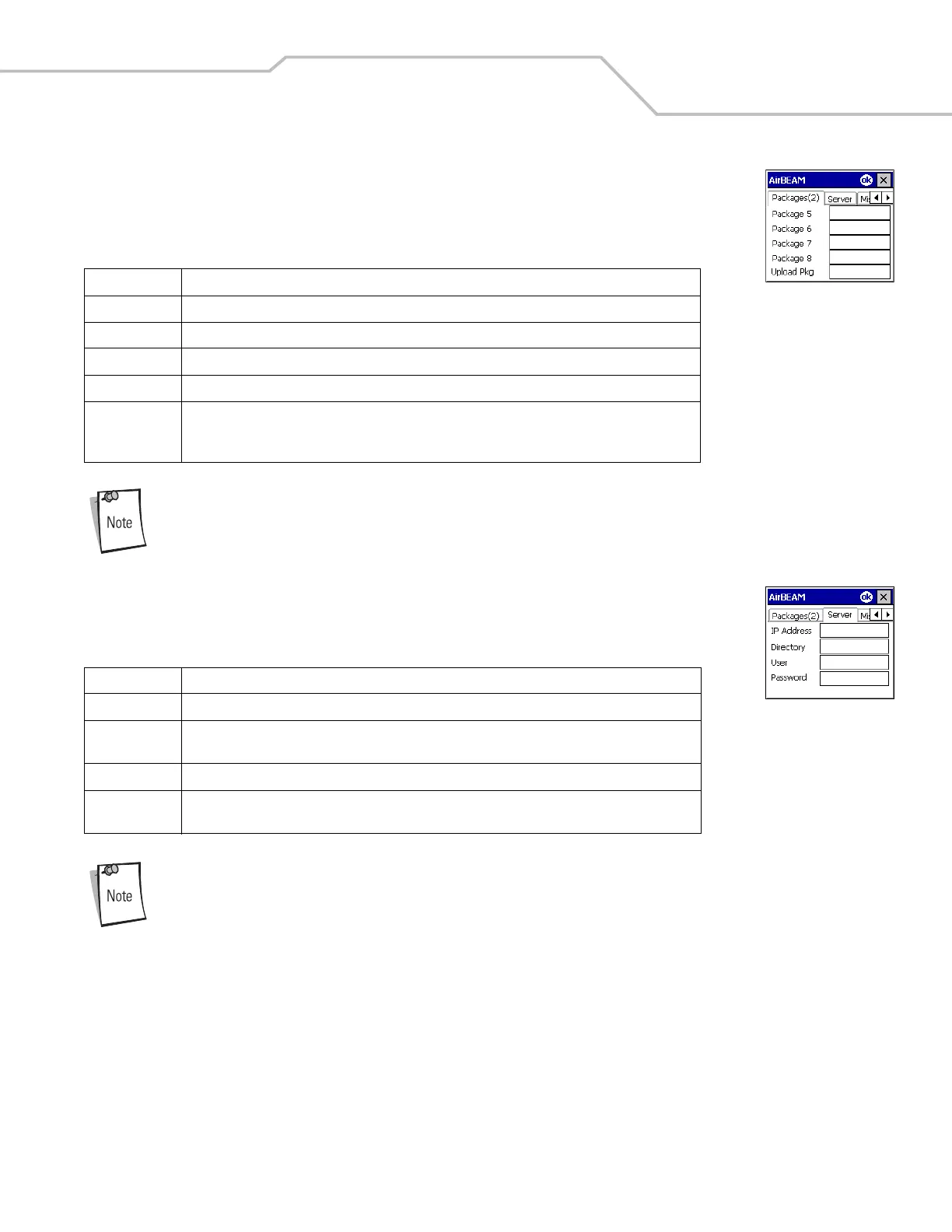
Packages(2) Tab
Use this tab to specify the package name of the last four of eight packages to load during the AirBEAM
synchronization process. The specified package name must correspond to a package available on the specified
package server.
Do not enter inadvertent trailing spaces on the Packages(2) tab. Information entered in these fields are case
and space sensitive.
Server Tab
Use this tab to specify the configurations of the server to which the client connects during the package
synchronization process.
Do not enter inadvertent trailing spaces on the Server tab. Information entered in these fields are case and
space sensitive.
Field Description
Package 5 Package name of the fifth of eight packages. This is an optional field.
Package 6 Package name of the sixth of eight packages. This is an optional field.
Package 7 Package name of the seventh of eight packages. This is an optional field.
Package 8 Package name of the eighth of eight packages. This is an optional field.
Upload Pkg Package name of a package that is to be processed for “upload files” during the AirBEAM
synchronization process. The specified package name must correspond to a package available on the
specified package server. This is an optional field.
Field Description
IP Address The IP Address of the server. It can be a host name or a dot notation format.
Directory The directory on the server that contains the AirBEAM package definition files. All AirBEAM package
definition files are retrieved from this directory during the package synchronization process.
User The FTP user name used during the login phase of the package synchronization process.
Password The FTP password that corresponds to the FTP user specified in the User field. The specified password
is used during the login phase of the package synchronization process.



 To Next Page