Accessories 2-19
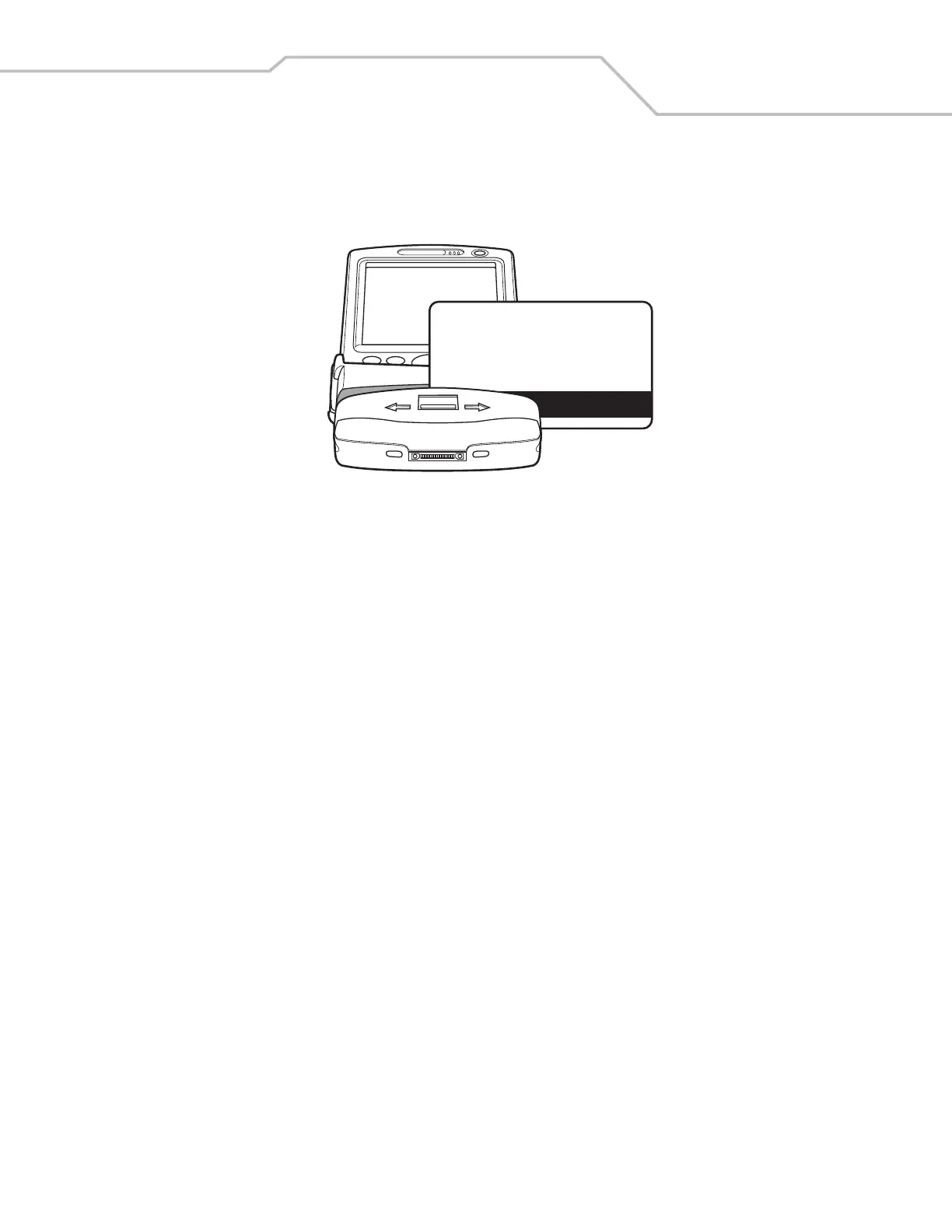
4. Swipe the magnetic stripe card through the MSR, with the magnetic stripe on the card facing down. Swipe the card in either
direction, from left to right or from right to left. For best results, gently press down on the card while swiping to ensure
contact with the bottom of the reader.
Figure 2-16. Magnetic Stripe Card Swiping



 To Next Page