MC50 Integrator Guide3-10
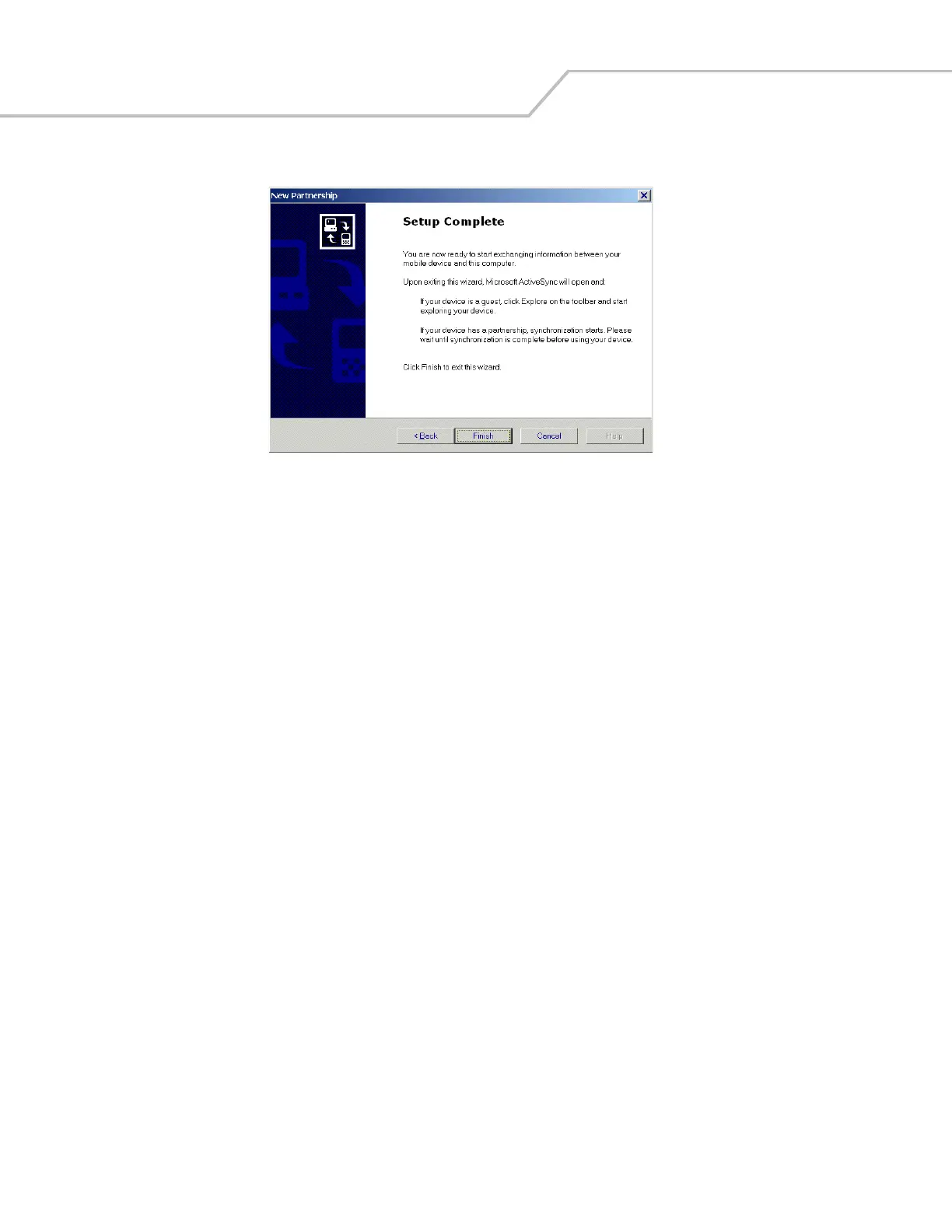
11. Select Next. The New Partnership/Setup Complete window appears.
Figure 3-12. Setup Complete Window
12. Select Finish.
During the first synchronization, information stored on the host computer is copied to the mobile computer. When the copy is complete
and all data is synchronized, disconnect the mobile computer from the host computer if desired.
After creating a partnership between the host computer and mobile computer, synchronization occurs automatically.
For more information about using ActiveSync, start ActiveSync on the host computer and see ActiveSync Help.



 To Next Page