TASCAM DR-05 35
NOTE
• Higher values provide better recording quality.
• WAV files are higher quality than MP3 files, but they
take up more space, so MP3 formats allow for longer
recordings.
4 Press the  button to show settings.
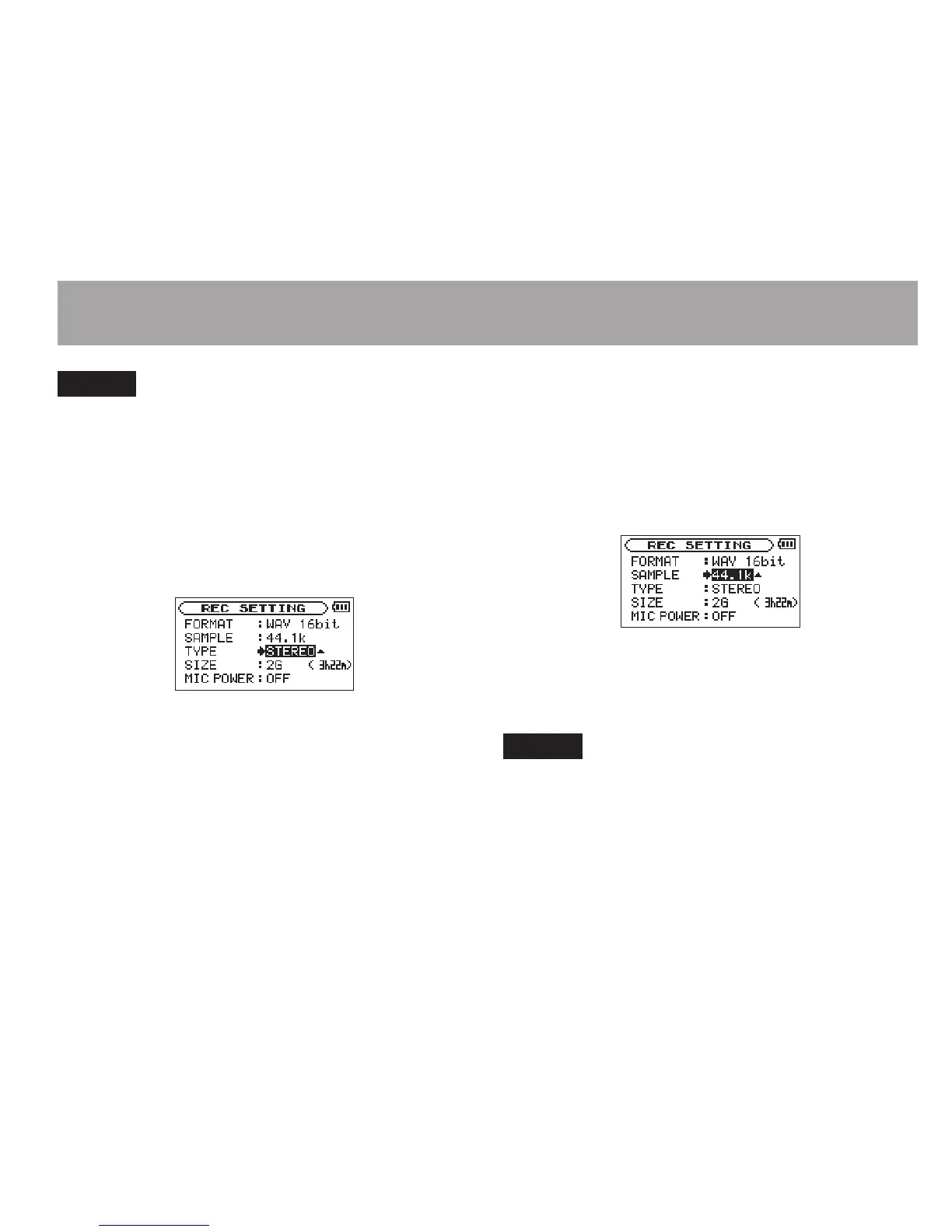
5 Use the + or – button to select
TYPE
, and
press the ¯ or Á button.
The procedure to select the creation of a stereo
or mono file is as follows.
Use the + or – button to select
STEREO
(default)
or
MONO
.
If
MONO
is selected, a mono file is created, and
the same signals are sent to both L and R level
meters and output channels.
If sound is recorded in
MONO
in WAV format, the
file size will be half that recorded in
STEREO
,
allowing long time recording.
6 Press the  button to show settings.
7 Use the + or – button to select
SAMPLE
, and
press the ¯ or Á button.
Set the sampling frequency with the + or −
button to one of the following options.
44.1k
(default),
48k
,
96k
NOTE
96k
cannot be selected if
FORMAT
is set to MP3.
8 Press the  button to show settings.
9 Use the + or – button to select
SIZE
, and
press the ¯ or Á button.
4–Recording





 To Next Page