− button. Press and hold the + or − button to move the
position continuously.
After dividing a file, two new files with ”_a” and ”_b” added •
to the end of the original file name are created. For example
if the original filename is “DR0000_0000.wav” then the new
files will be named “DR0000_0000_a.wav” (the recording
before the division point) and “DR0000_0000_b.wav” (the
recording after the division point).
CAUTION
MP3 files cannot be divided. •
If the microSD card has insufficient open space, division •
might not be possible.
Division is not possible if the file name would become •
more than 200 characters long.
Division is not possible if a file that already exists has the •
same name as the name that would be given to a new
file created by division.
TIP
Add marks during recording at positions where you want to
divide a file. (See “Mark function” on page 55.)
Increasing the perceived overall
sound pressure to enhance
listenability (Level Alignment)
If the playback sound is very small and
indiscernible, the perceived overall sound
pressure can be increased to enhance
listenability. (Level Alignment)
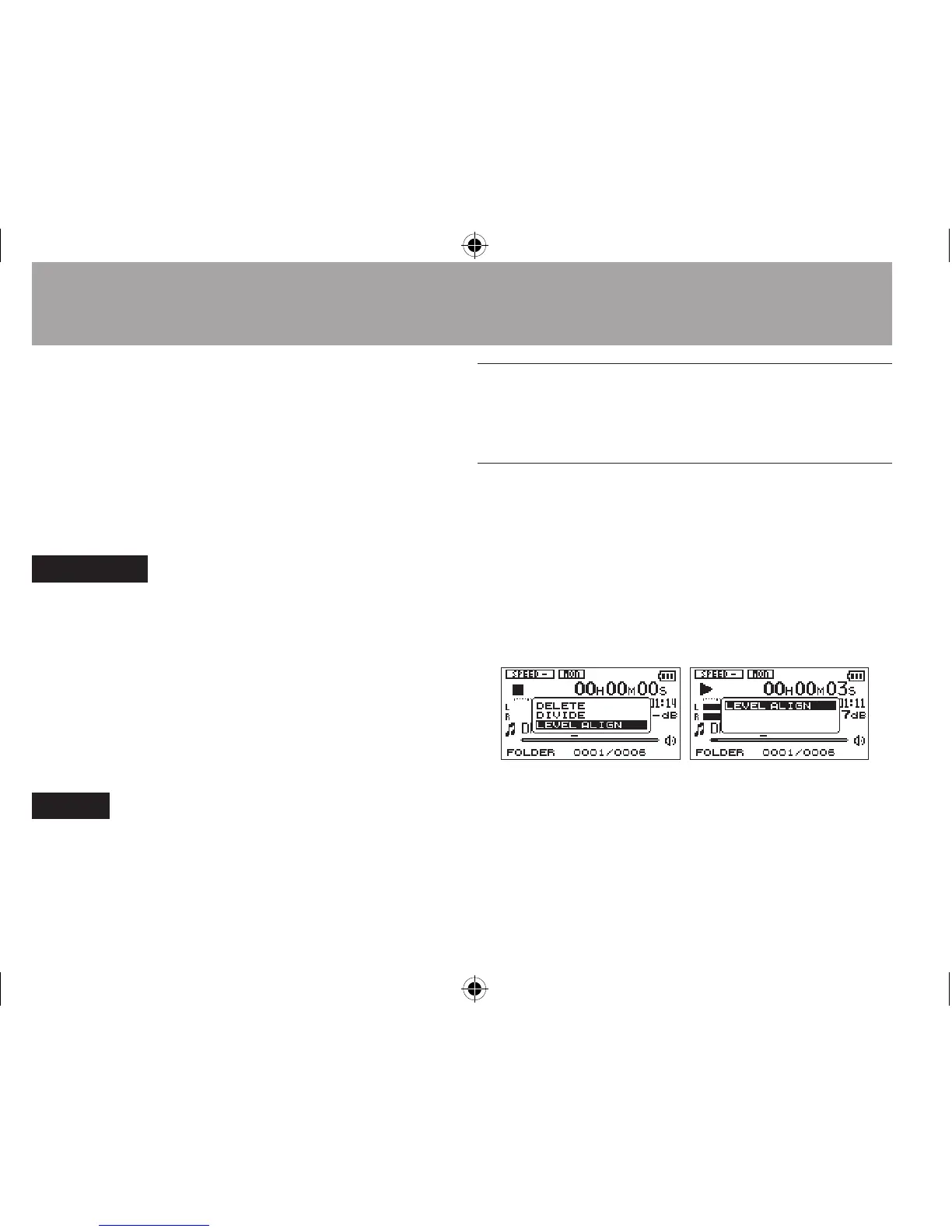
1 While the Home Screen is open when
stopped or playing back, press the QUICK
button to open the Quick menu screen.
When stopped During playback
7-Quick Operations




 To Next Page