Changing the playback speed (VSA)
The unit features the VSA (Variable Speed
Audition) function that changes the playback
speed without changing its pitch.
CAUTION
The VSA function cannot be effective for files recorded with a
sampling frequency of 96kHz, and
will be shown in
the Home Screen. However, the setting of playback speed can
be changed. To apply the adjustment of playback speed,
select a file recorded with a sampling frequency of 44.1 kHz
or 48 kHz by using the  or¯ button.
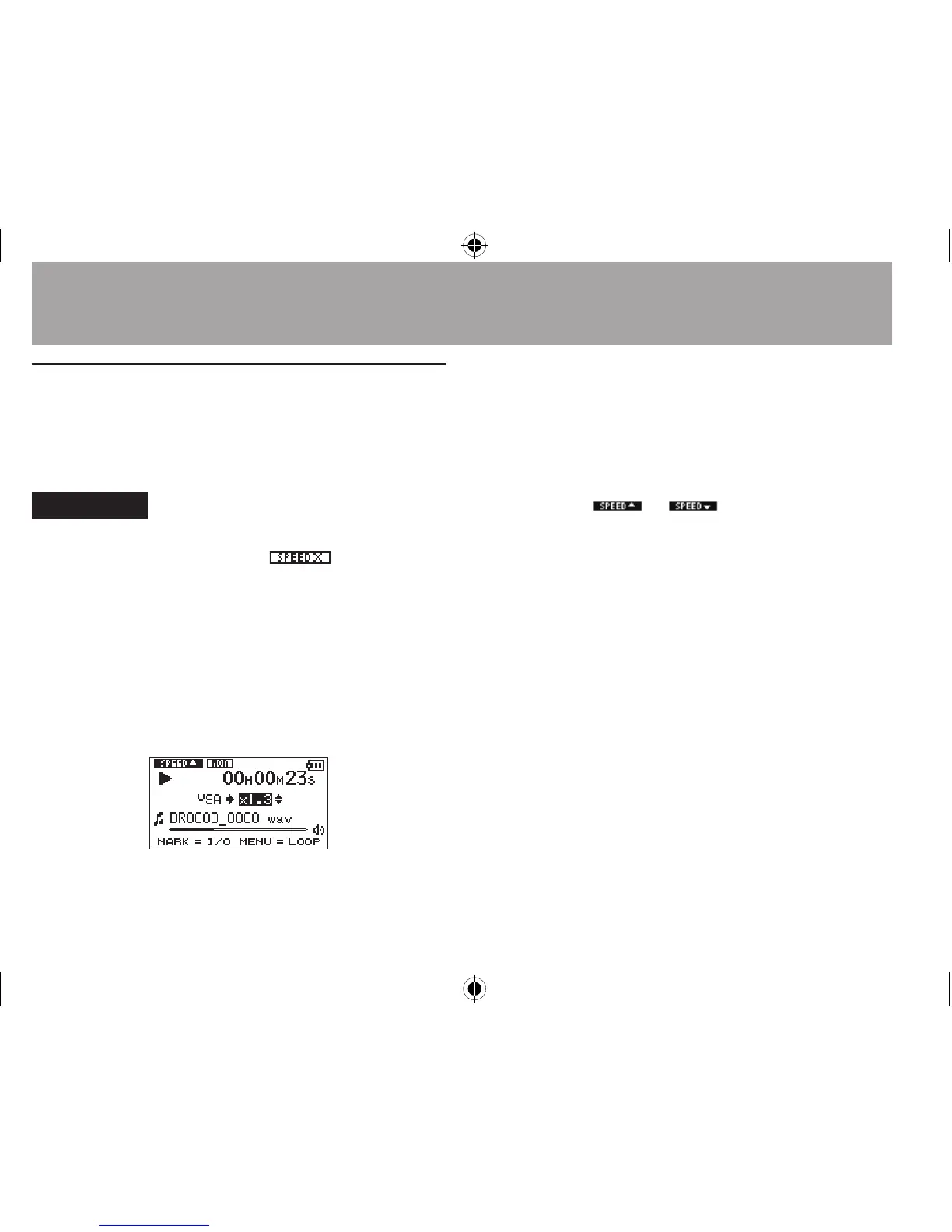
Press the + or – button after opening the
Playback Control screen to increase or decrease
the playback speed.
The VSA function can change the playback speed
in the range from 0.5 (50%) to 1.5 (150%) times
(in 0.1 increments) the normal speed.
Press the PB CONT button to the Home Screen
while maintaining the set playback speed
eective. The
or icon appears if the
playback speed is set to a value larger or smaller
than 1.0, respectively.
6–Playback





 To Next Page