TASCAM DR-05 77
Using the playback equalizer
(PLAY EQ)
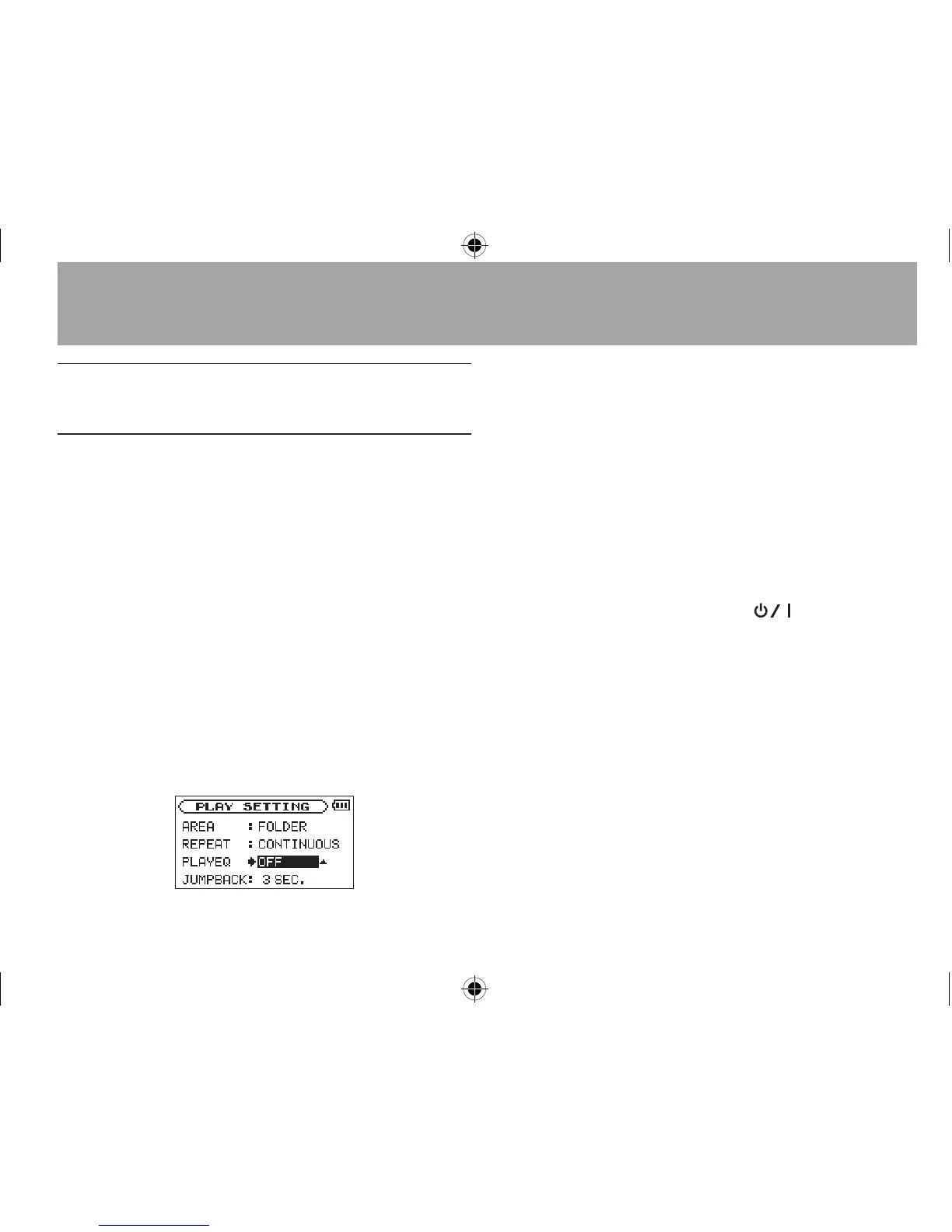
You can choose from dierent sound types to
enhance the listenability (PLAY EQ: playback
equalizer).
Set the playback equalizer in the
PLAY
SETTING
screen.
1 Press the MENU button to open the
MENU
screen.
2 Use the + or − button to select
PLAY
SETTING
, and press the Á button.
PLAY SETTING
screen appears.
3 Use the + or − button to select
PLAY EQ
,
and press the ¯ or Á button.
4 Use the + or − button to set the equalizer.
TREBLE, MIDDLE, and BASS indicate that
adjustment in the high, middle, or low
frequency range is enabled, and + and –
indicate that the sound level in that range
is increased or decreased, respectively.
Options:
OFF
(factory setting),
TREBLE +
,
TREBLE -
,
MIDDLE +
,
MIDDLE -
,
BASS
+
,
BASS -
5 When finished, press
the
(HOME) [ª]
button to return to the Home Screen.
6–Playback





 To Next Page