TASCAM DR-05 47
Placing the unit and making connections
Recording with the built-in mics
Point the mics at the sound source and place the unit
in a stable location where there is little vibration.
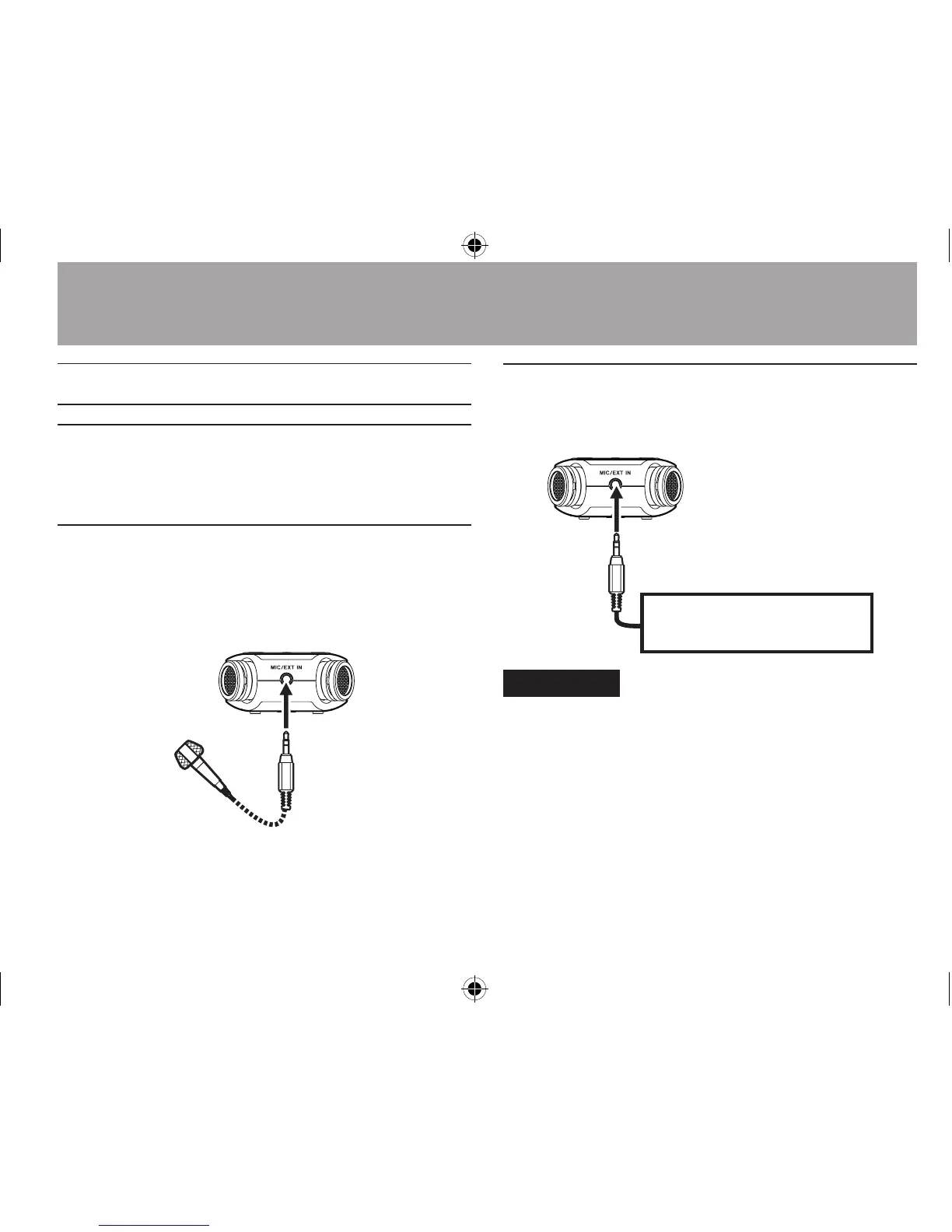
Recording with external mics (MIC IN)
Connect an external mic to the MIC/EXT IN connector.
Point the mics at the sound source and place the
unit in a stable location where there is little vibration.
Recording an external device (EXT IN)
Use a stereo miniplug cable to connect to the
output of an external audio device.
Other audio equipment
or external sound source
CAUTION
Reduce the output level of the external audio device if the •
input sound is distorted even when reducing the input
gain level on the unit.
When an external audio device with a fixed output line •
level is connected, it would be impossible to control the
gain level appropriately because of excessively large
input signals. In such cases, use the headphone jack or
other level-controllable output for connection to the unit.
4–Recording




 To Next Page