6–Playback
On the Home Screen, you can use the  and
¯ buttons to select the playback track. The
les that you can select are determined by the
playback area setting.
Limiting the playback area makes track selection
easier when you have numerous recorded and
copied tracks on the microSD card.
On the
PLAY SETTING
Screen, you can select
all les, the current folder or the playlist as the
playback area. You can also use the
BROWSE
Screen to set a folder as the playback area.
TIP
On the
BROWSE
Screen, regardless of the playback area
setting, you can select any file on the card that you want.
Adjusting playback volume
The volume of output through the built-in speaker
or the
/LINE OUT connector can be adjusted
using the
+ or − button while the Home Screen is
shown.
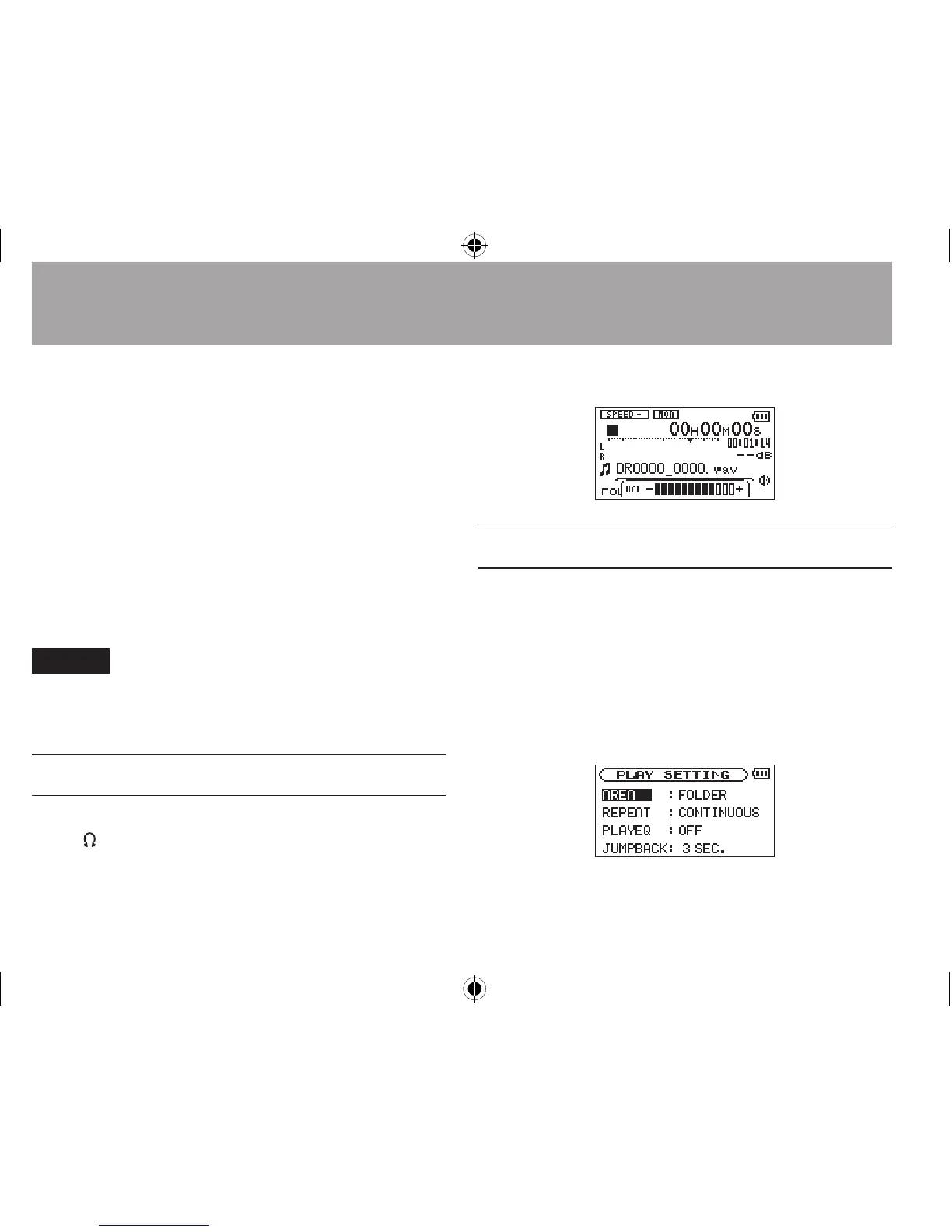
A pull-up volume indicator appears.
Setting the playback area (AREA)
Set the playback area for repeat and ordinary
playback on the
PLAY SETTING
screen.
1 Press the MENU button to open the
MENU
Screen.
2 Use the + or − button to select
PLAY
SETTING
and press the Á button.




 To Next Page