TASCAM DR-05 79
Simultaneous listening to playback
and input sound (Monitor Mix)
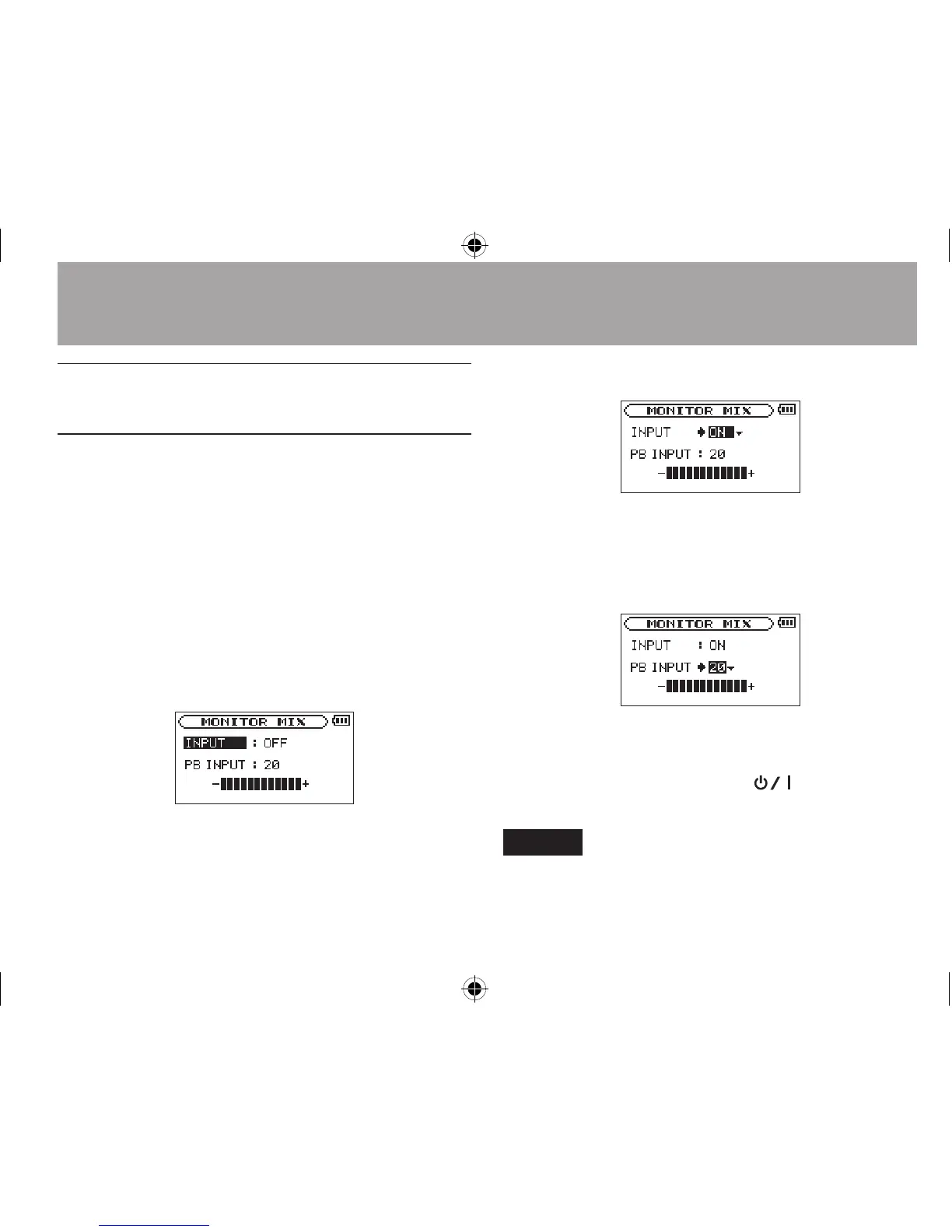
This allows you to listen to playback and input
sound at the same time (Monitor Mix). You can
use a recorded (or copied from a computer)
audio track for instrument practice or karaoke.
1
Press the MENU button to open the
MENU
screen.
2 Use the + or − button to select
OTHERS
, and
press the Á button to open the
OTHERS
submenu.
3 Use the + or − button to select
MONITOR
MIX
, and press the Á button.
MONITOR MIX
screen appears.
4 Use the + or − button to select
INPUT
, and
press the ¯ or Á button.
5 Use the + or - button to select
ON
.
Monitoring of input sound is now enabled.
6 Press the  button to highlight the item.
7 Use the + or − button to select
PB INPUT
,
and press the ¯ or Á button.
8 Use the + or - button to adjust the playback
volume level in a range from 0 to 20.
9 When finished, press
the
(HOME) [ª]
button to return to the Home Screen.
NOTE
You cannot change the MONITOR MIX setting during
recording or when in recording standby.
6–Playback




 To Next Page