TASCAM DR-05 93
Viewing File Information
Use the Information Screen to view various types of
information about your DR-05.
1
Press the MENU button to open the MENU screen.
2 Use the + or − button to select
OTHERS
, and
press the Á button to open the
OTHERS
submenu.
3 Use the + or - button to select
INFORMATION
,
and press the Á button.
The
INFORMATION
screen contains the following
three pages. Use the + or − button to move through
the pages.
File information page (FILE)
Shows information about the currently loaded le.
Card information page (CARD)
Shows the use status of the currently inserted
microSD card
System information page (SYSTEM)
Shows the unit’s system setting information and
rmware version
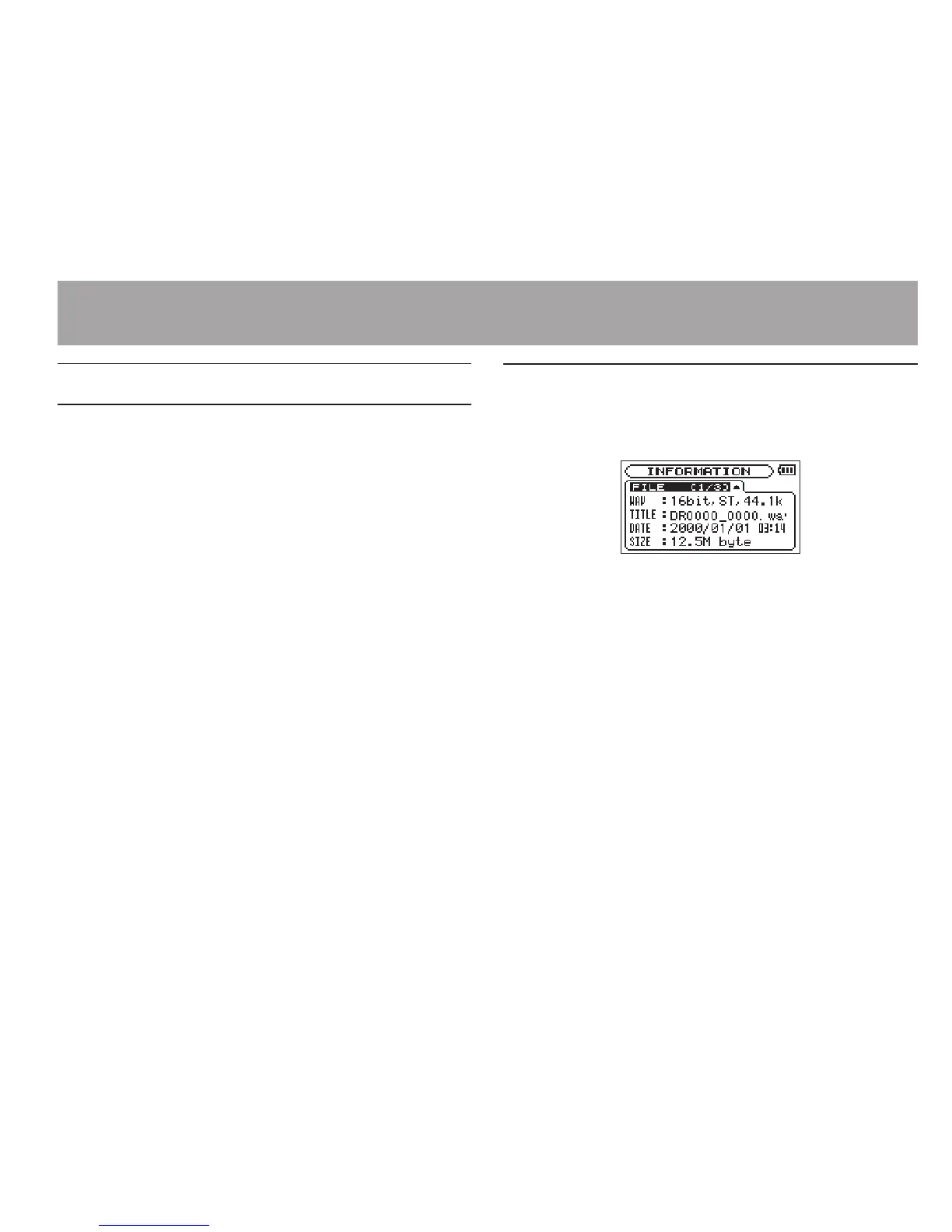
File information page
The
FILE
page shows information about the
currently selected le.
WAV or MP3
Shows the audio le type.
For WAV les, bit length, stereo/mono, and
sampling frequency (Hz) also appear.
For MP3 les, the bit rate (kbps), CBR (constant bit
rate) or VBR (variable bit rate) type, and sampling
frequency (Hz) also appear.
TITLE
Shows the le name. If an MP3 le has ID3 tag title
information that information appears.
DATE
Date of le creation
SIZE
File size
11–Settings and Information




 To Next Page