Moving back a few seconds for
replay (jump-back playback)
Press the Á button during playback to move
back a few seconds (adjustable) and restart
playback. (Jump-back playback).
If you nd a favorite passage of music or lyrics
during playback, press the Playback button to go
back a few seconds and replay that passage.
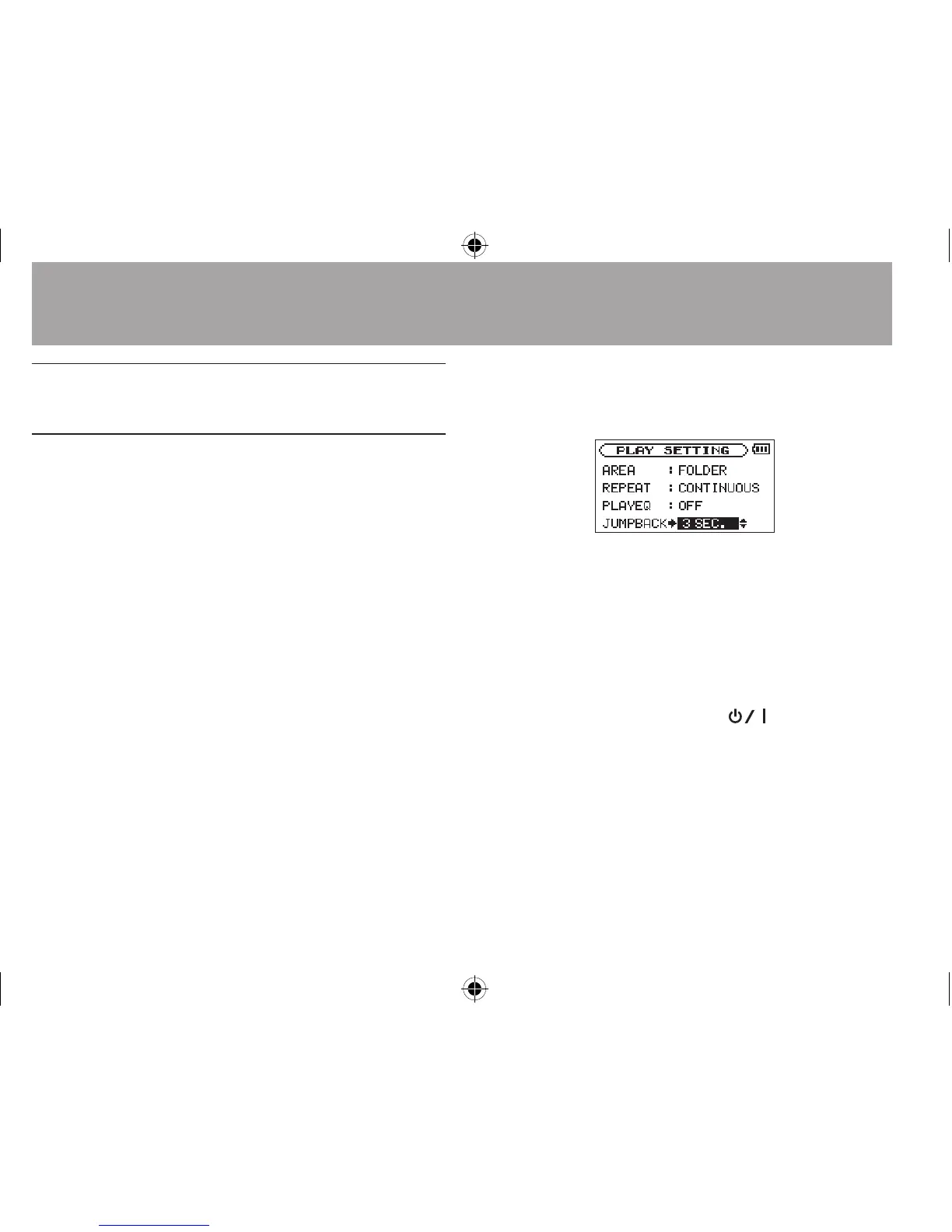
The jump-back time is set as a
JUMPBACK
setting.
1 Press the MENU button to open the
MENU
screen.
2 Use the + or − button to select
PLAY
SETTING
, and press the Á button.
PLAY SETTING
screen appears.
3 Use the + or − button to select
JUMPBACK
,
and press the ¯ or Á button.
4 Use the + or − button to set the jump-back
time.
The setting options include 1 sec (1 second)
to 10 sec (10 seconds) in increments of 1
second, and 20 sec (20 seconds), and 30 sec
(30 seconds) (default: 3 sec).
5 When finished, press
the
(HOME) [ª]
button to return to the Home Screen.
6–Playback




 To Next Page