Stopping
When the Home Screen is open and a track
is playing back, press the
(HOME) [ª]
button to pause playback, and press the
(HOME) [ª] button to return to the
beginning of the file. (STOP)
Rewinding and fast-forwarding
(search)
When the Home Screen is open and a track
is playing back or stopped, press and hold
the  or ¯ button to rewind or fast-
forward and search the playback track.
NOTE
Press and hold the  or ¯ button to accelerate the
search speed.
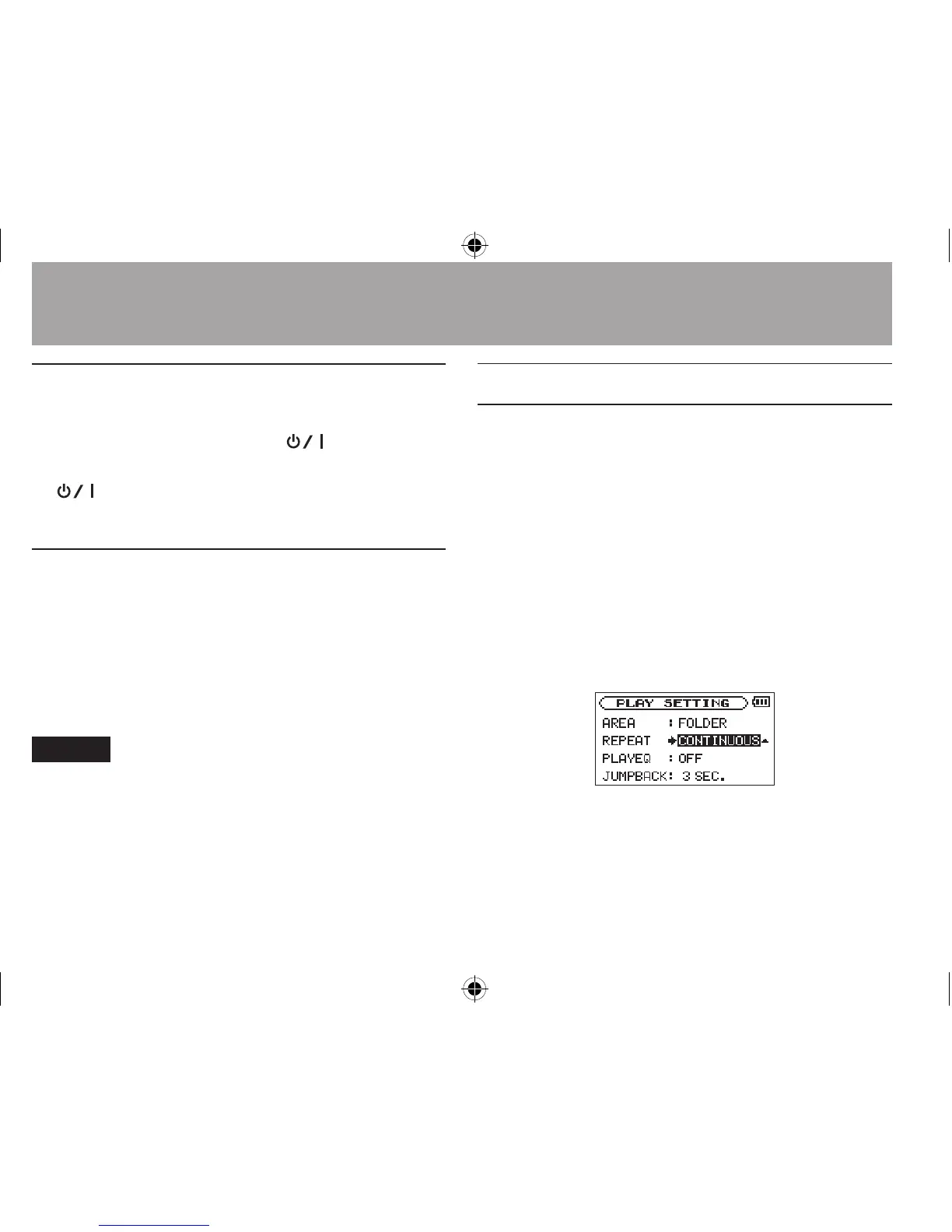
Repeat playback (REPEAT)
You can repeatedly playback one le or multiple
les within a designated area.
1 Press the MENU button to open the
MENU
screen.
2 Use the + or − button to select
PLAY
SETTING
, and press the Á button.
PLAY SETTING
screen appears.
3 Use the + or − button to select
REPEAT
, and
press the ¯ or Á button.
4 Use the + or − button to select a repeat
mode.
6–Playback




 To Next Page