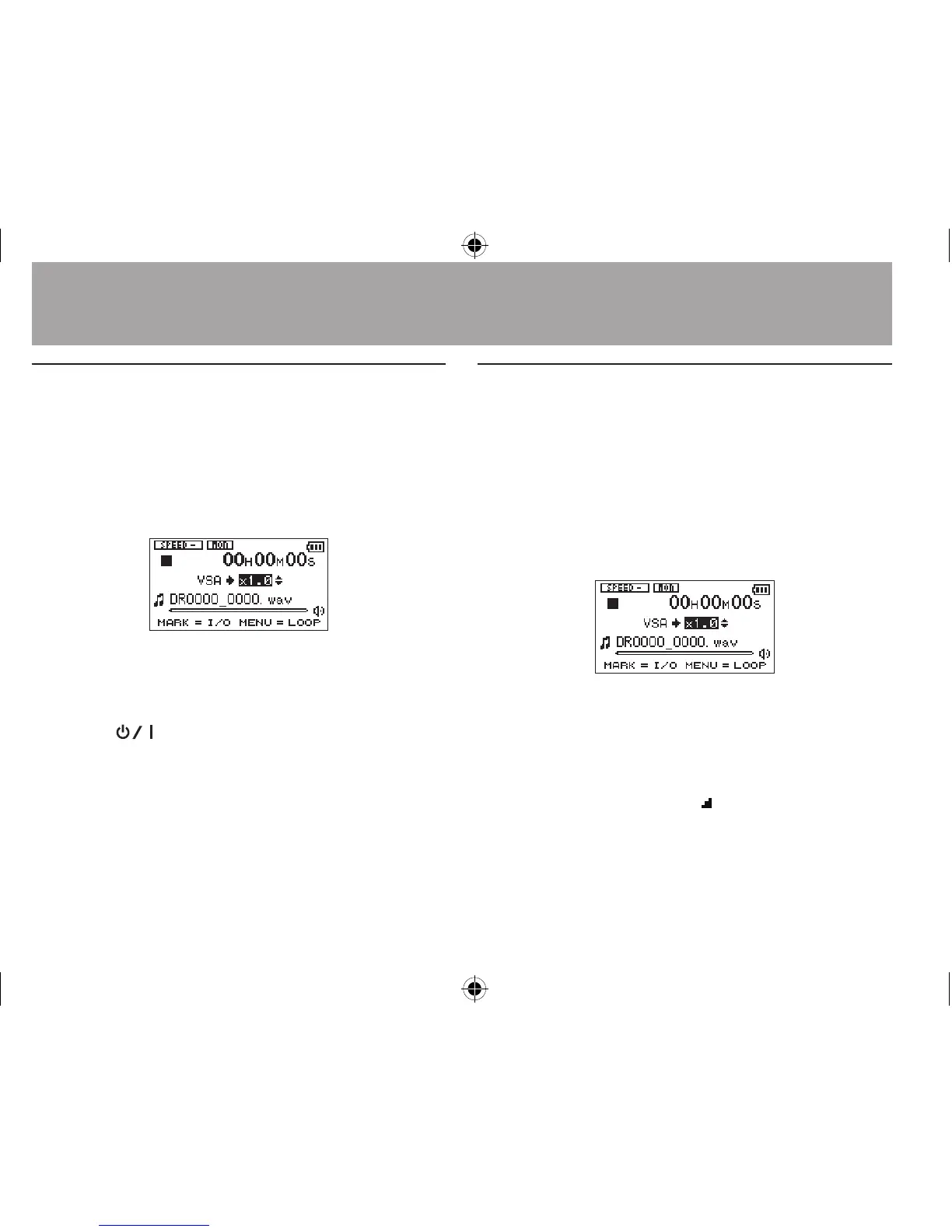
Playback Control Screen
Use the Playback Control screen to set the
playback control functions.
When the Home Screen is open, press the PB
CONT button to open the Playback Control
screen.
This screen can be used to make settings for the
playback speed and loop playback.
After you nish making settings on this screen,
press
the
(HOME) [ª] button (or press the
PB CONT button) to return to the Home Screen.
Repeated Playback of Selection
(Loop Playback)
With this function, you can continuously repeat
(loop) the playback of a selection that you make.
1 When the Home Screen is open, press the
PB CONT button to open the Playback
Control screen.
2 Press the Á button to start playback,
and press the MARK button at the start
point of the section that you want to
play repeatedly. This position is set as
IN (start) point. Then,
appears at the
corresponding point under the playback
indicator bar.
6–Playback




 To Next Page