TASCAM DR-05 57
Self-timer function
Like a camera, the unit has a self-timer to trigger
the start of recording after a set period of time.
1
Press RECORD [
º
] button when stopped
or playing back to set the unit in recording
standby, and press the PB CONT button.
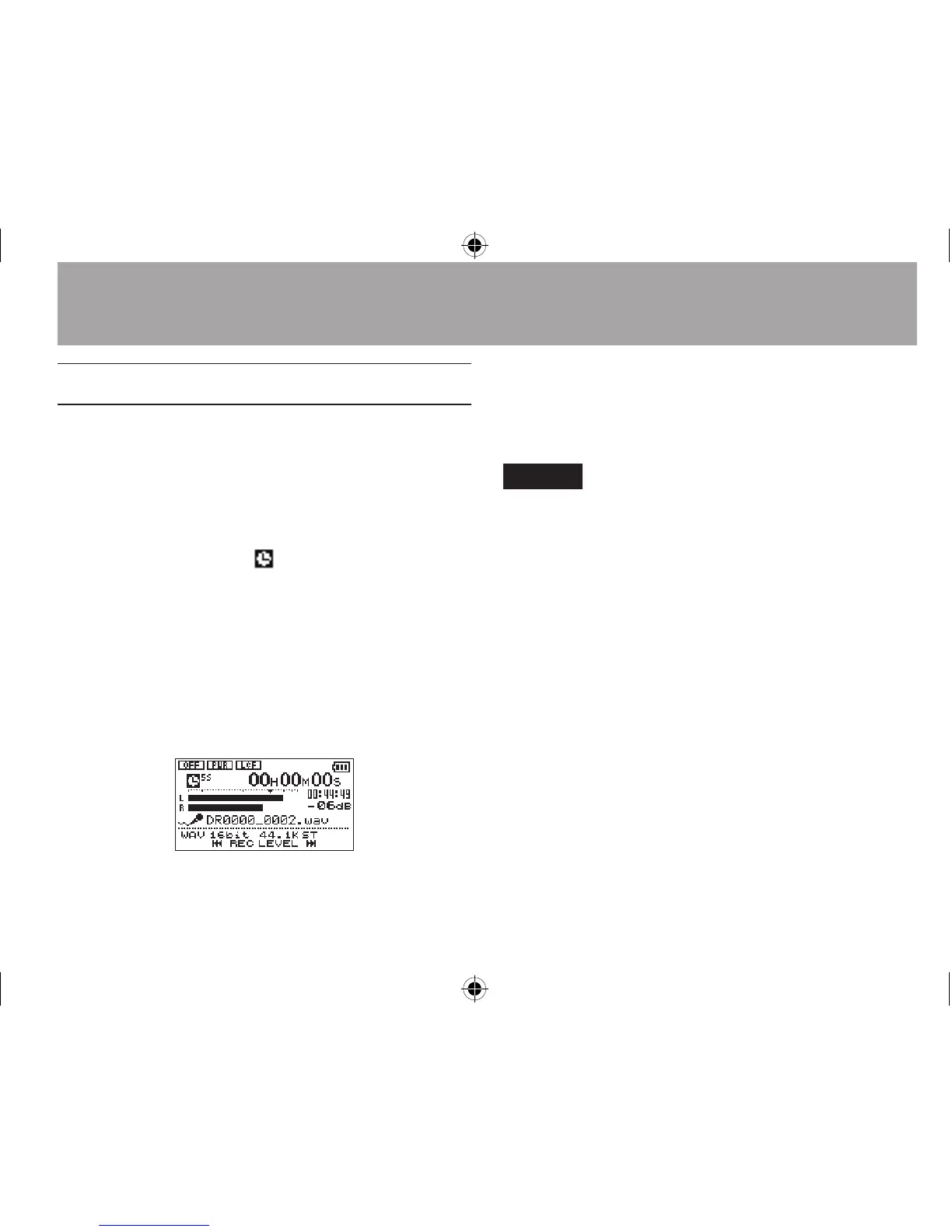
2 The self-timer icon appears in the
recorder status screen, and time is shown
on the right.
Each time you press the PB CONT button,
the setting changes as follows:
OFF œ 5S (5 seconds) œ 10S (10 seconds) œ
OFF
3 Set the time period, and press the
RECORD[º] or Á button.
Recording will start after the set time period.
NOTE
This function cannot be used when recording is paused in the
middle of recording.
4–Recording




 To Next Page