TASCAM DR-05 45
Selecting file format
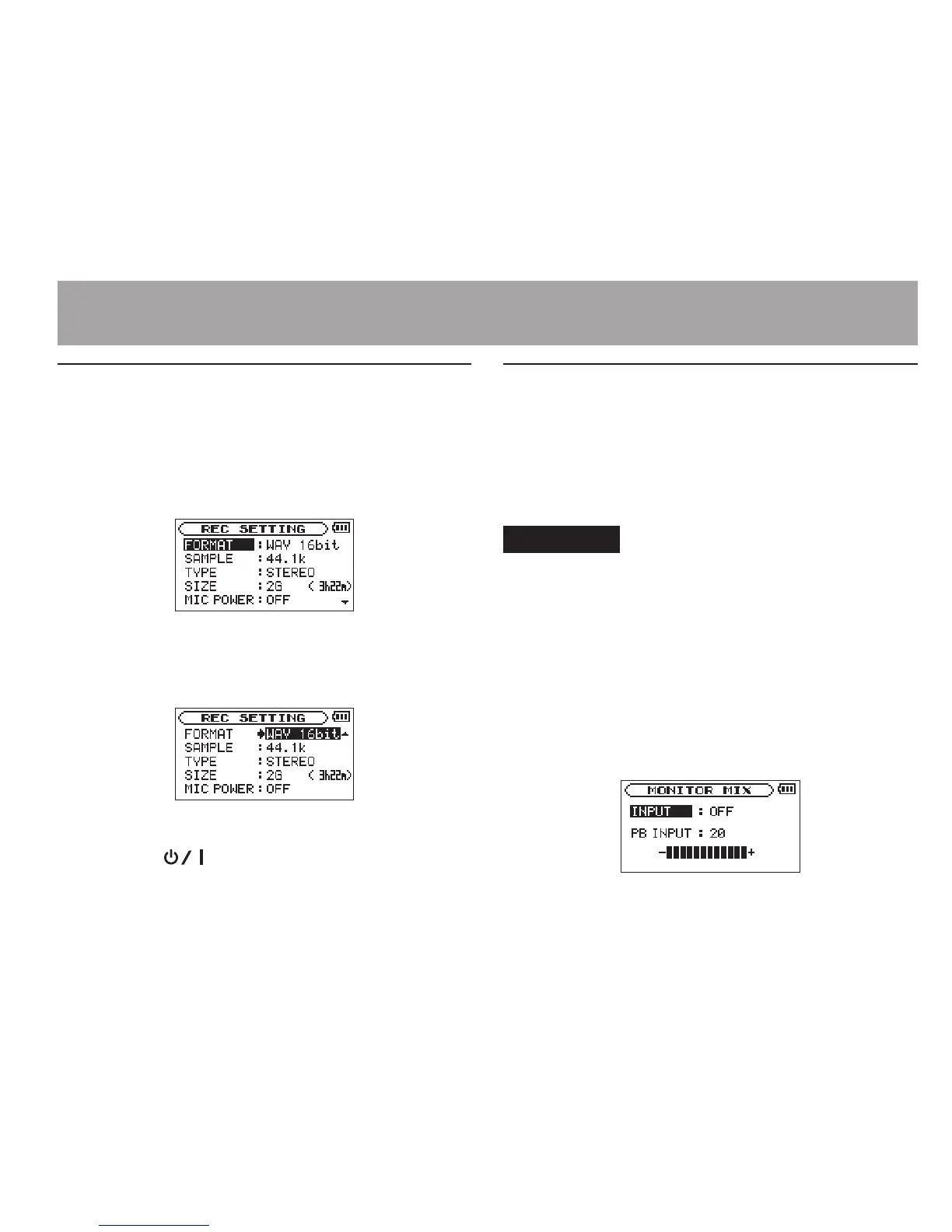
1 Press the MENU button to open the
MENU
screen.
2 Use the + or − button to select
REC
SETTING
, and press the Á button.
REC SETTING
screen appears.
3 Use the + or − button to select
FORMAT
, and
press the ¯ or Á button.
4 Set the file format with the + or − button.
5 Press the (HOME) [ª] button to return to
the Home Screen.
Simultaneous listening to playback
and input sound (Monitor Mix)
This allows you to listen to playback and input
sound at the same time (Monitor Mix). You can use
a recorded (or copied from a computer) audio track
for instrument practice or karaoke.
CAUTION
The prerecording function is disabled if the “MONITOR MIX” is
“ON”
.
1
Press the MENU button to open the
MENU
screen.
2 Use the + or − button to select
OTHERS
, and
press the Á button to open the
OTHERS
submenu.
3 Use the + or − button to select
MONITOR
MIX
, and press the Á button.
MONITOR MIX
screen appears.
4–Recording




 To Next Page