6–Playback
Selecting a folder for the
playback area (1)
Regardless of the current playback area, if
you select a folder on the
BROWSE
Screen, the
playback area changes to the selected folder.
1 Press the MENU button to open the
MENU
screen.
2 Use the + or − button to select
BROWSE
, and
press the Á button.
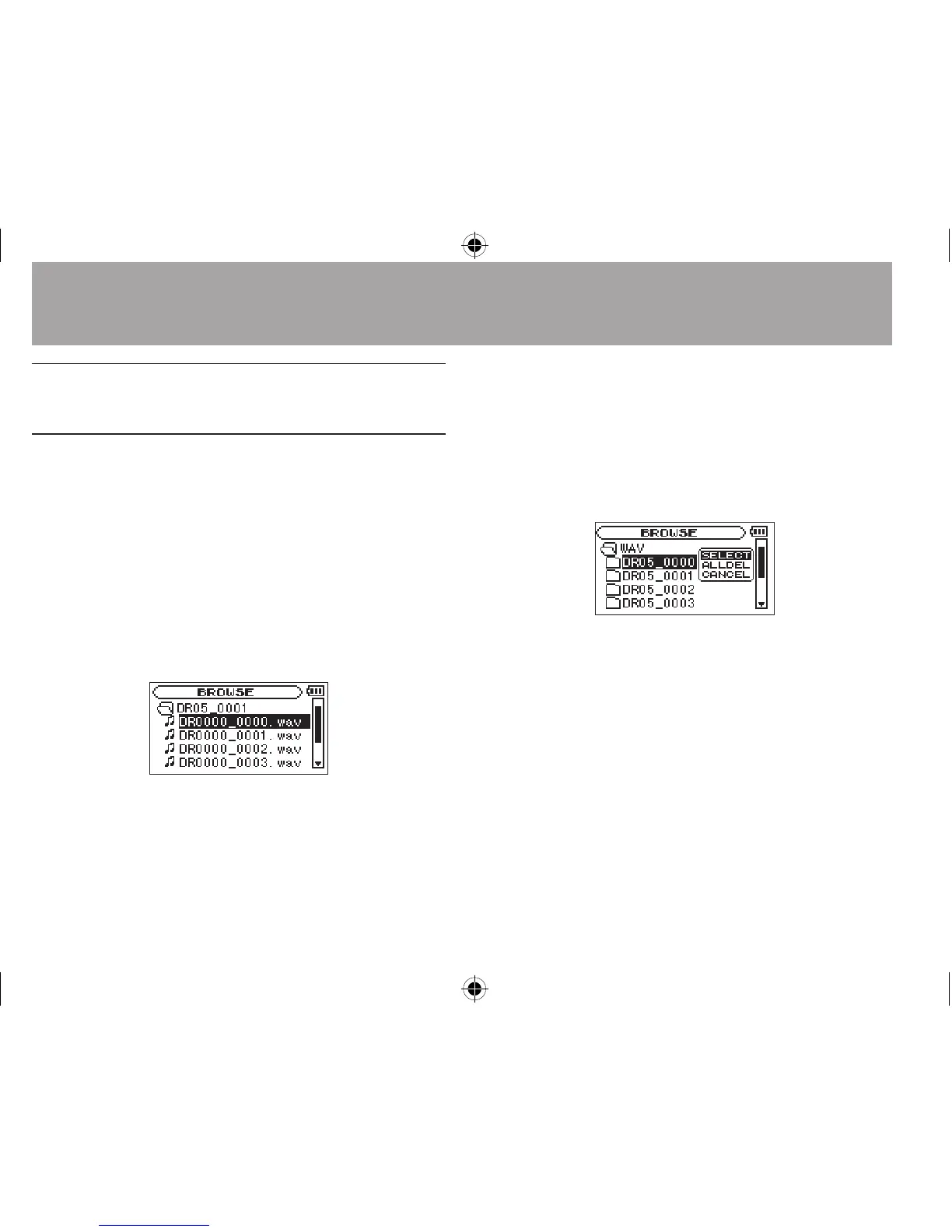
BROWSE
screen appears.
A file list of the folder that contains the file
selected in the Home Screen is displayed.
3 Use the  or ¯ button to select a
folder level, and use the + or − button to
select a folder.
For an explanation of how to use the Browse
Screen, see “Screen navigation” on page 59.
4 Press the QUICK button to open the
following pop-up window.
5 Use the + or − button to select
SELECT
, and
press the Á button.
The display returns to the Home Screen. The rst
le in the folder is selected, and the unit is stopped.
Regardless of the previous setting, the playback
area is set to
FOLDER
, and this folder becomes
the playback area. This folder becomes the
current folder, and new recorded les will be
saved in this folder.




 To Next Page