TASCAM DR-05 65
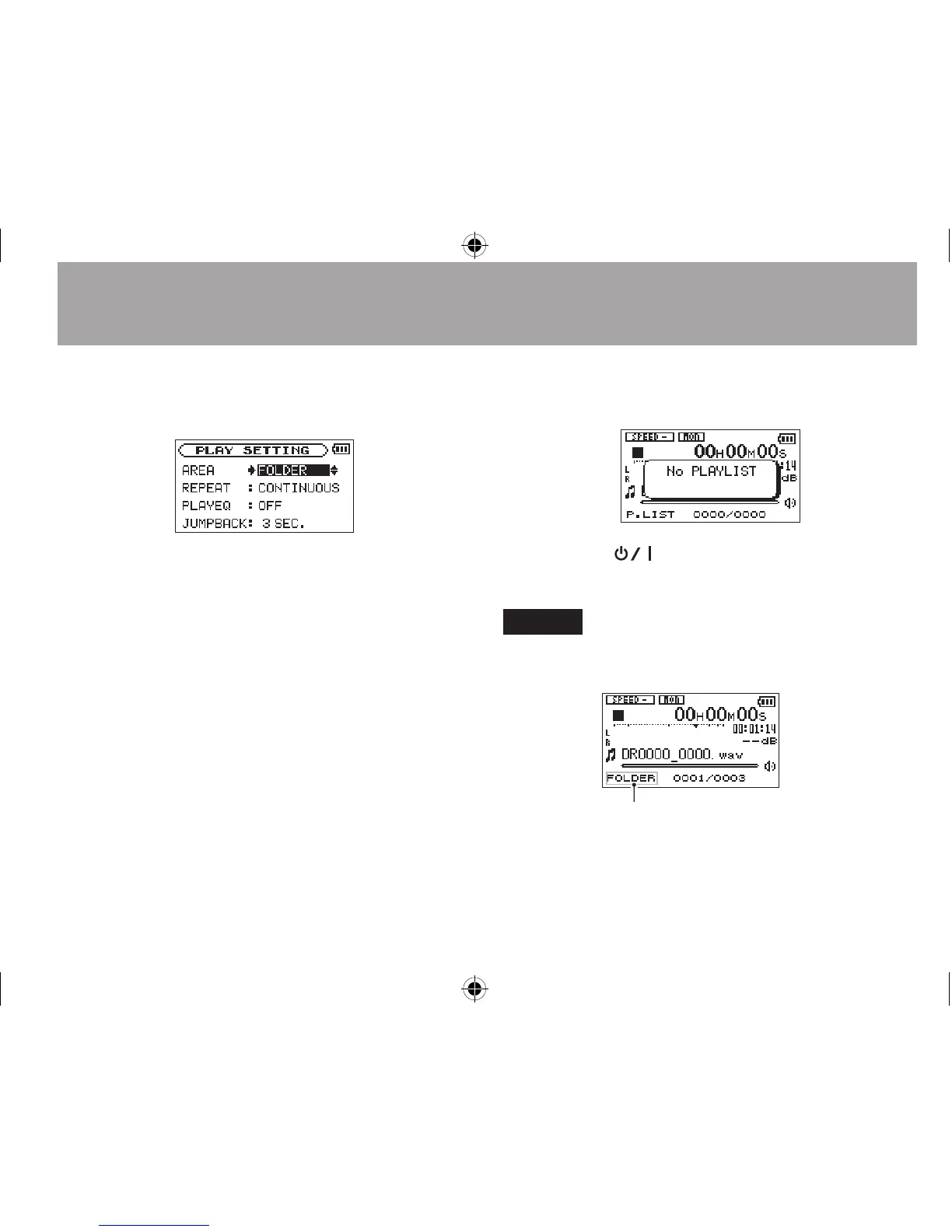
3 Use the + or − button to select (highlight)
AREA, and press the ¯ or Á button.
4 Use the + or − button to set the playback
area.
ALL FILES
Set the playback area as all les in the Music
Folder on the microSD card.
FOLDER (default)
Set the playback area as all the les in the
currently selected folder.
PLAYLIST
Set the playback area as the tracks in the
playlist. (See “Playlist” on page 68.)
If there is no playlist dened, a
No
PLAYLIST
pop-up appears.
5 Press the
(HOME) [ª] button to return
to the Home Screen.
NOTE
The current playback area setting appears in the lower left of
the Home Screen.
Playback area indication
6–Playback





 To Next Page