Make sure that the microSD card is inserted
properly.
NOTE
If the USB cable is connected to the unit when batteries has
been installed, the power is supplied from the USB port (USB
bus power prioritized).
If a microSD card is not properly inserted before
making the USB connection, “
Can't Save
Data
” appears on the screen.
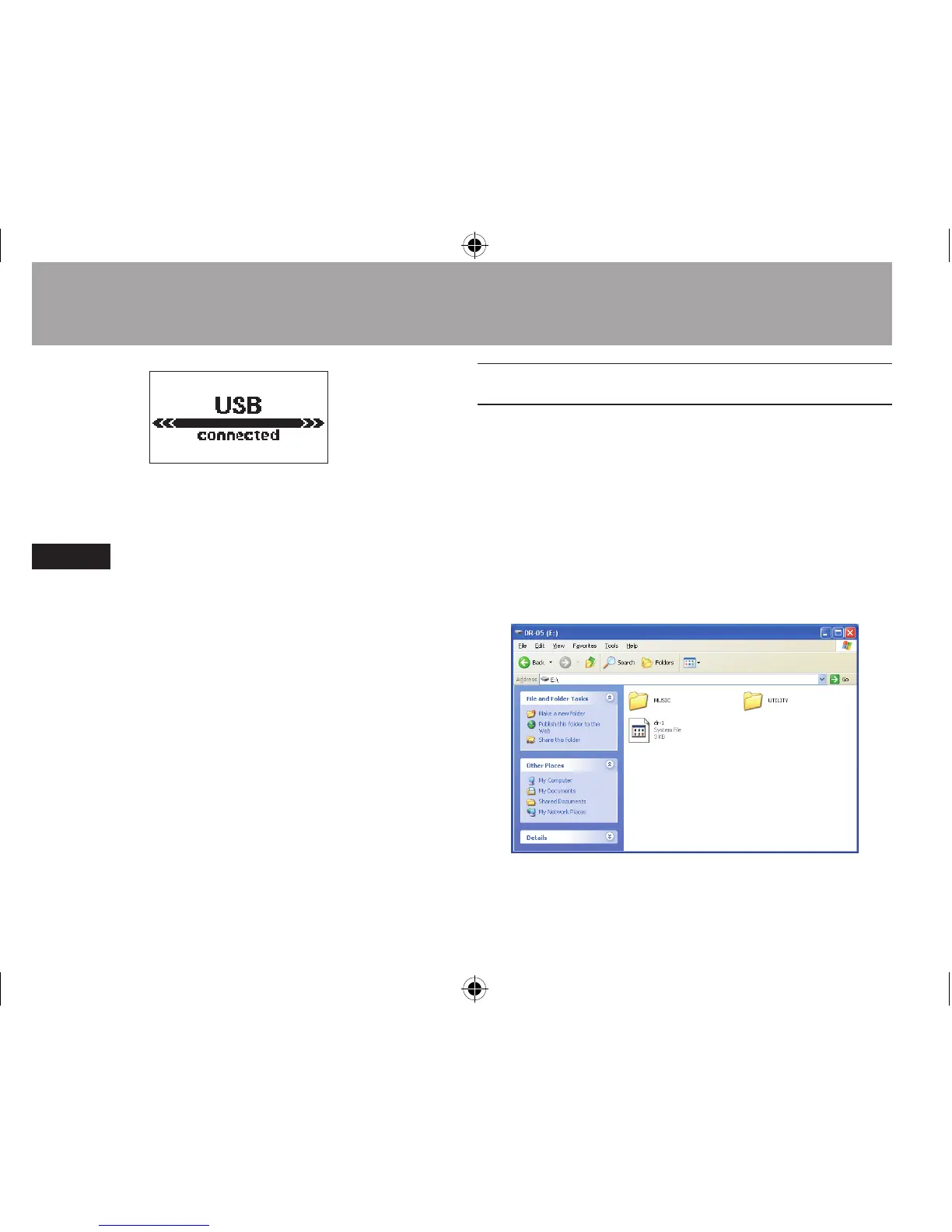
This unit appears on the computer screen as
external volume named “DR-05.”
Transferring files to a computer
1 Click the “
DR-05
” drive on the computer
screen to show the “
MUSIC
” and “
UTILITY
”
folders.
2 Open the “
MUSIC
” folder and drag and
drop the files that you want to transfer
to the computer to destinations of your
choice.
9–Connecting with a Computer




 To Next Page