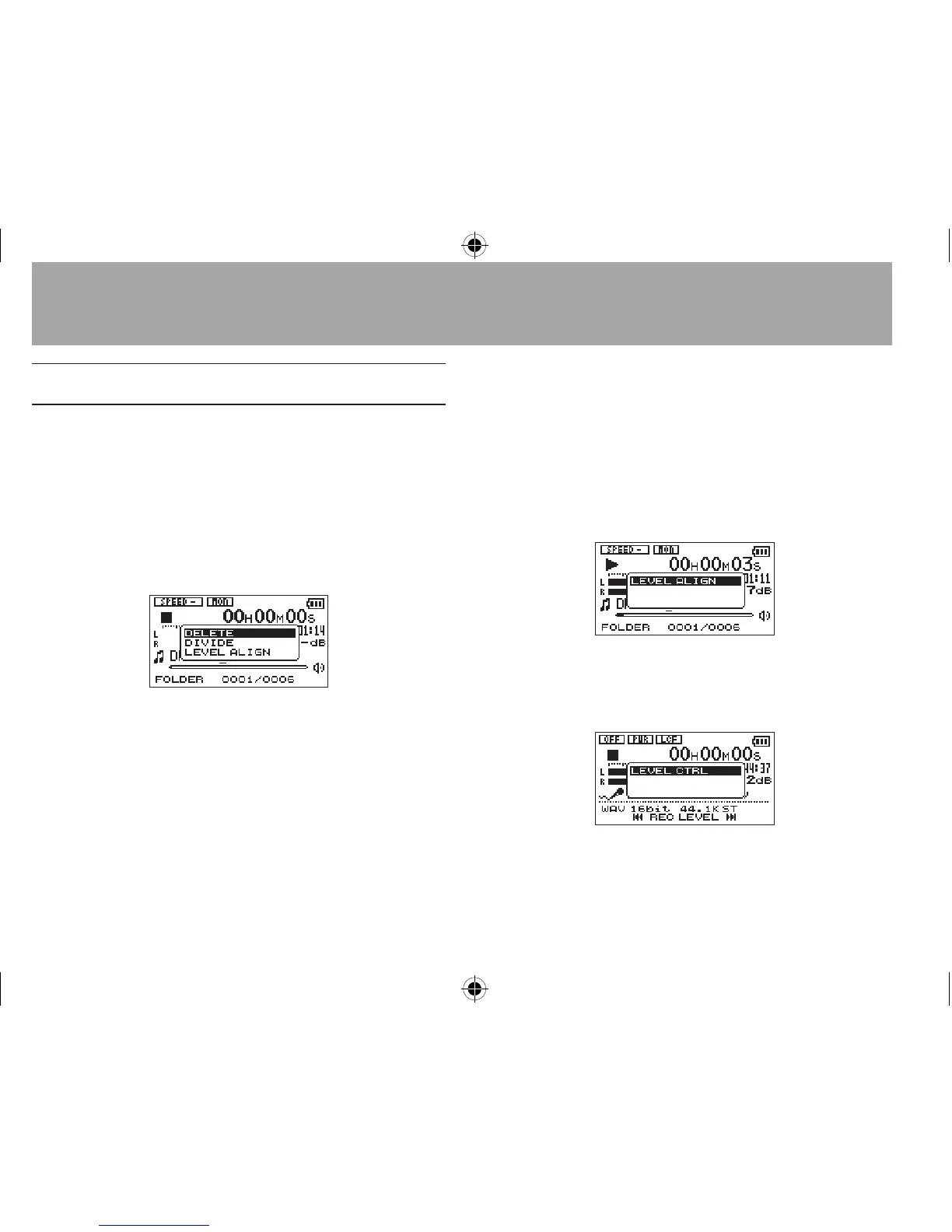
Quick menu screen
To show the Quick menu screen, press the QUICK
button while the Home Screen is open. The
contents of this screen depend on the state of the
unit at the time when the QUICK button is pressed.
When stopped with the Home Screen open•
Deletion, division, and level alignment of the
current track can be selected.
DELETE
: The current track can be deleted.
(See “Deleting the selected le (Quick Delete)
on page 84.)
DIVIDE
: The current track can be divided.
(See “Dividing the selected le (Divide)” on
page 85.)
LEVEL ALIGN
: The perceived overall sound
pressure can be increased to enhance
listenability.
(See “Increasing the perceived overall sound
pressure to enhance listenability (Level
Alignment)” on page 86.)
During playback with the Home Screen •
open, or while the Playback Control screen
is open
Only level alignment can be selected.
During recording standby with the Home •
Screen open
Level control can be selected.
7-Quick Operations





 To Next Page