TASCAM DR-05 87
2
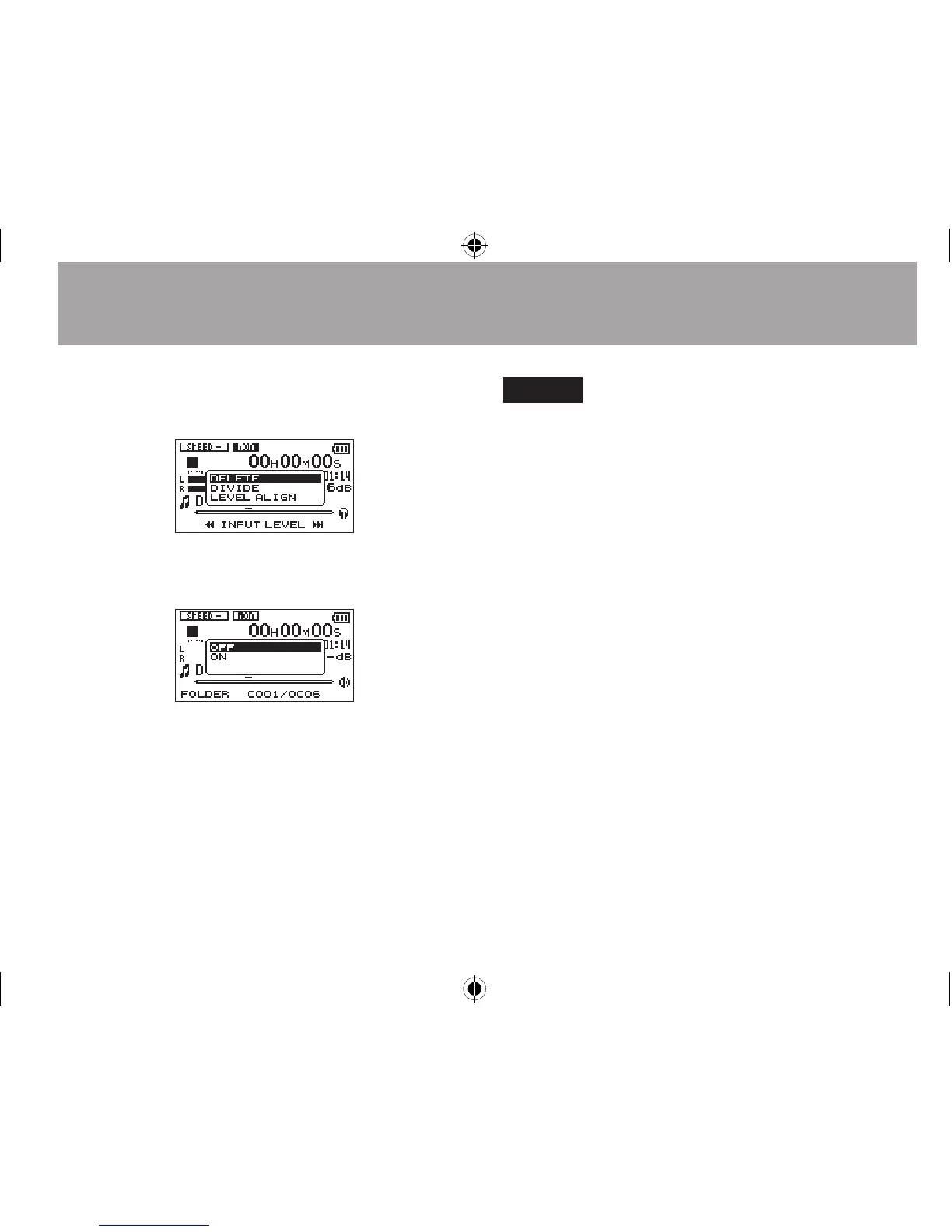
Use the + or − button to select
LEVEL
ALIGN
and press the
Á
button
.
3 A screen to enable/disable the level
alignment function appears.
4
Use the + or − button to select
ON
, and press
the
Á
button to enable the level alignment
function.
Or select
OFF
and press the
Á
button to
disable the level alignment function.
NOTE
The level alignment function may not be able to achieve
sufficient effect depending on the source of the sound
(example: a music file whose sound pressure has been
already adjusted).
7-Quick Operations





 To Next Page