6. TERMINAL FILE PROGRAMMING
EO3-11106
6.25 PLU Preset-Code Key Setting
6-124
• For PK-2 Keyboard
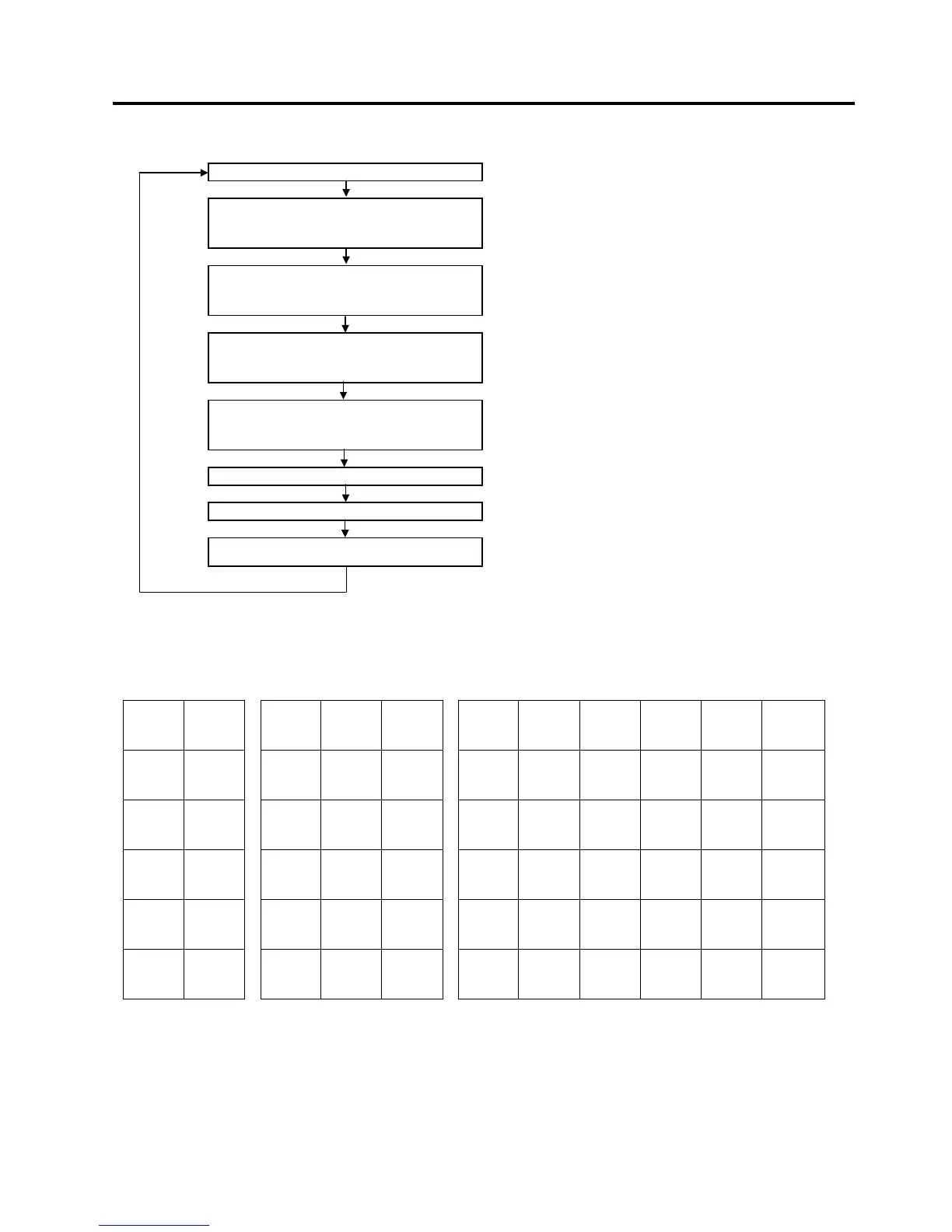
Main Menu
ECR is being outside a sale and in SET mode.
Depress [↓] twice then [Enter].
or
Depress [3].
“3 DP/PLU” is selected.
Depress [↓] then [Enter].
or
Depress [2]
“2 PLU” is selected.
Depress [↓] twice then [Enter].
or
Depress [3].
“3 ASSIGN TO KEYBOARD” is selected.
Depress [Enter].
or
Depress [1]
“1 PK-2” is selected.
Input a PLU Code.
A 4-digit PLU code to be assigned to a key is specified.
[Enter]
[End]
This setting is ended. A long receipt is issued and the display
returns to Main Menu screen.
NOTE: PLU Codes 1 through 130 are automatically assigned to the PK-2 after performing a RAM Clear.
Key Location Code
• Ordinary type keyboard
1 7
13 19 25 31 37 43 49 55 61
2 8
14 20 26 32 38 44 50 56 62
3 9
15 21 27 33 39 45 51 57 63
4 10
16 22 28 34 40 46 52 58 64
5 11
17 23 29 35 41 47 53 59 65
6 12
18 24 30 36 42 48 54 60 66
* For the double-width key, the key location code on the right is effective.


 To Next Page
 Loading...







